
A Privacy-First Keyboard Alternative: Testing AnySoftKeyboard Against Gboard in 2026
In the modern digital landscape of 2026, where data privacy concerns are more prominent than ever, the choice of a keyboard app on your Android device is no longer just about typing speed or autocorrect accuracy. For many users, it's about where their keystrokes end up. While Gboard, Google's offering, is an excellent and polished keyboard that works seamlessly for most people, it comes with a caveat: it sends some usage data to Google to improve its predictions and personalization. Google emphasizes that this data is shared using privacy-preserving techniques like federated learning, where the learning happens on the device without sending raw text. But, let's be honest, the idea of sharing all your keystrokes with a big tech company, even in an encrypted form, can feel a bit... icky. It's like having a little digital scribe in your pocket who sends notes back to headquarters. This discomfort led to a deep dive into open-source alternatives, with one contender, AnySoftKeyboard, emerging as a potential privacy-focused replacement for the mainstream giant.
The Core Difference: Where Your Data Lives
To be a viable daily driver, any keyboard needs to process your typing data to offer decent predictions and autocorrects. The real distinction lies in how this data is processed and, crucially, where it goes. Gboard collects a range of telemetry—usage statistics, app context, and other signals—which can be linked to device identifiers. Although Google states that regular typing is processed on the device itself, certain conditions (like being on Wi-Fi and charging) can trigger data sharing via federated learning pipelines. You can toggle some privacy settings to limit this, but you can't turn off all collection.
AnySoftKeyboard, on the other hand, takes a radically different stance. Its privacy policy is refreshingly straightforward: it doesn't share or transfer personal information like your name, contacts, or personal dictionary off your device. Full stop. The keyboard learns your typing habits to build predictions, but all that learning happens locally. Nothing—nada, zilch—gets sent to a third-party server. For users who want their digital conversations to stay truly private, this is the keyboard that puts up a "No Entry" sign for your data.
Features and Functionality: Does It Measure Up?
Google's Gboard fits Android like a well-tailored glove; it's smooth, intuitive, and feature-rich. The question is, can an open-source project keep pace? Surprisingly, AnySoftKeyboard holds its own in many areas, albeit with a slightly different flavor.
Typing Experience:
-
Gesture Typing: It supports glide typing. Is it as buttery smooth as Gboard's implementation? Not quite. But for casual swiping, it gets the job done without too much fuss.
-
Predictions & Autocorrect: They are decent—not mind-blowing, but perfectly functional. The keyboard needs a few days to learn your quirks and patterns, after which it becomes quite reliable. It's a slow burn rather than instant gratification.
-
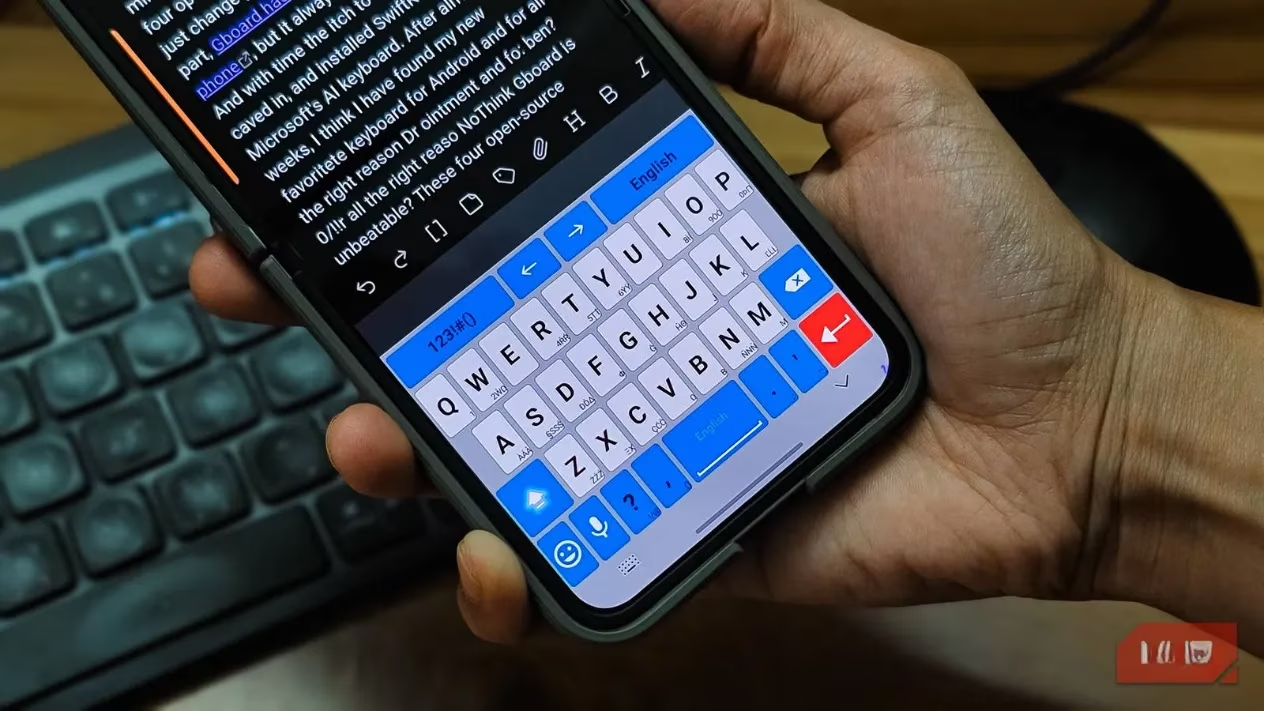
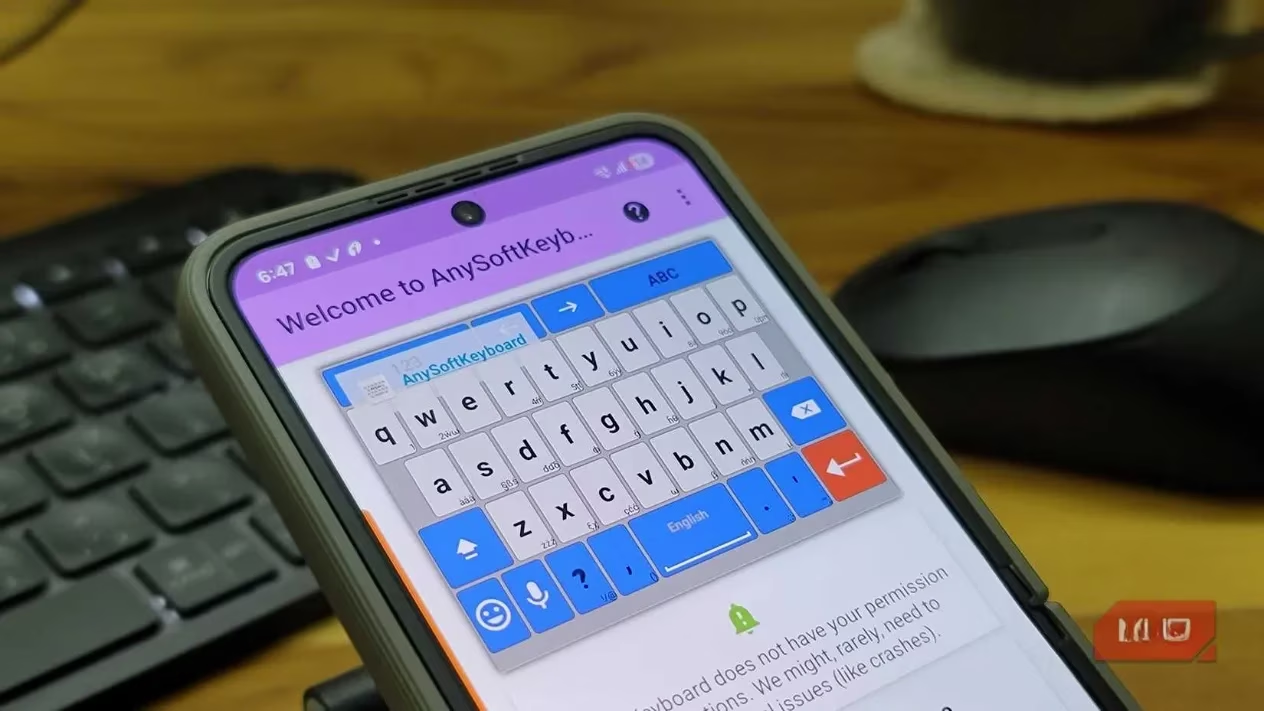
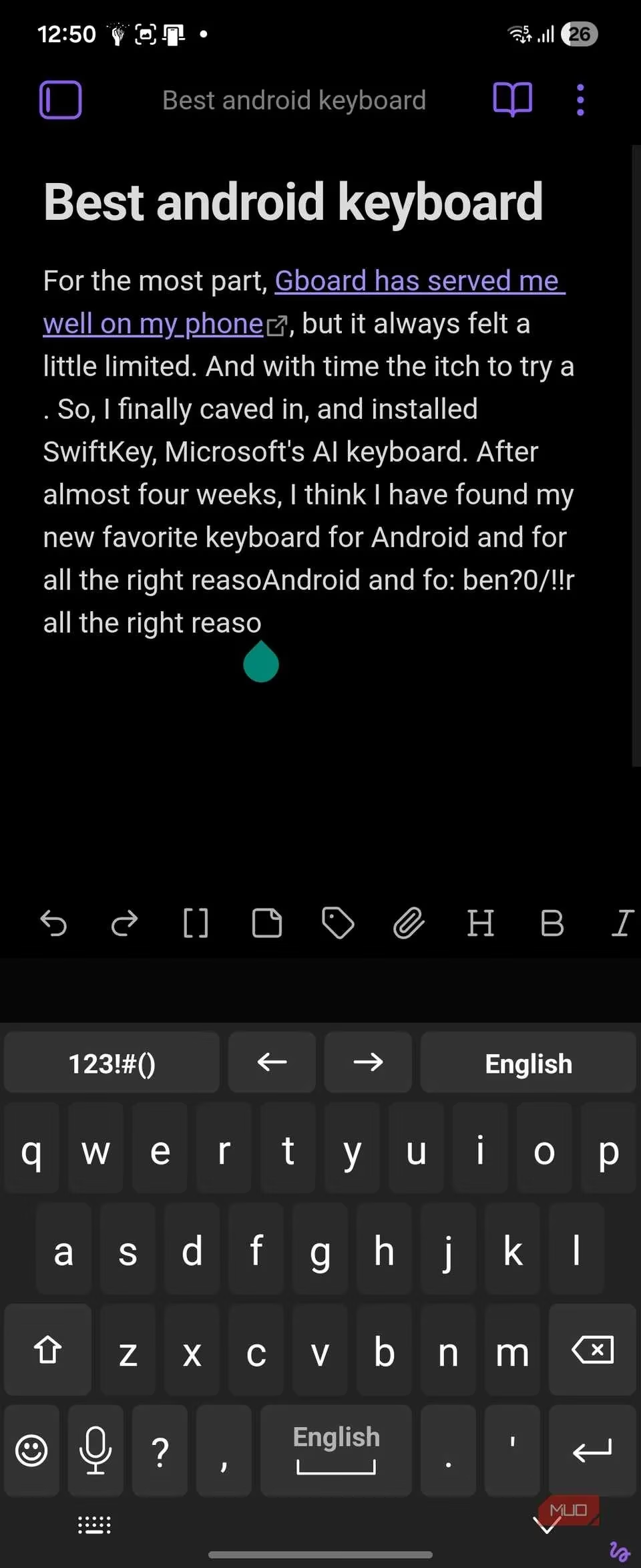
Handy Utilities: The top bar includes arrow keys for navigation and a quick toggle between the keyboard and numpad, which are genuinely useful features often overlooked.
Customization and Support:
This is where AnySoftKeyboard shows its flexibility. It's not a one-size-fits-all solution.
-
Layouts & Languages: It supports multiple keyboard layouts (QWERTY, DVORAK, Colemak) which you can switch between with a simple swipe up on the spacebar. Language support is extensive, but you download packs separately from the Play Store, keeping the core app lean.
-
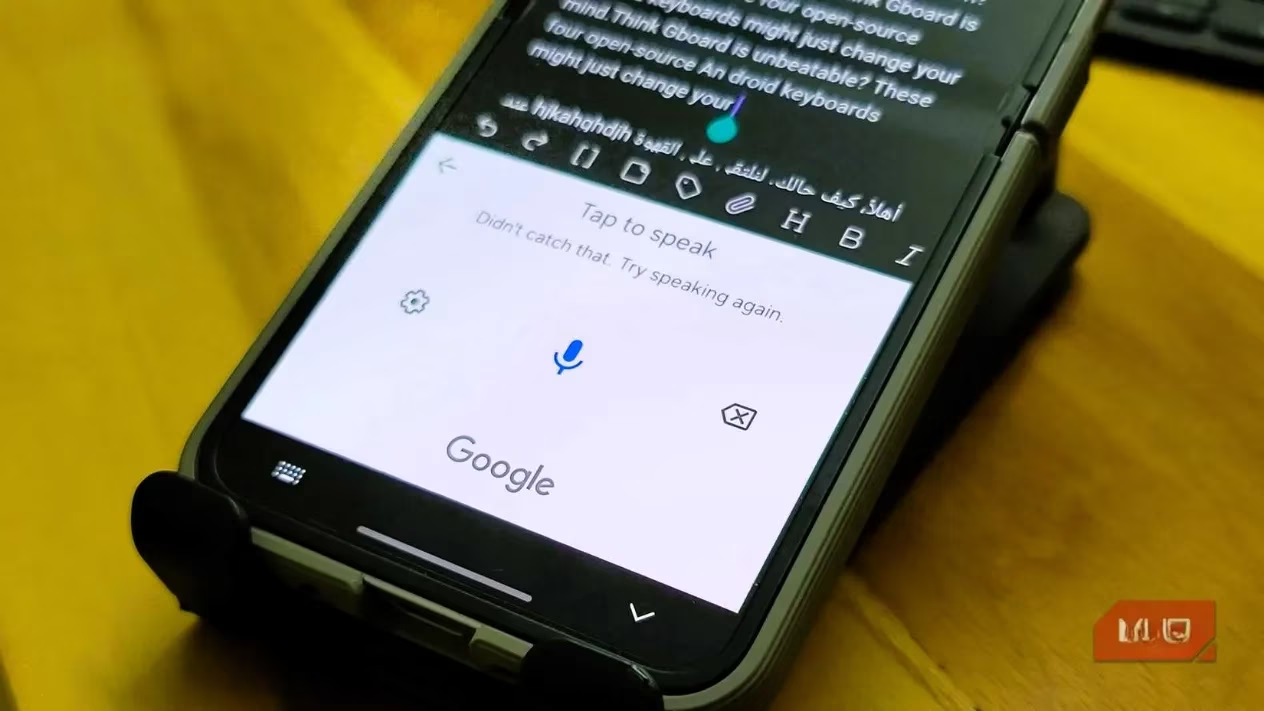
Voice Typing: This feature piggybacks on Android's built-in Google Voice Typing. So, the accuracy and reliability are top-notch—you're essentially getting the same great speech recognition as Gboard.
-
Clipboard & Contacts: The clipboard history is functional (long-press the clipboard icon), and there's even an opt-in feature for contact-based typing suggestions, disabled by default for privacy.
-
Themes and Tweaks: You can resize the keyboard, change themes, and adjust various settings. It offers a good degree of personalization for those who like to tinker.
The Trade-Offs and Quirks
Now, let's talk about the elephant in the room—or rather, the little glitches on the screen. AnySoftKeyboard isn't without its rough edges, and accepting these is part of the privacy bargain.
-
Settings Access: This is probably the biggest usability hiccup. Want to change a setting? You can't do it from the keyboard pop-up. You have to exit your app, find the AnySoftKeyboard app icon, and open it separately. Compared to Gboard's one-tap settings icon, it feels a bit old-school.
-
Stability: During testing, the app crashed a few times mid-typing. It wasn't a constant issue, but when it happens, it really kills your flow. The predictive text can also be a tad inconsistent at times.
-
Voice Typing Dependency: Here's a funny twist for a privacy-focused app: voice input still routes through Google Voice Typing because it uses Android's system-level service. If your goal is a completely Google-free experience, this is a notable exception.
The Verdict: Who Is It For?
So, after weeks of use, where does that leave us? AnySoftKeyboard is not going to dethrone Gboard for the average user seeking flawless, polished integration. The smoothness isn't quite there, and some features feel a bit clunky.
However, for the privacy-conscious user in 2026, it represents a meaningful compromise. It offers a remarkably full-featured typing experience while making a firm promise: your words stay with you. You trade some polish for peace of mind. You might miss the seamless gesture typing, but you gain the assurance that your keystrokes aren't being analyzed in some distant cloud server. It's a solid, capable keyboard that proves you don't have to sacrifice all functionality to take control of your digital privacy. In the end, it's a choice between convenience and confidentiality—and AnySoftKeyboard makes the latter a genuinely viable option.