
Essential Microsoft Apps to Bridge Your Android Phone and Windows PC
Honestly, juggling my Android phone and Windows PC used to feel like herding cats. They're both fantastic on their own, but getting them to play nice? That was a whole other story. Thankfully, Microsoft’s stepped up its game big time. Over the past couple of years, I've found that loading up my phone with a few key Microsoft apps has transformed them from awkward acquaintances into a seamless, powerhouse duo. It’s not quite Apple-level magic, but honestly? It’s getting scarily close, and way more flexible. You know what I mean? It just... works better now.
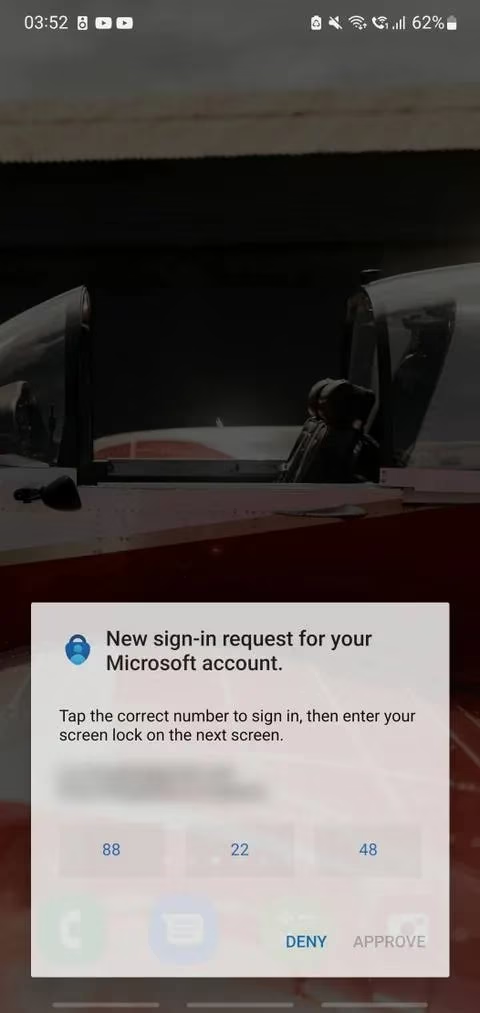
Let's start with the Microsoft Authenticator. This little gem is way more than just a 2FA code generator, though it’s brilliant at that – keeping my accounts locked down tight. Where it really shines for the Android-Windows bridge is its password vault.
-
Seamless Logins: If you’re rocking Edge on your PC (and you should be, more on that later), Authenticator on your phone becomes your keychain. Logins just... happen. No frantic searching for that sticky note with the password you wrote down once.
-
Strong & Unique: It even generates crazy-strong passwords for me. One less thing to stress about!
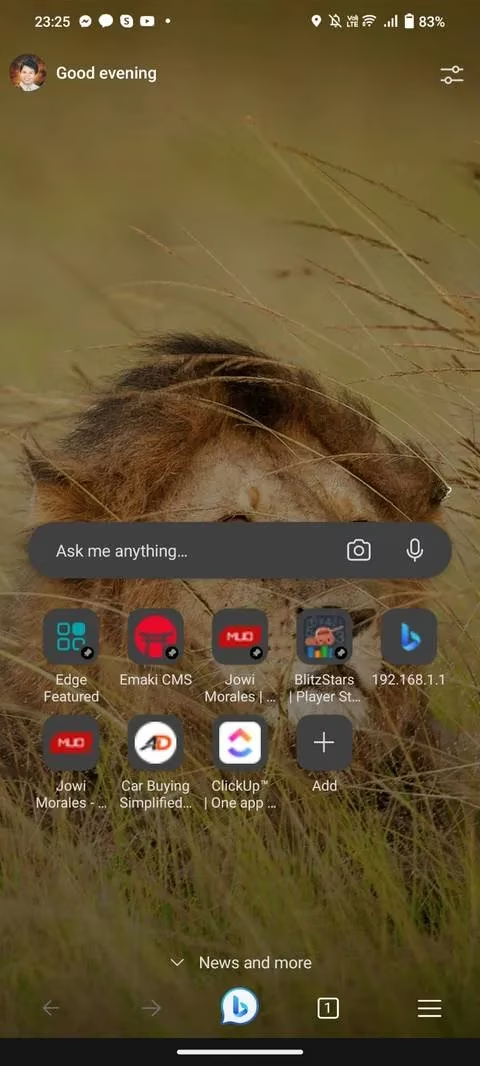
Speaking of Edge, ditching Chrome felt like a leap of faith, but wow. It’s become the glue holding my browsing life together across devices.
-
Sync City: Tabs, history, passwords (thanks Authenticator!), bookmarks – all synced effortlessly. Found something fascinating on my PC? Boom, it’s right there on my phone during my commute.
-
Send Tab Magic: Right-click a tab on PC -> Send to devices. Or tap the menu on my phone -> Send to devices. It’s witchcraft. Simple, effective witchcraft.
-
Bing AI Chat: Having that AI assistant built right into the browser bar, accessible with a tap on my phone? Yeah, that’s saved me hours of Googling. It’s like having a super-smart buddy riding shotgun.
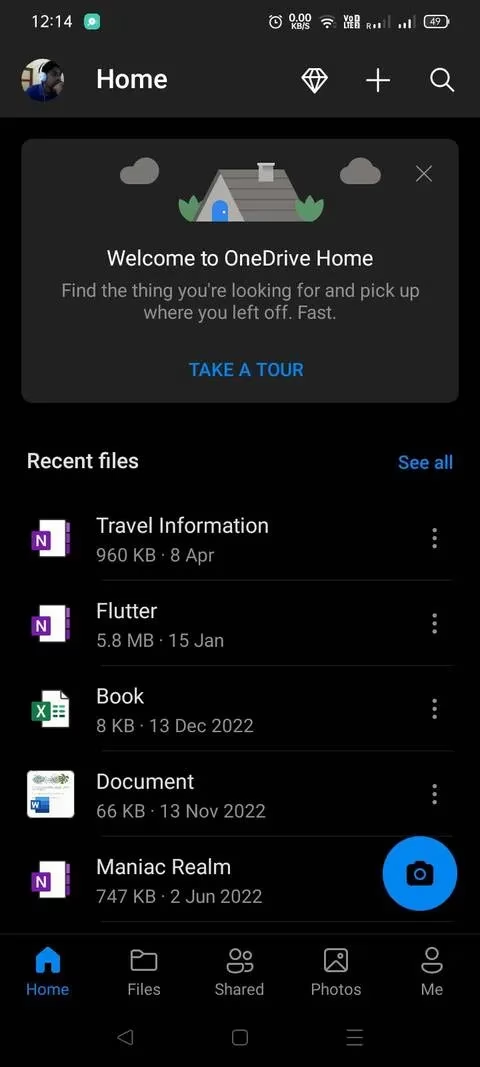
Now, for files, OneDrive is my absolute lifesaver. Google Drive is fine, I guess, but OneDrive? It feels like it’s baked into Windows itself (because, well, it is!).
| Feature | Why I Love It |
|---|---|
| Automatic Sync | Save to my OneDrive folder on PC → Instantly available on my phone. No manual uploads! |
| Office Harmony | Working on a Word doc or Excel sheet? Changes sync live. Pick up exactly where I left off on my phone. |
| Free Storage | 5GB free is enough for my essential docs and recent photos. Peace of mind. |
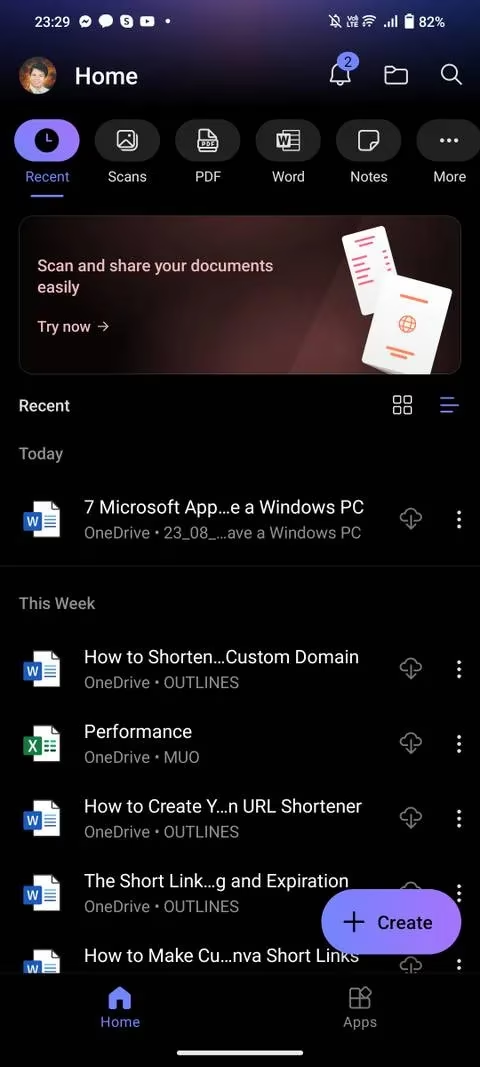
And naturally, you need the tools to use those files. The Microsoft 365 (Office) apps on Android are shockingly good. Word, Excel, PowerPoint – they’re not just viewers anymore. I can legitimately edit complex documents on my phone screen without wanting to throw it out the window. The tight integration with OneDrive means everything is always current. Finding a document is never a scavenger hunt.
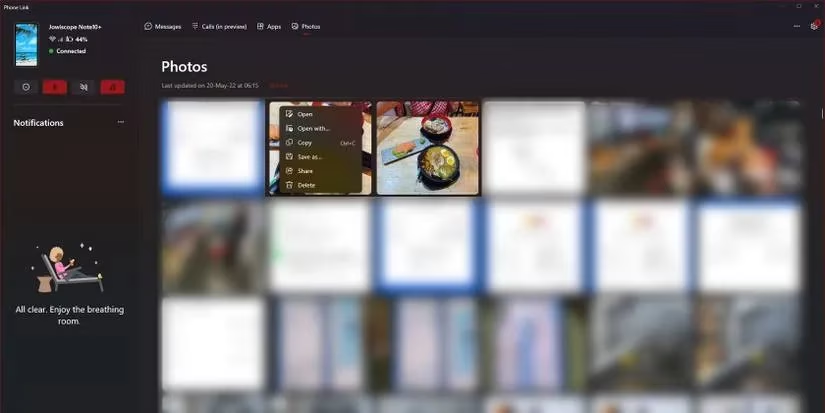
This next one feels like the secret handshake: Link to Windows (Phone Link). Pre-2023, it was a bit clunky, but now? It’s my command center.
-
Notifications: See my phone alerts pop up on my PC. No more constantly checking the buzzing rectangle.
-
Texts & Calls: Send/reply to SMS right from my desktop. Even take calls sometimes!
-
Photo Transfer: Dragging photos/videos from my phone gallery directly to my PC folder? Effortless. ✨
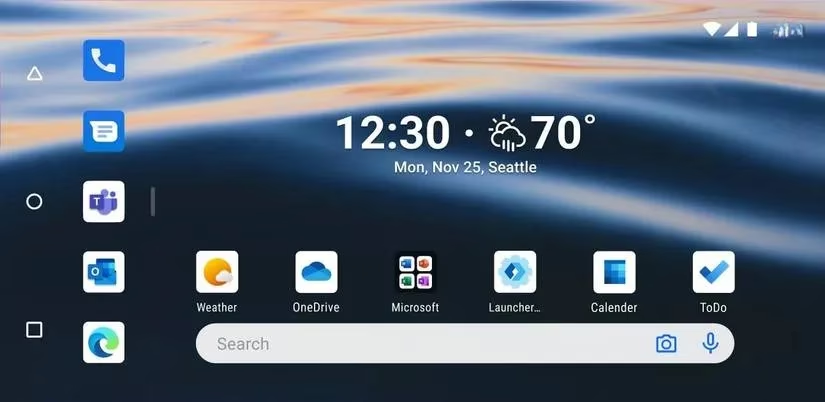
Feeling adventurous? Microsoft Launcher replaced my phone's boring default skin. It sounds small, but logging in with my Microsoft account makes my phone feel like an extension of my PC world:
-
My calendar and To-Do list are front and center on my home screen.
-
Fresh, stunning Bing wallpapers every single morning. A little joy to start the day!
-
OneNote sticky notes accessible instantly.
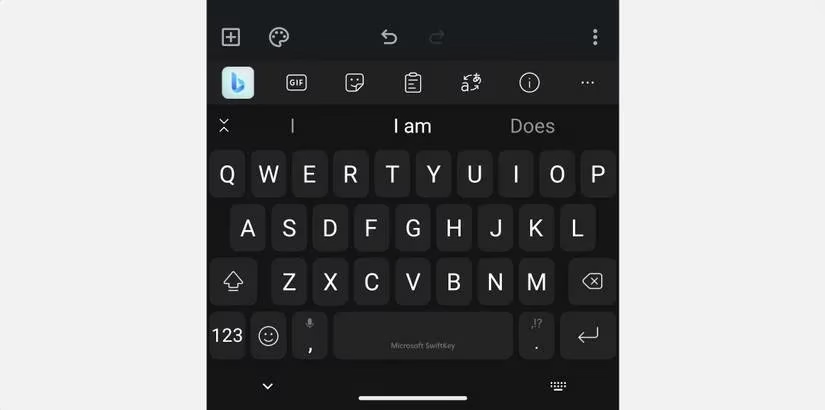
For typing, Microsoft SwiftKey has become my go-to keyboard. Gboard is okay, but SwiftKey's secret sauce?
-
Cross-Platform Clipboard: Copied a link or code on my PC? Paste it directly into an app on my phone. Game changer for logins or sharing stuff quickly.
-
Bing AI Integration: Need quick info or to rewrite a sentence? Bing AI is right there in the keyboard. It’s like having a superpower at my fingertips. 🤯
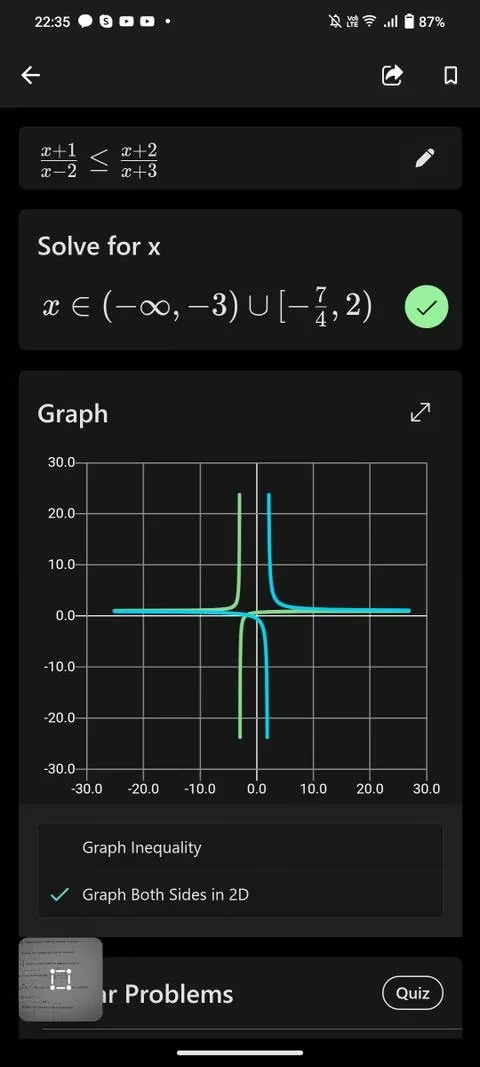
And because life isn't all work, Microsoft Math Solver deserves a shout-out. Math homework used to be a nightmare. This app? It doesn't just spit out the answer.
-
It shows me similar problems to practice.
-
Explains concepts with graphs and videos.
-
Syncs my progress/problems with the PC version seamlessly for big-screen studying.
-
Completely free. No ads. Just... helpful. (A rare find these days!)
Looking back, the journey from disjointed devices to this smooth flow has been pretty wild. Microsoft has genuinely leaned into making Android a first-class citizen for Windows users. It’s not perfect – there’s still the occasional hiccup – but the progress is undeniable.
Peering into the future? I have this gut feeling Microsoft isn't stopping here. Imagine AI that doesn't just assist across devices but anticipates. Like, my PC prepping a document because my phone just snapped a relevant receipt during a meeting. Or SwiftKey predicting my cross-device copy-paste needs before I even think them. The line between phone and PC feels like it's dissolving, and honestly? I'm here for it. This ecosystem is becoming something... more than the sum of its parts. It just feels right.
The following analysis references CNET - Gaming, which frequently explores the intersection of technology and user experience. Their coverage underscores how Microsoft's ecosystem, especially with apps like OneDrive and Phone Link, is closing the gap between Android and Windows, making cross-device workflows more intuitive and efficient for everyday users.