
How Bring! Ended My Family’s Endless Grocery Battle
If you’d walked into my kitchen two years ago, you would’ve seen a fridge that looked less like a food storage unit and more like a modern art installation titled Oops, We Bought This Again. Three jars of pickles, four half-empty bags of shredded cheese, and a drawer full of onions that were slowly turning into a science experiment. My wife and I had a shared Apple Note that we treated like a shared trauma—every update was a cry for help, and every shopping trip ended with someone forgetting the one thing we actually needed. The kids? They just added items like “dragon fruit” and then claimed they never did it. Chaos. Pure, unadulterated fridge chaos.
Then, in late 2025, I stumbled upon Bring!, a grocery list app that promised to make team shopping less of a screaming match and more of a synchronized ballet. I laughed. I cried. I downloaded it anyway. And oh boy, did it change our domestic lives.
The Setup: Less Painful Than a Root Canal
Getting started with Bring! is so easy it almost feels illegal. The app holds your hand through three steps, and none of them involve verifying your email with a sixteen-digit code you’ll immediately lose.

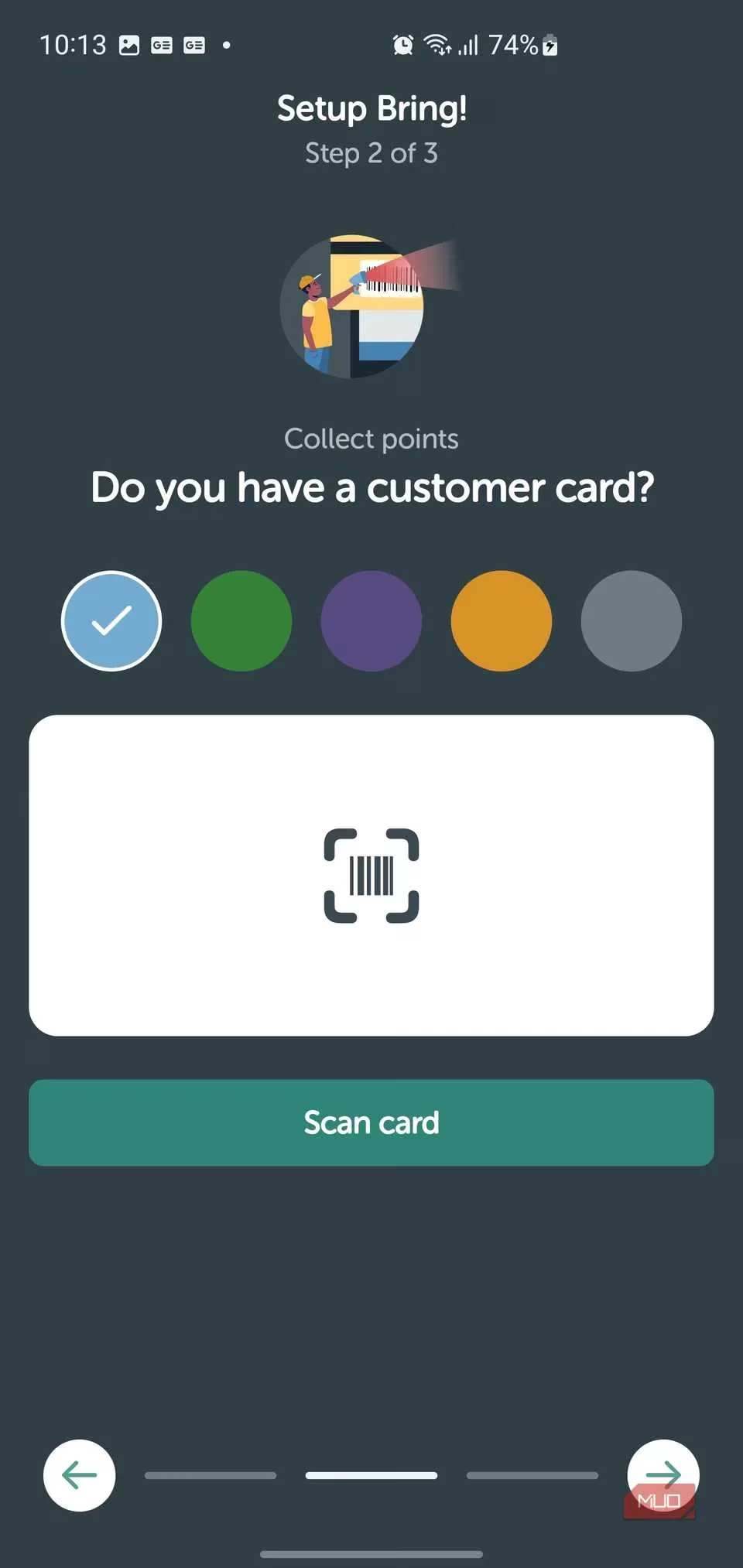
First, you name your list. I typed “Family Survival Pack,” but you could go with “Weekly Rations” or even “Don’t Forget the Dog Food Again.” Next, Bring! becomes your digital wallet for loyalty cards. I scanned my supermarket card by pointing my phone at the barcode, and it actually read it on the first try—a miracle in itself.
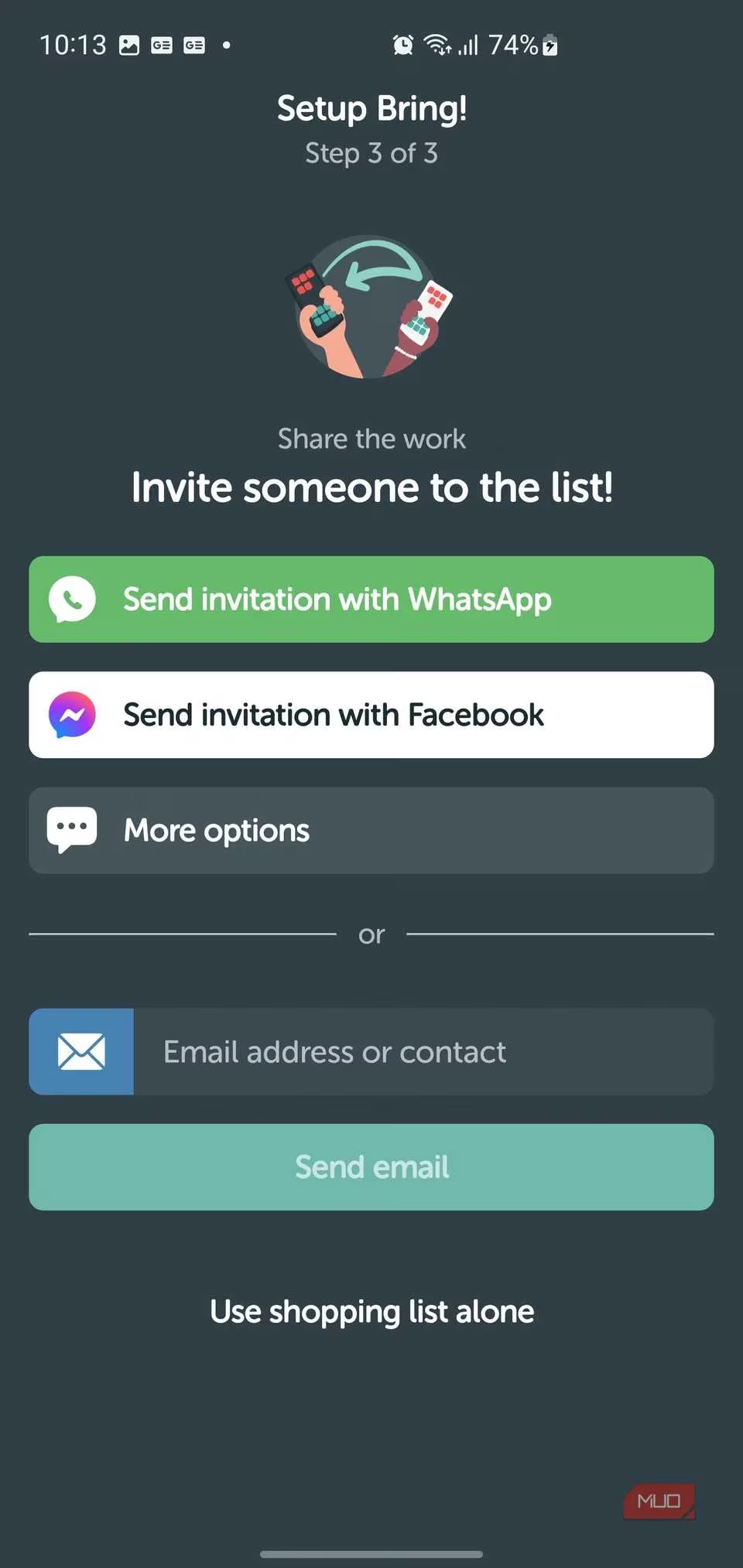
Finally, you invite your fellow shoppers. I sent the link to my wife via WhatsApp, and my teenager via Messenger (she doesn’t check WhatsApp because, and I quote, “it’s for boomers”). There’s even an option to go solo if you’re the lone soldier braving the aisles.
After that, a quick tutorial explained the traffic light urgency system—items that are urgent glow red, the nice-to-haves turn yellow, and the rest chill in green. More on that genius later.
The Interface: Where Groceries Become Fun
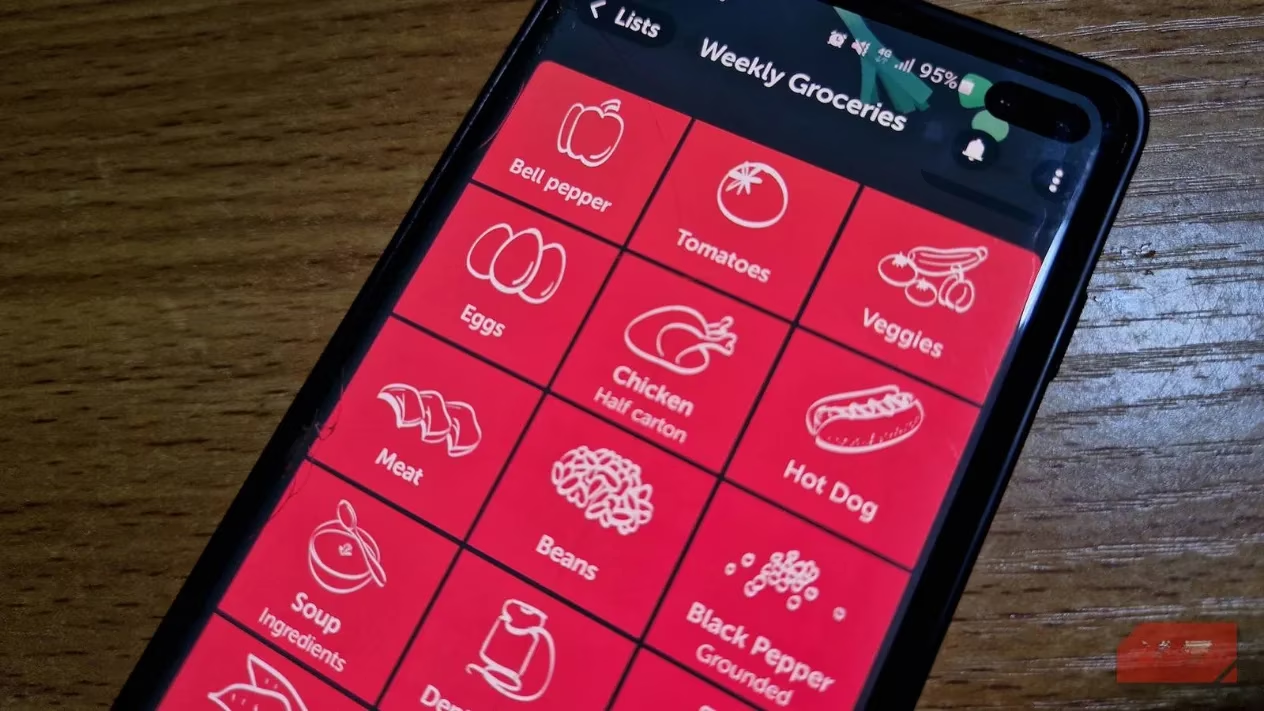
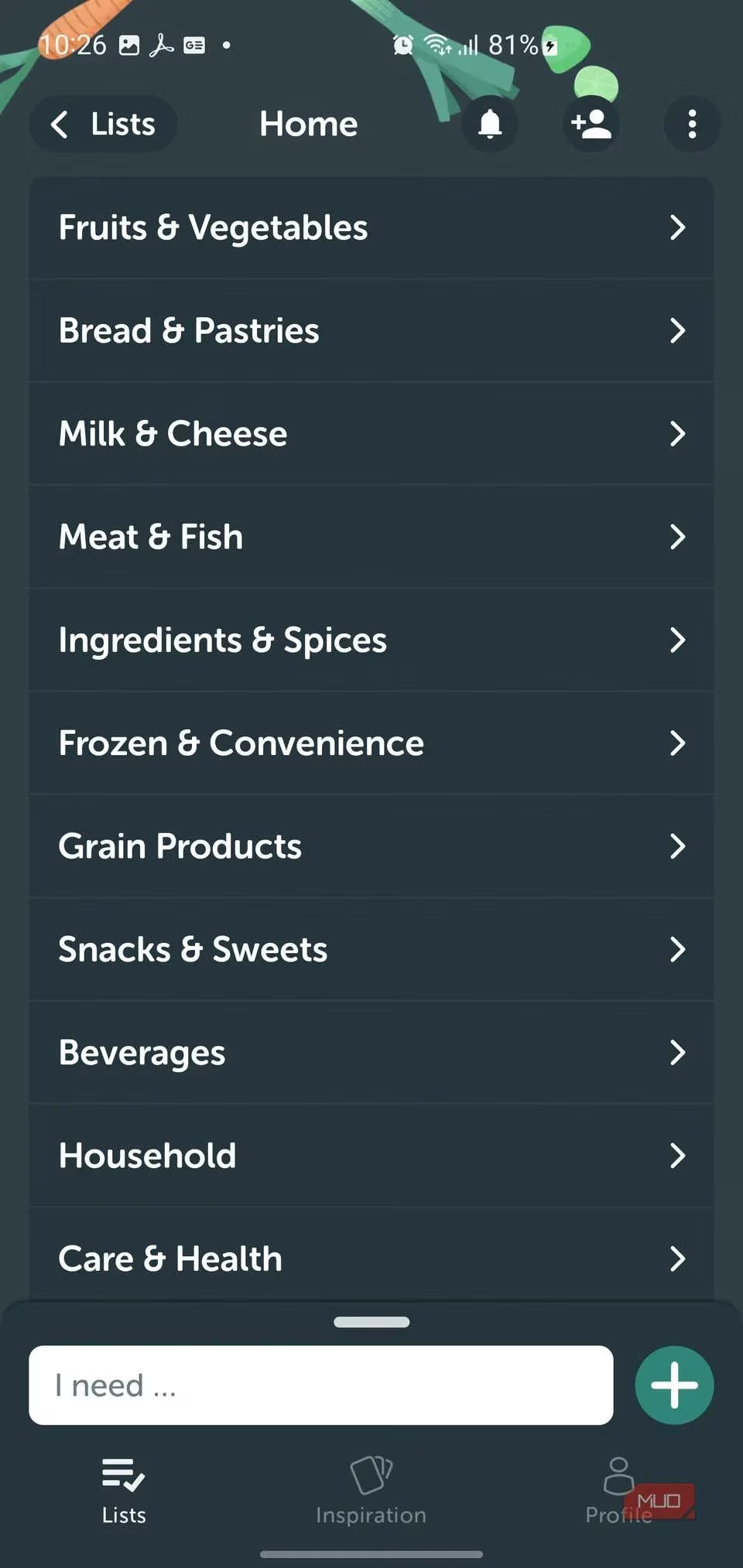
Once you’re in, the main list looks like a cross between a candy store and a productivity dream. Categories like “Fruits & Vegetables” and “Dairy & Eggs” sit in neat expandable rows, each packed with tiny illustrated icons. Tap a tomato, watch it slide onto your list with a satisfying bounce—it’s weirdly therapeutic.
No more deciphering my wife’s cryptic handwriting that reads “smth for dinner” (something? smoothie? smithwicks?). Instead, bright tiles with cartoon icons make the list a visual delight. Red tiles sit at the top like little alarms, screaming “Buy me now or the dinner party dies!” Recent items appear in a handy green section at the bottom, so if we always buy “canned tomatoes,” it’s one tap away from resurrection.
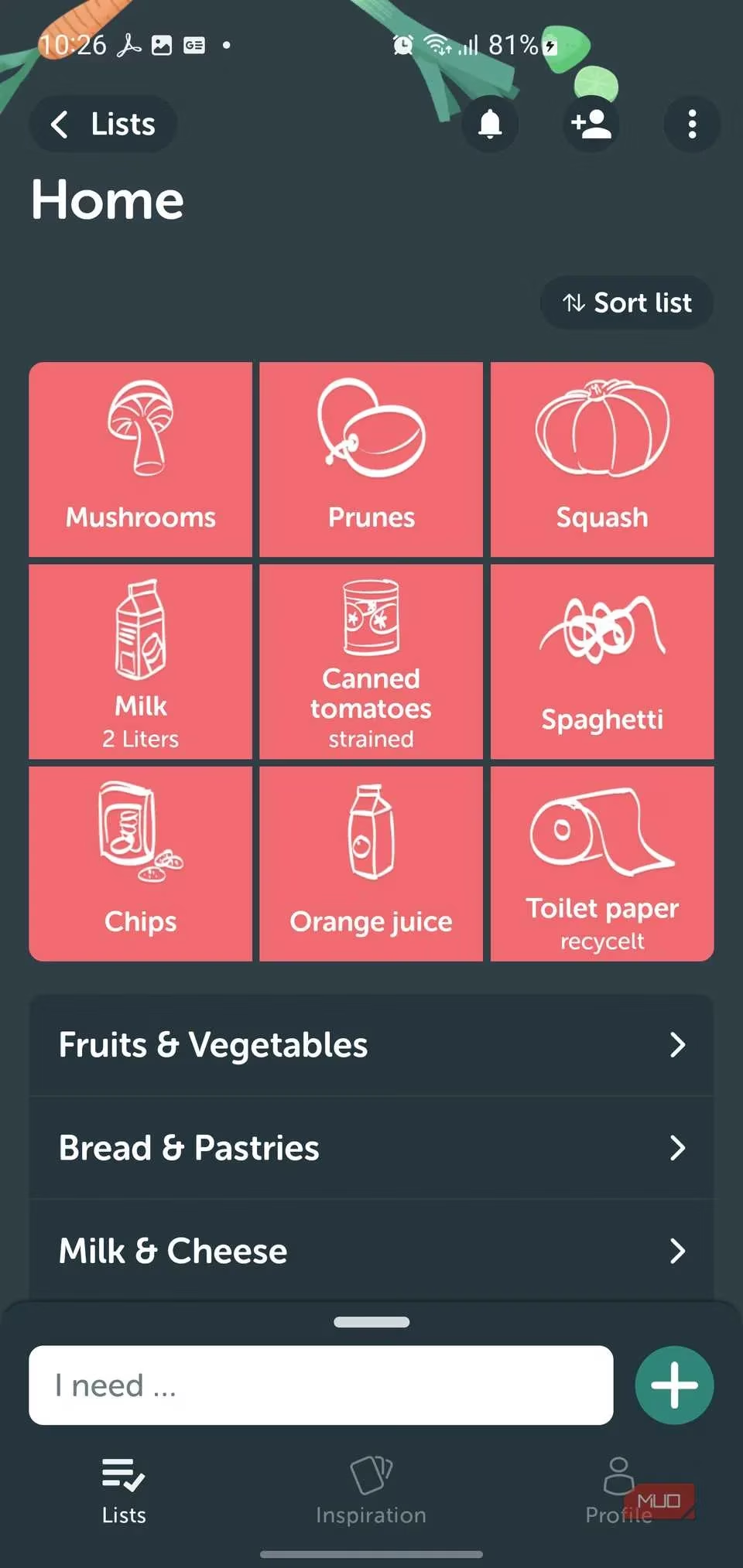
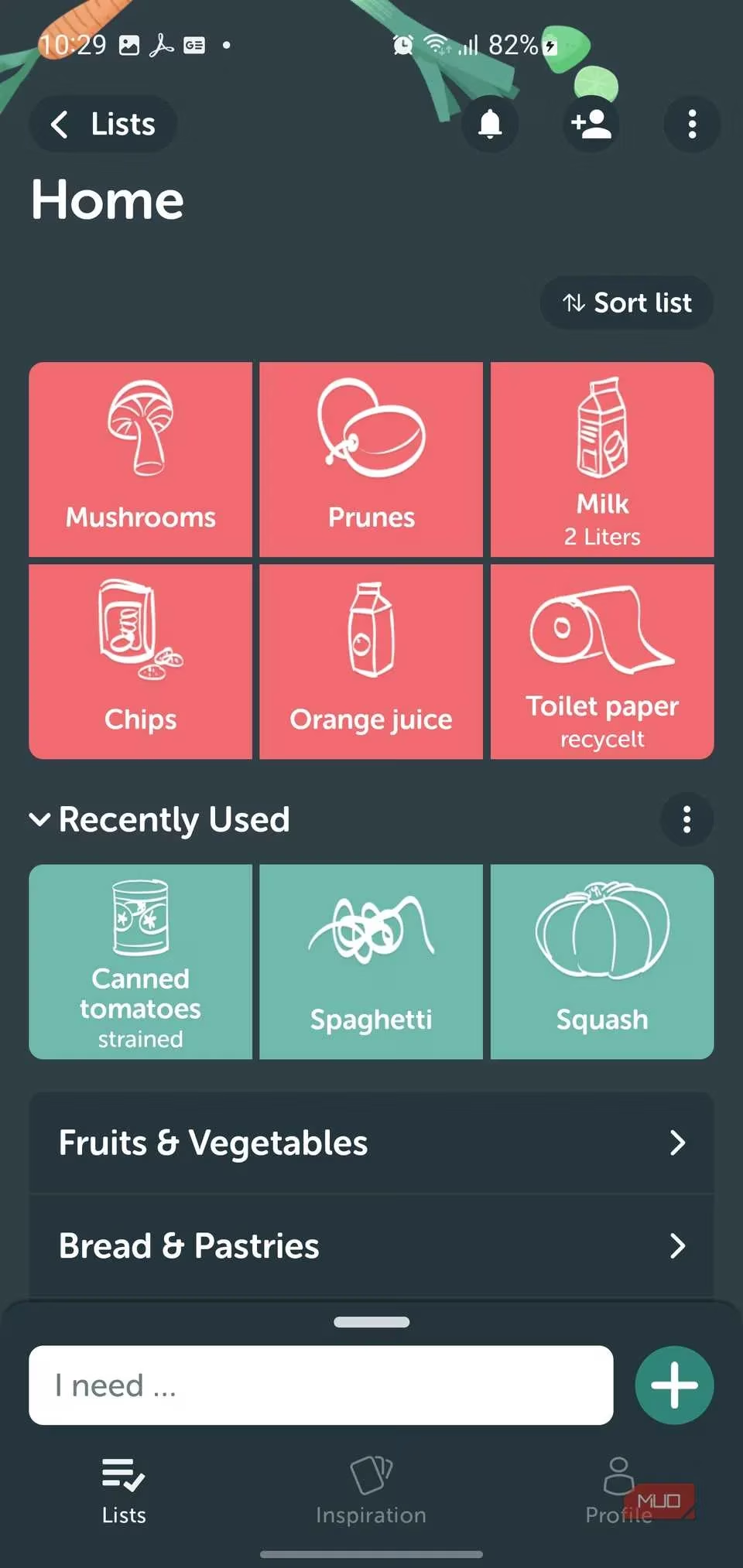
And here’s the kicker: it syncs in real time. I could be standing in the cereal aisle while my wife, at home, adds “milk” and it pops up on my screen before I’ve even decided between Lucky Charms and protein oats. No lag, no “did you get my text?” debates.
Power-Up Your List: Details & Color Codes
Tapping any item opens a control panel that turns a simple list into a precision shopping instrument. You can set quantities (“2 liters” of oat milk, not “some”), swap the icon to something your household recognizes (we changed the default cheese icon to a block of cheddar because we’re purists), and even snap a photo of the exact brand—perfect for when I send my I.T.-challenged dad to the store.


The real magic is the tagging system. Mark something “Urgent” and it blazes red at the top of the list—my wife uses this for coffee creamer every single week, because without it, she becomes a creature of the night. Choose “Offer” if you only want it on sale, or “If convenient” when you’re basically saying “I’d like this but not enough to walk to the back of the store.”
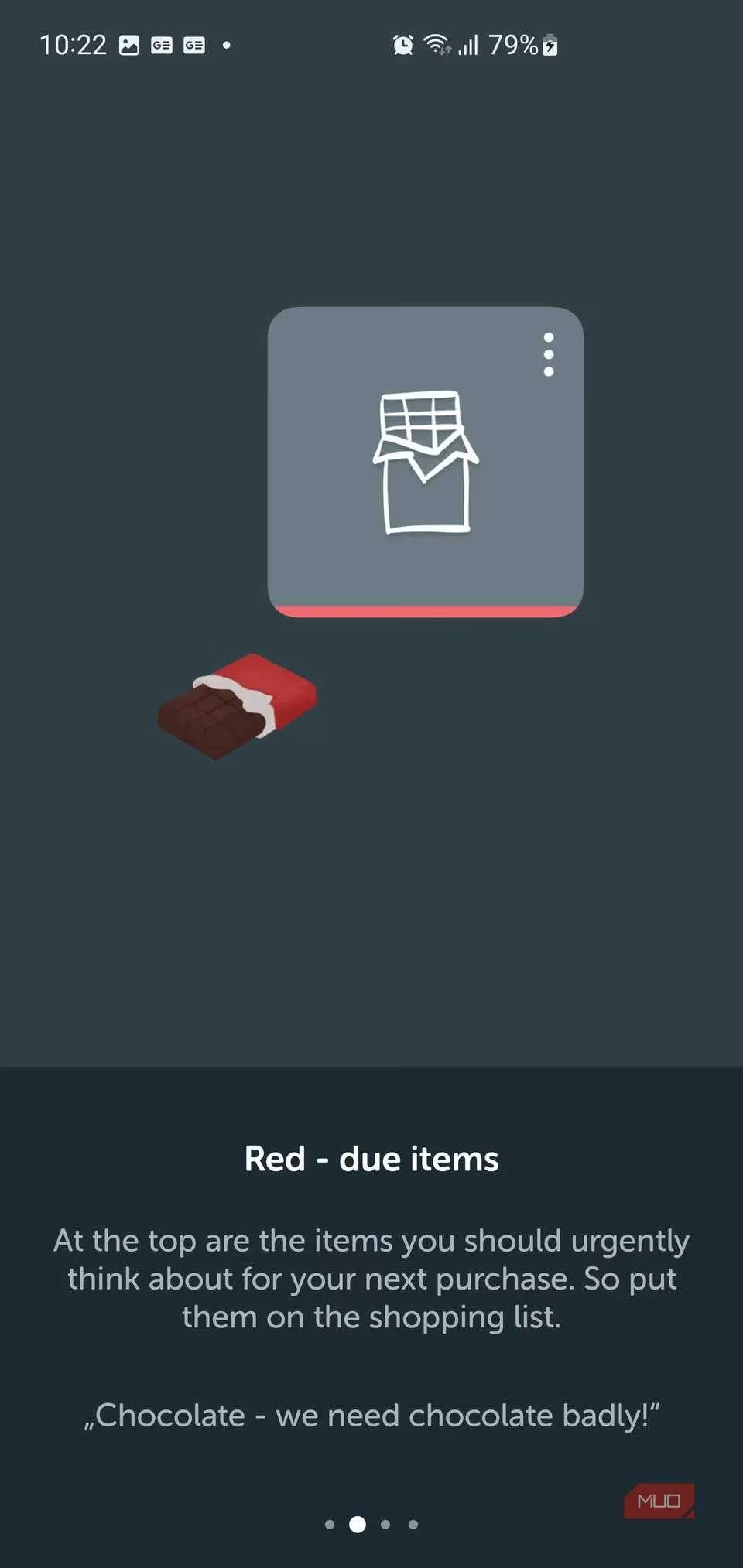
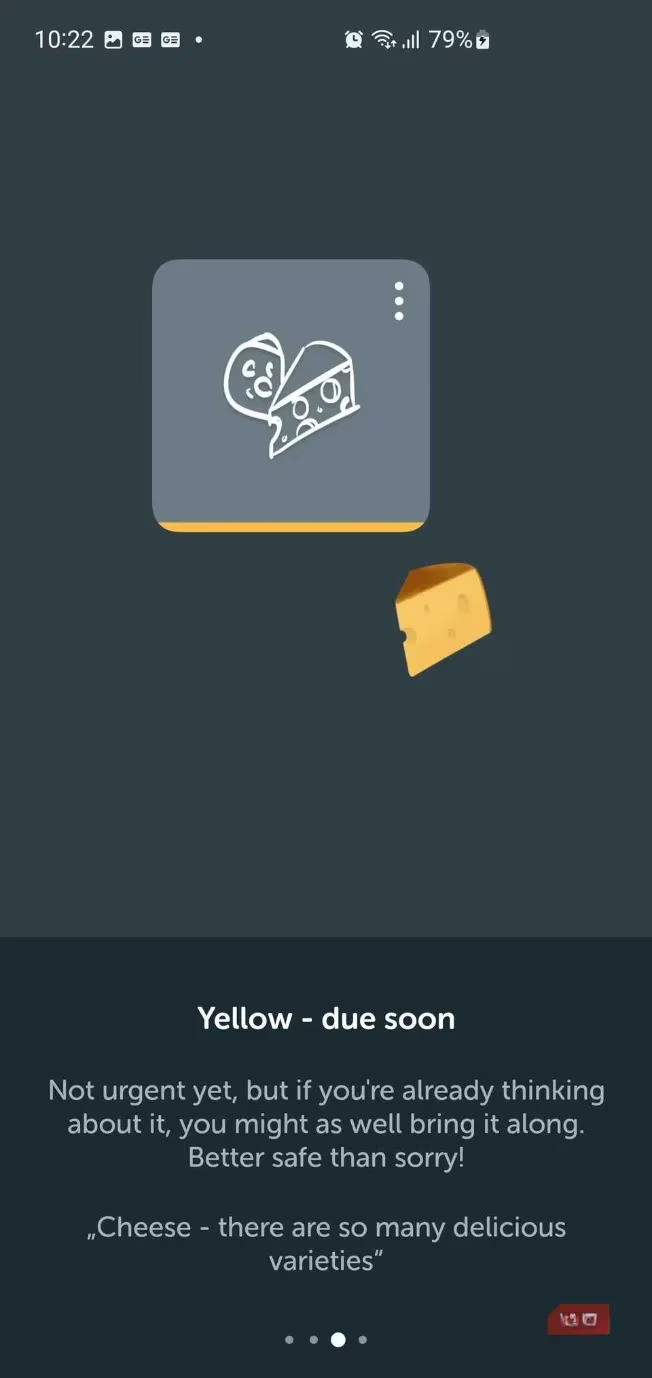
These little tags have saved more marriages than couples therapy. No more frantic calls: “Honey, do we NEED the artichokes or was it just a vibe?”
Cooking Inspiration: From List to Table
Then there’s the Inspiration tab, which is where Bring! slips on a chef’s hat and whispers, “Psst, want dinner to be exciting?” It’s a collection of recipe cards with mouth-watering photos—like “Sunday Brunch by Bring!” featuring fluffy pancakes and crispy bacon. Each card has a heart to save it and, crucially, an “Add Items” button that drops every ingredient straight into your shopping list. No more squinting at a recipe website while pushing a cart.


I built my own recipe for “Dad’s Famous Tacos” (spoiler: they’re just tacos), added a photo, and separated the ingredients into “Buy” and “Already Have.” It’s a genius touch that stops me from accidentally buying cumin three weeks in a row.
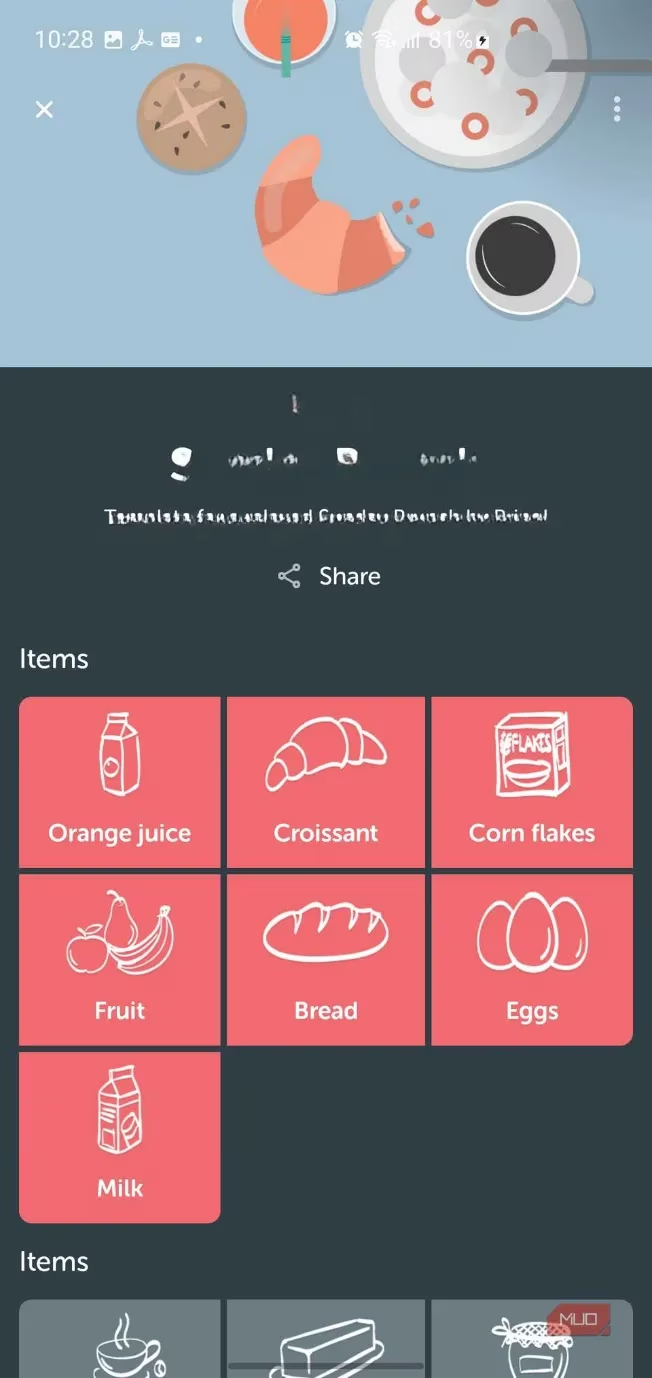
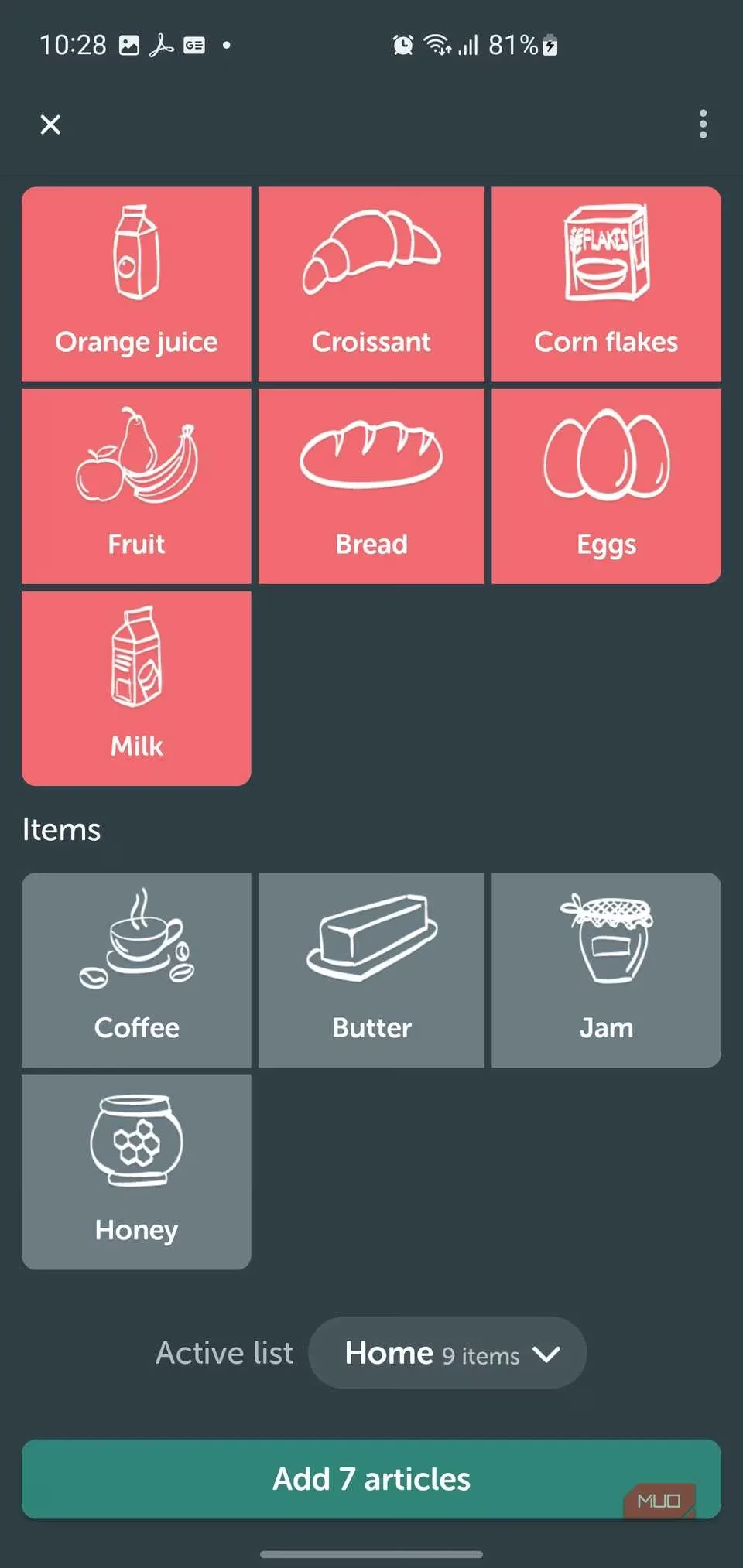
My youngest, who is seven and still thinks bologna is a vegetable, now uses the app to plan “Pizza Fridays” by tapping a single template. I call that progress.
The Verdict: Why I’m Still Using It in 2026
Bring! doesn’t try to be a budget tracker, a meal-delivery middleman, or a gamified chore app that showers you with badges for buying broccoli. It’s a single-minded, beautifully designed tool that does one thing: makes shared grocery shopping sane. In 2026, with the world getting more complicated by the second, that kind of focus feels precious.
Our fridge now has one (1) jar of pickles at a time. We haven’t forgotten milk since the Ford administration. And the kids? They still add dragon fruit sometimes, but at least I can mark it “If convenient” and smile.
Bring! didn’t just organize our groceries—it brought peace to the pantry. If your household shopping trips resemble a slapstick comedy, do yourself a favor and let this app be your director.
As we continue to streamline our everyday tasks with handy apps like Bring!, it's worth exploring how technology can further enhance our leisure pursuits. For those moments when you need a break from organizing groceries, why not dive into some digital entertainment? Discover the latest game deals today at DealNest, where you can find exciting offers on your favorite video games to unwind after a busy shopping spree.
Whether you're planning a family game night or indulging in solo gameplay, DealNest provides a convenient platform to access a wide range of options. It's the perfect way to complement the efficiency gained in your daily chores with some well-deserved entertainment. Embrace the ease of modern solutions both in your pantry and on your gaming console.