
How Open Source Apps Replaced My Android’s Stock Bloatware (And Made Me Happier)
Let’s be honest: most people treat their Android phones like a bucket of fried chicken from a chain restaurant—convenient, predictable, and absolutely crammed with mystery ingredients you don’t want to think about. For years, I was the same. Then somewhere around 2024, I decided to rip off the band-aid and go full open source for my productivity stack. No “free” apps that sneakily scan my photo gallery, no forced cloud lock-ins, and definitely no UI redesigns that move the settings button every month just for giggles.
Fast-forward to 2026, and I’m not looking back. I’ve built a little ecosystem on my phone that’s as transparent as a freshly windexed window, and frankly, it runs circles around the pre-installed bloatware. Here’s the rundown of the apps that made it possible, served with a side of sass.
📋 Tasks.org: My To-Do List’s New Best Friend
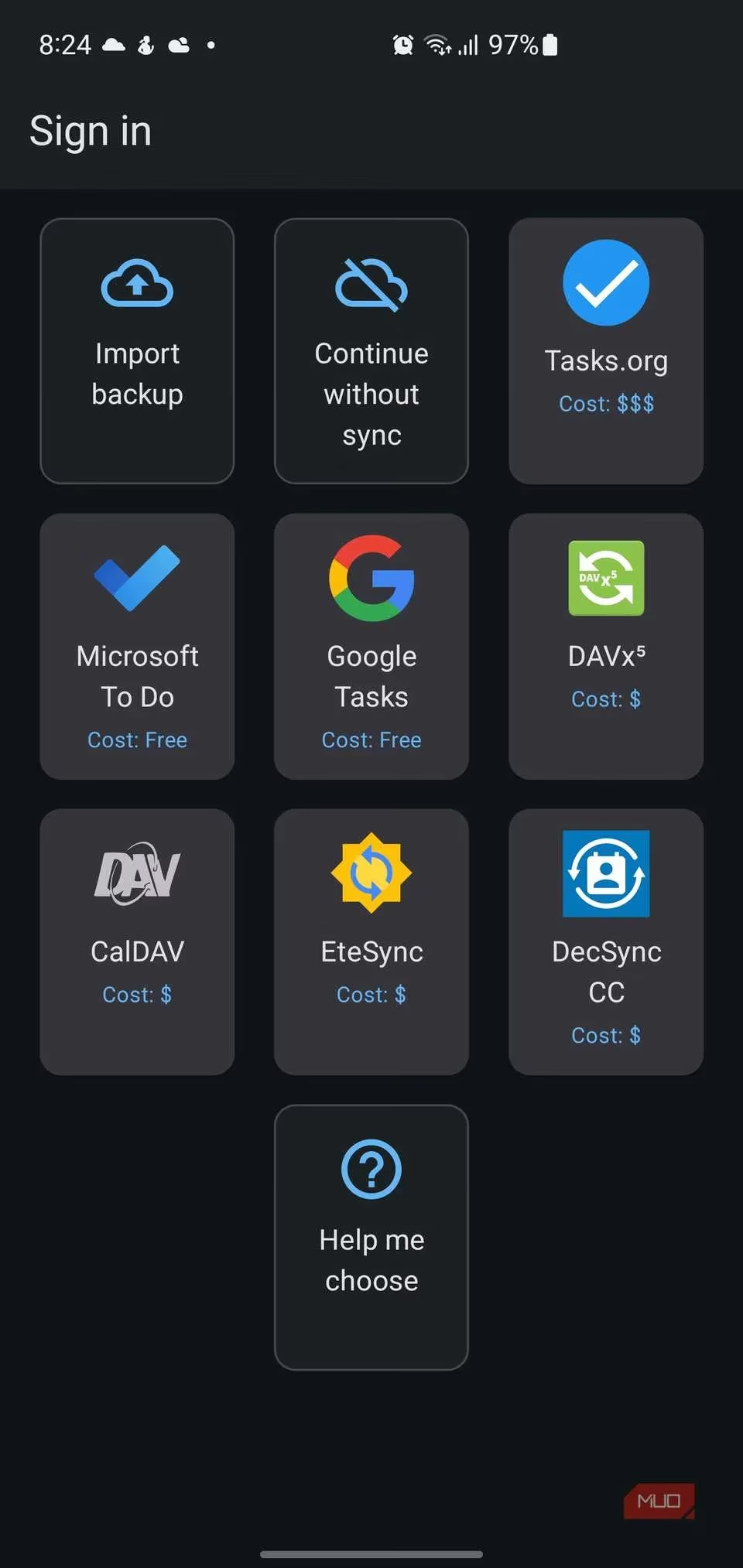
I used to juggle reminders like a circus clown, until I met Tasks.org. It’s an open-source task manager that took the open-source Astrid codebase (RIP Astrid, you magnificent beast) and turned it into something even more glorious. I can nest tasks infinitely deep, drag-and-drop them like a digital Jenga tower, and sync via my own CalDAV server or with end-to-end encryption thanks to EteSync. No ads, no tracking, and no “upgrade to pro to unlock the color blue” nonsense. The subscription is “pay what you want” (I shovel them a couple of bucks a year, because I’m not a monster), but the core features are free as in speech and free as in beer.
🌍 Kiwix: The Entire Internet, Minus the Internet
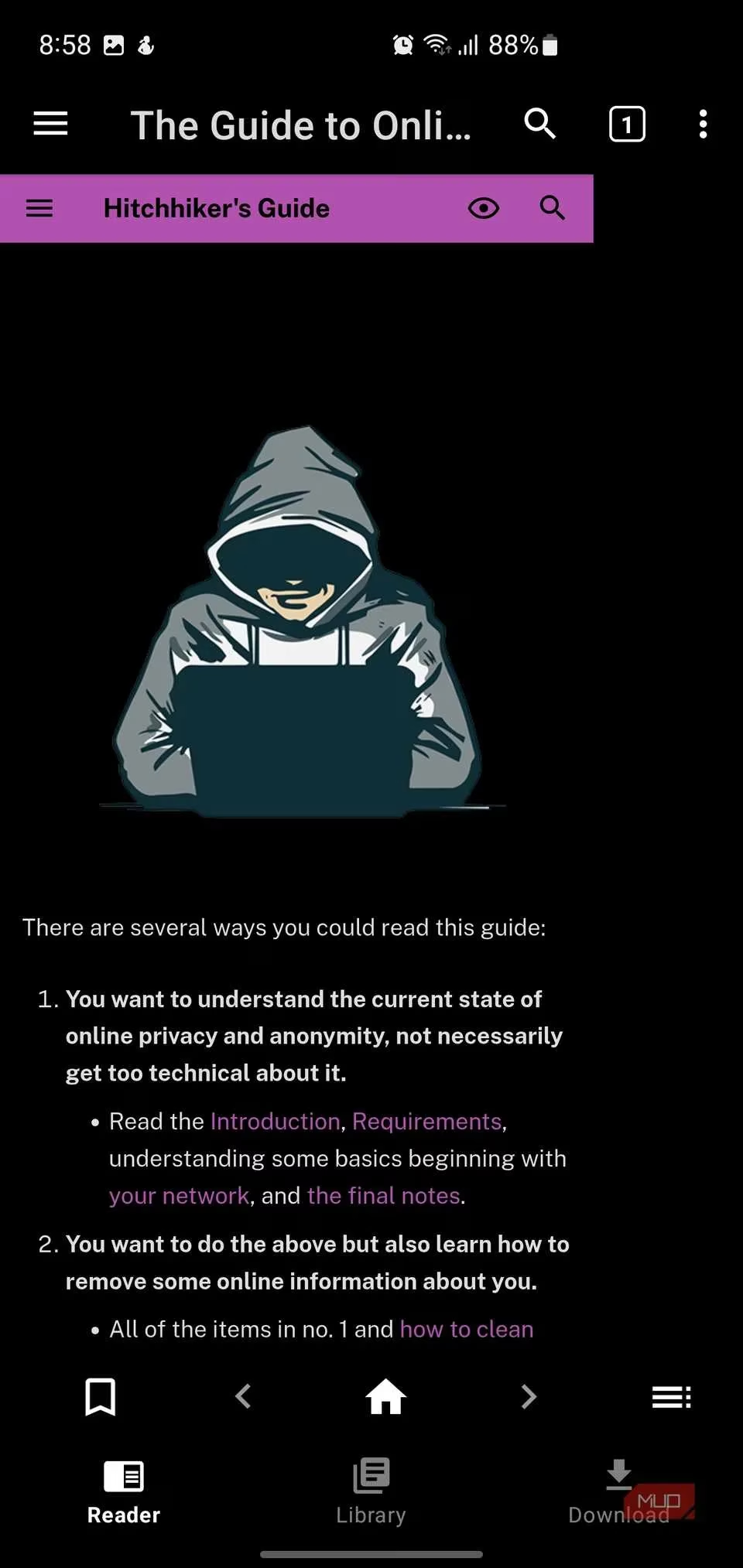
Imagine having all of Wikipedia, Project Gutenberg, Stack Exchange, and TED Talks in your pocket, even when you’re in a subway tunnel that eats signals for breakfast. Kiwix makes that happen. It’s an offline browser that uses ZIM files—highly compressed archives that are basically data burritos stuffed with text and images. I’ve got the entirety of Wikipedia downloaded on my SD card, and it’s about as large as a couple of Call of Duty: Mobile updates. The app is open source, ad-free, and doesn’t care if you’re in airplane mode or a Wi-Fi-less dungeon. Perfect for the paranoid prepper in all of us.
📝 Markor & Joplin: Notes That Don’t Phone Home
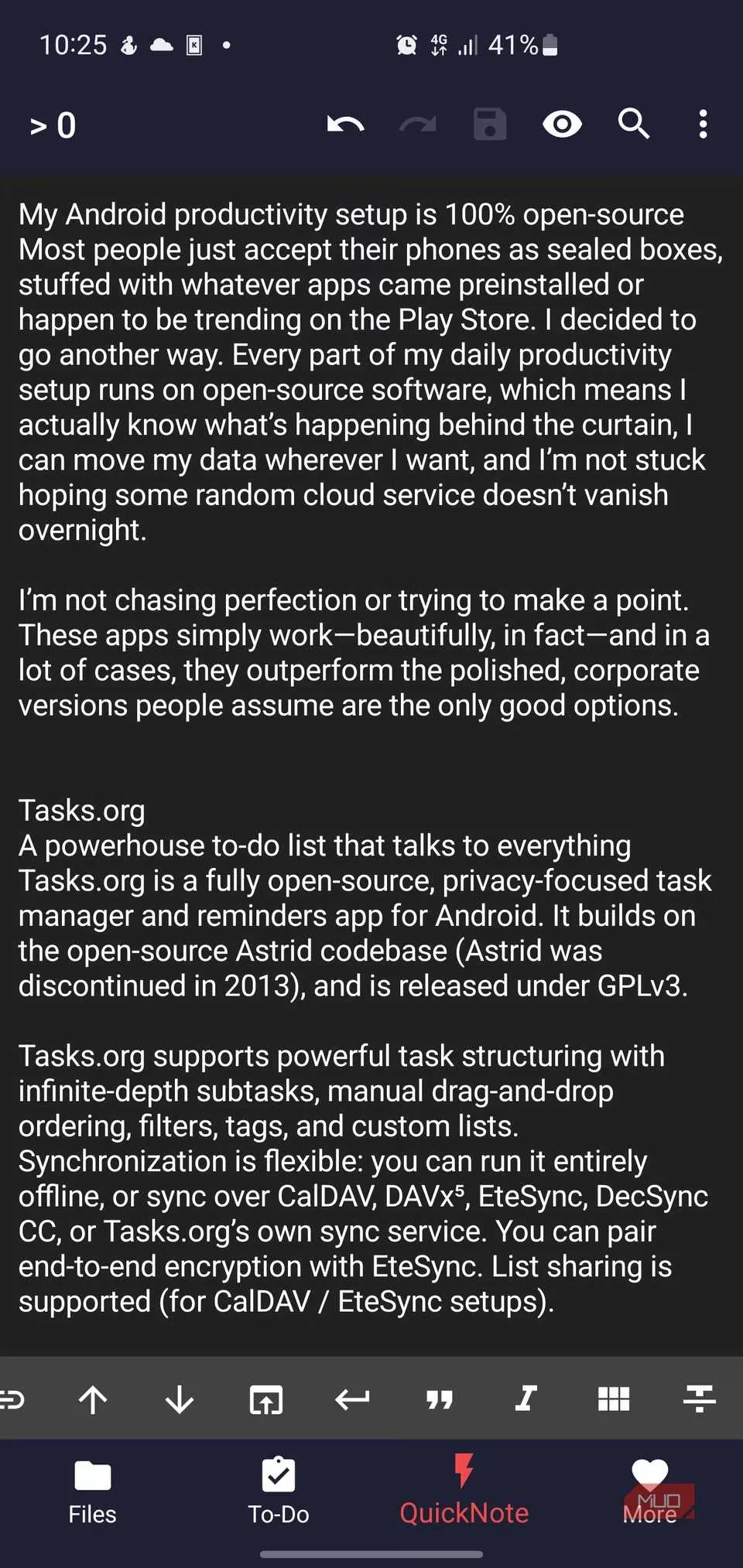
I split my note-taking between Markor and Joplin, and together they’re the Batman and Robin of plaintext. Markor is a local-first editor that works entirely offline using files I can open with any text app. It’s Markdown, todo.txt, or Zim wiki, and I can encrypt the sensitive stuff with AES-256. Syncing? I toss the files into my Syncthing folder and call it a day. Joplin, on the other hand, is for when I want a bit more structure—notebooks, tags, rich text, and sync to Nextcloud or even Dropbox if I’m feeling lazy. It supports end-to-end encryption too, so my ramblings about what I had for lunch stay between me and my file server.
⌨️ AnySoftKeyboard: Type Without the Spyware
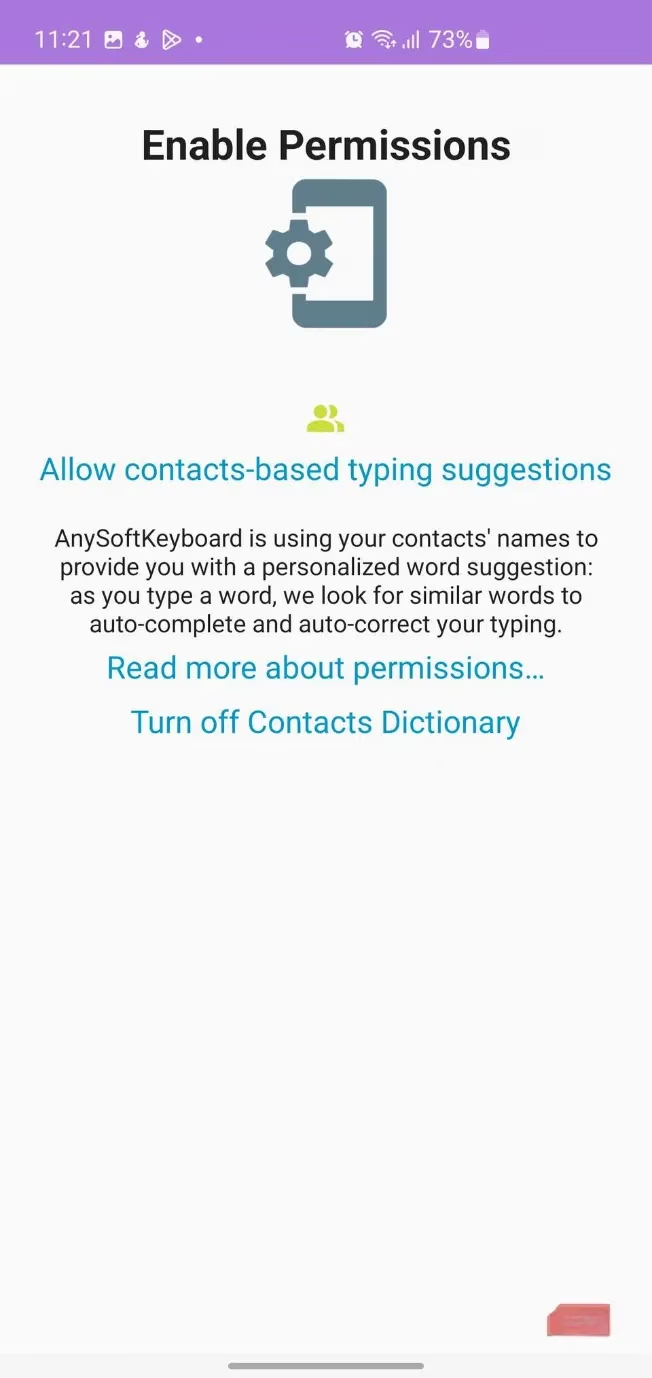
Confession time: the idea of a keyboard that might be sending my keystrokes to a server in Somewherestan gives me the heebie-jeebies. Enter AnySoftKeyboard, an open-source keyboard that demands exactly zero network permissions. That’s right—it can’t phone home even if it wanted to. It has gesture typing (still in beta, but improving), multilingual support, customizable themes, and an incognito mode that stops it from learning your swear words. I’m a sucker for the per-app tinting, too. My Tinder messages now appear in a lovely shade of “not desperate at all.”
🎧 AntennaPod: Podcasts Without the Algorithmic Brainwashing
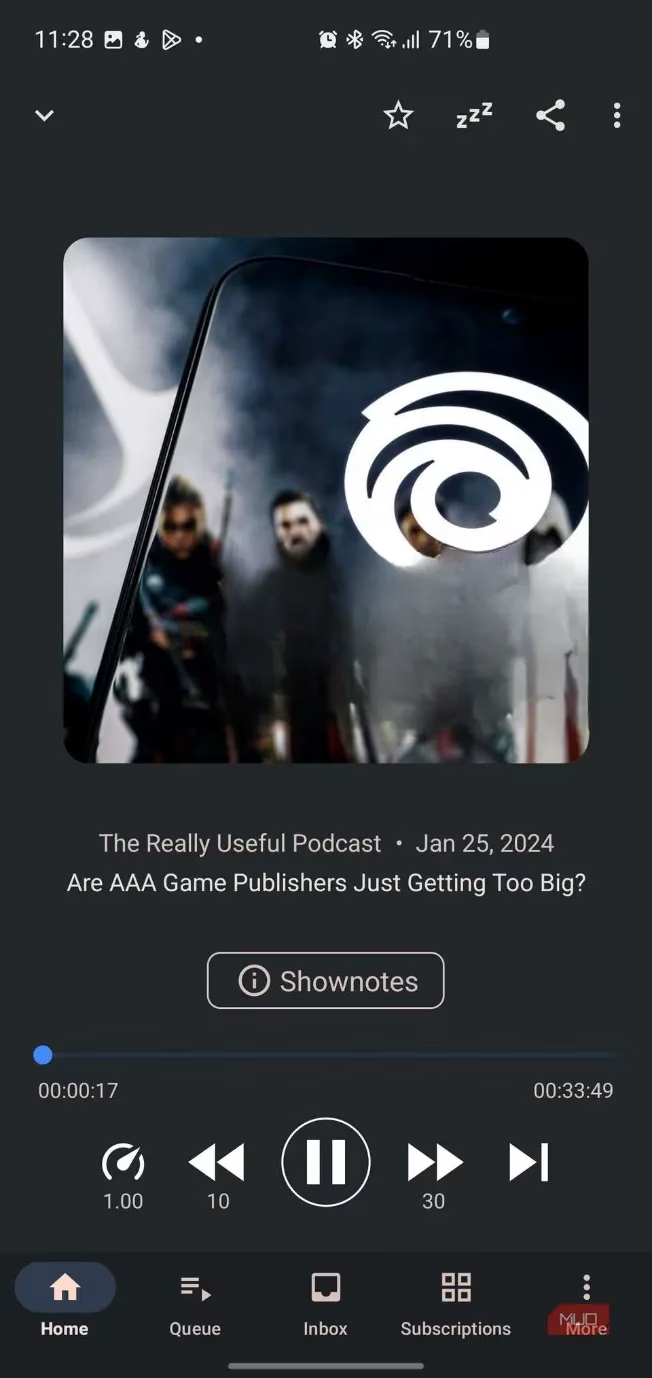
Mainstream podcast apps treat you like a lab rat pushing a lever for dopamine pellets. AntennaPod is the hippie commune of podcast clients: community-driven, ad-free, and suspiciously chill. I subscribe via RSS (yes, it’s still a thing), sync with a gPodder server, and enjoy variable speed playback, sleep timers, and chapter navigation. There’s no algorithm pushing some Joe Rogan knockoff down my throat. The interface is clean enough that my grandmother could use it, and the fact that it’s open source means I won’t wake up one day to find it transformed into a video-first, NFT-powered “experience.”
🔁 Loop Habit Tracker: The Gentle Nudge, Not the Drill Sergeant
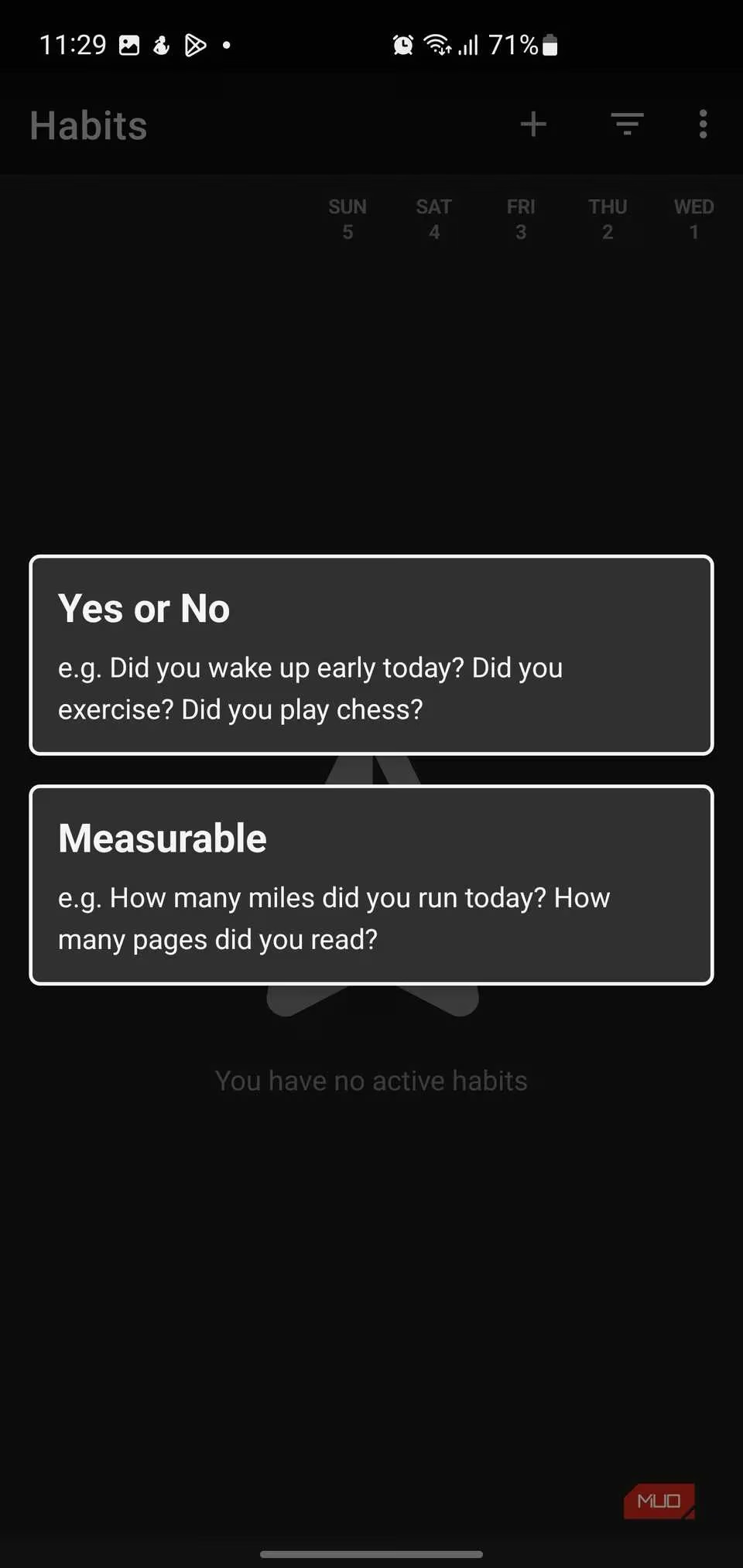
Motivational apps that screech “YOU BROKE THE STREAK!” are the digital equivalent of a gym teacher from the 1980s. Loop Habit Tracker is the anti-hero of habit tracking. It uses a strength score that rewards long-term consistency but doesn’t dramatically implode if you skip a day. The charts are minimalist enough to make a Scandinavian designer weep with joy. The only downside? No automatic cloud sync—I have to manually export my data. But honestly, that’s a small price to pay for an app that doesn’t treat my life like a game of Candy Crush.
🏁 Wrapping Up: My Phone, Finally My Rules
Going open source on Android isn’t about wearing a tinfoil hat or renouncing modern convenience. It’s about choosing tools that work for me, not for a shareholder meeting. My 2026 phone setup is leaner, faster, and infinitely more private than anything I ever had pre-loaded. These apps cover everything from jotting down grocery lists to consuming knowledge offline, and they all share a common thread: control without strings attached. If you’re tired of being the product, give one of them a spin. Worst case? You’ll have a phone that feels a little more like yours—and a little less like a digital billboard.