
How ScreenZen Helped Me Finally Stop Mindless Scrolling in 2026
I never thought an app could shame me out of my social media addiction, but here we are. Do you know that feeling when you pick up your phone to check a notification and, forty minutes later, you’re still watching a stranger bake a cake you’ll never make? I’d been there more times than I care to admit. I had tried turning my Android into a so-called dumbphone, installed minimalist launchers, and even used Samsung’s Digital Wellbeing to lock me out of apps. Yet somehow, my fingers still found their way back to Instagram, YouTube Shorts, and Twitter, as if my thumbs had a mind of their own.
Then, in early 2026, I stumbled upon ScreenZen. It wasn’t the usual “block everything and hope for the best” tool. It promised something different: not to punish me, but to make me think. Three months later, my average weekly Instagram use dropped from 17 hours to just under 4 hours. The kicker? I hadn’t even realized I was that deep into the scroll hole until the numbers stared back at me.
What Makes ScreenZen Different?
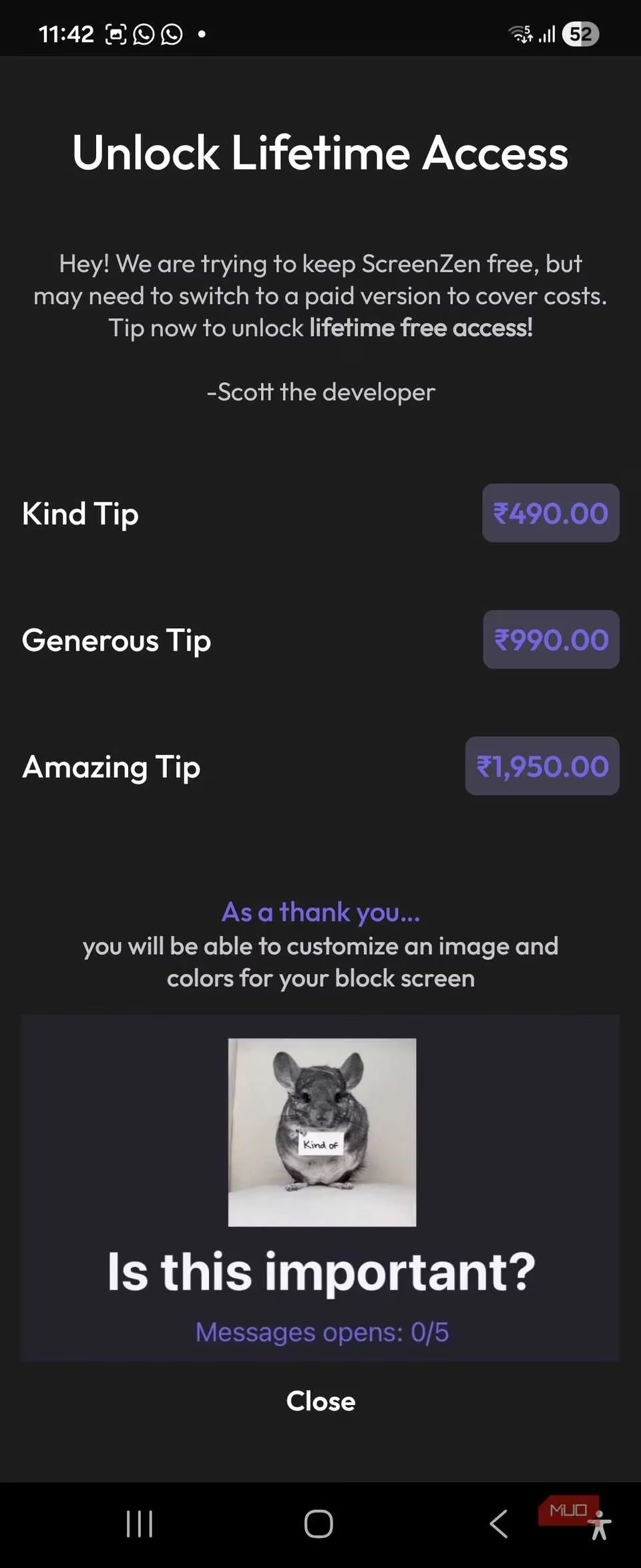
If you’ve already used built-in digital wellness tools, you know the drill: set a 30-minute limit, get a harsh “You’re out of time” screen, and then instantly hit “Ignore” because the willpower train left the station. ScreenZen doesn’t do that. Instead of slamming a door in your face, it politely asks, “Is this important?” and makes you wait just five seconds before opening the app. Five seconds doesn’t sound like much, right? But that pause is exactly what my muscle memory needed to reboot. It breaks the autopilot loop of tapping an icon before your conscious brain even realizes what’s happening.
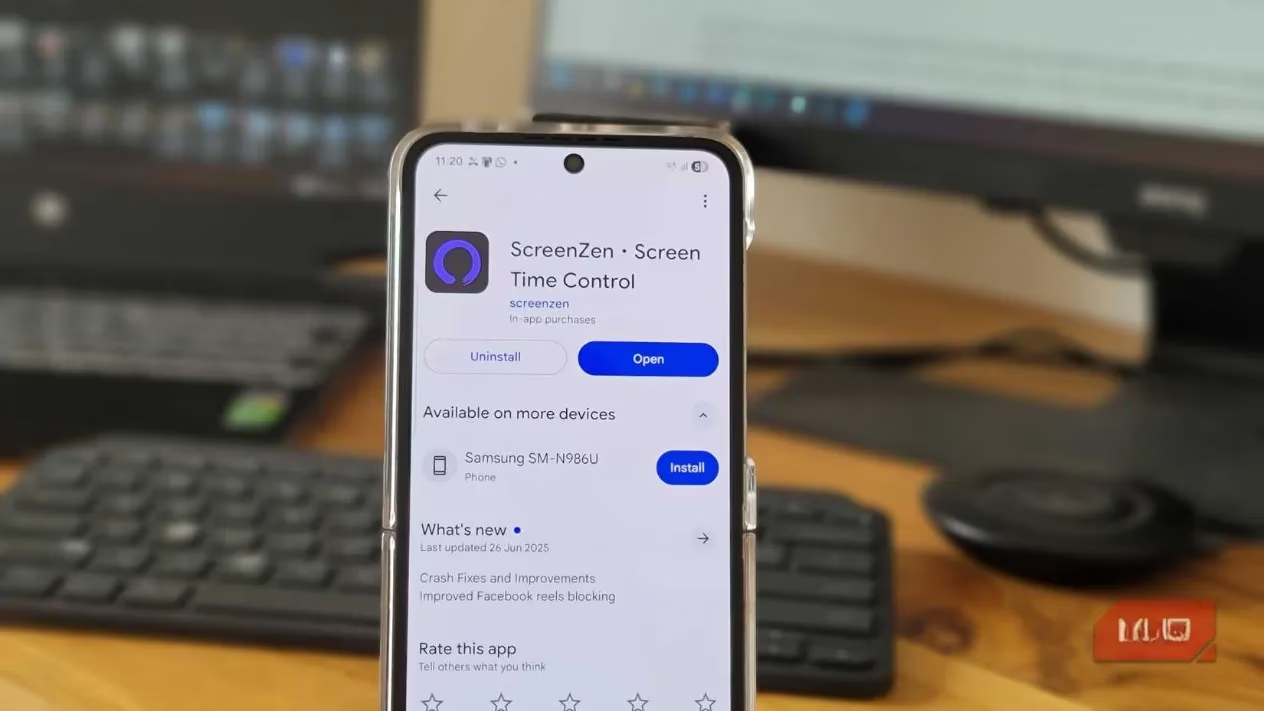
The app works beautifully on both Android and iOS, and it remains completely free in 2026—which honestly shocked me. Most apps that offer this level of flexibility eventually throw up a paywall, but ScreenZen has stayed true to its mission. What sets it apart from other cheat-proof blockers is how much you can tailor it. You aren’t stuck with rigid restrictions. You can layer on daily usage goals, cooldown periods, custom prompts, and even alternative tasks that force you to earn your scroll time.
Setting Up My Digital Guardrails
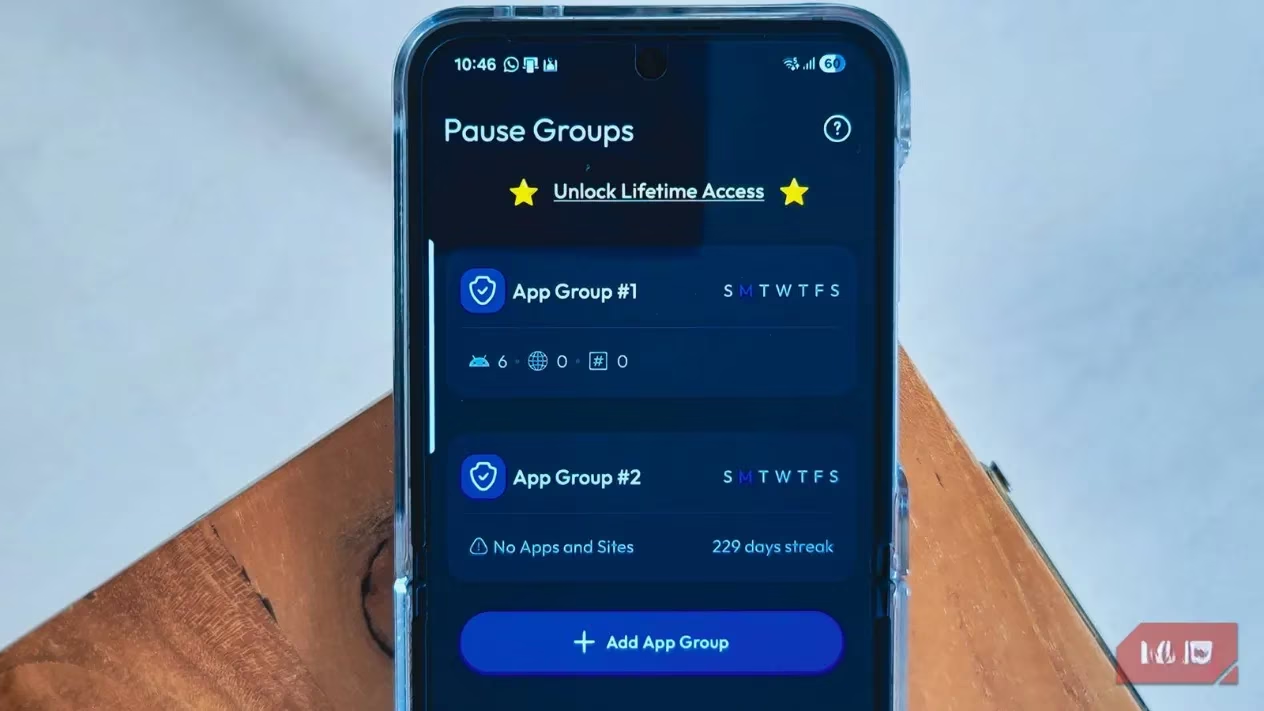
Getting started was surprisingly straightforward. After downloading the app, I gave it screen time access and notification permissions so it could monitor my usage and jump in before I opened a distracting app. During setup, ScreenZen asked which apps or categories I wanted to rein in. I could choose broad buckets like “Social,” “Games,” or “Entertainment,” or get specific about my personal time vampires. I went granular: YouTube Shorts, Instagram, and Twitter (which I still stubbornly call Twitter).
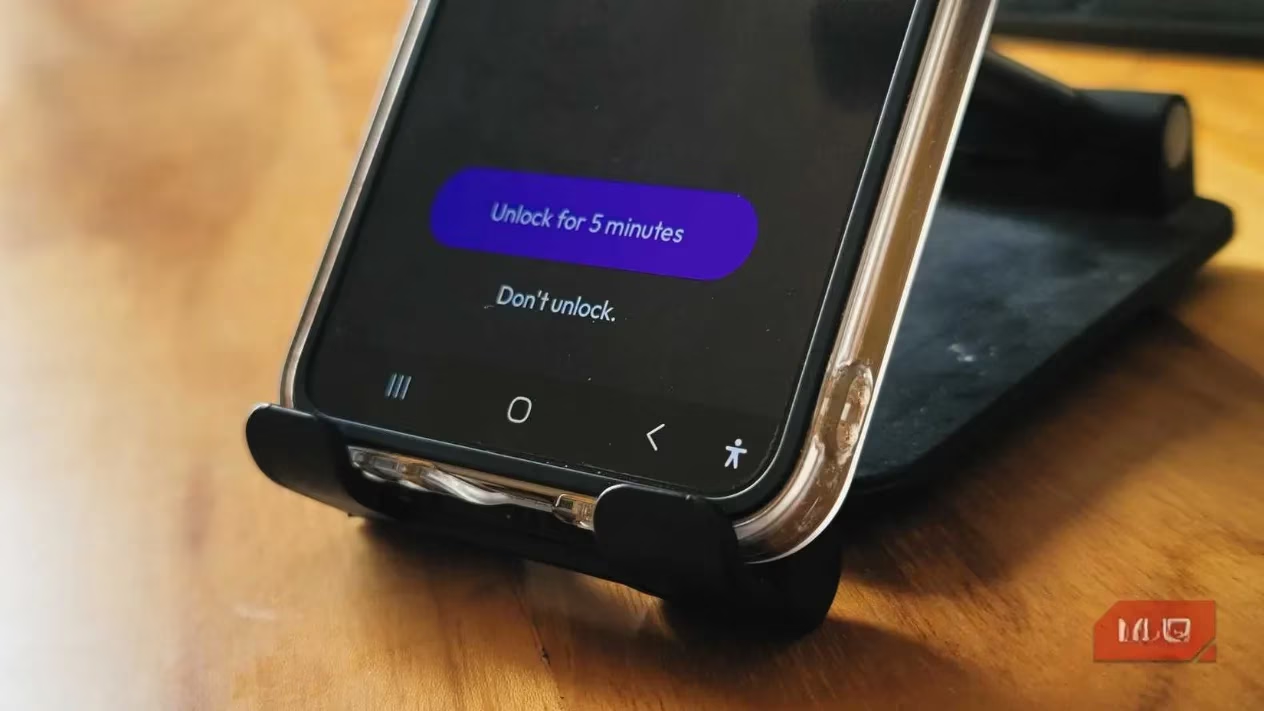
The default settings felt almost too gentle. A message popped up asking, “Is this important?” followed by a 5-second countdown. You can swap that message for something snarkier or more motivational—I eventually settled on “Do you really need to see what that influencer is eating?” That tiny friction was enough to make me reconsider about half the time. But for the other half, my dopamine-hungry brain just waited out the clock. Sound familiar? If you’ve ever found yourself counting down the seconds just to get your social media fix, you know how crafty we can be.
When Gentle Nudges Aren’t Enough
That’s where ScreenZen’s advanced features enter the chat. Once I realized I was gaming the system, I explored the “Just block the app” option during my work hours (9 a.m. to 5 p.m.). No countdown, no pleading, just a locked door. That moved the needle dramatically. My mid-morning Twitter checks vanished because there was simply no way in.
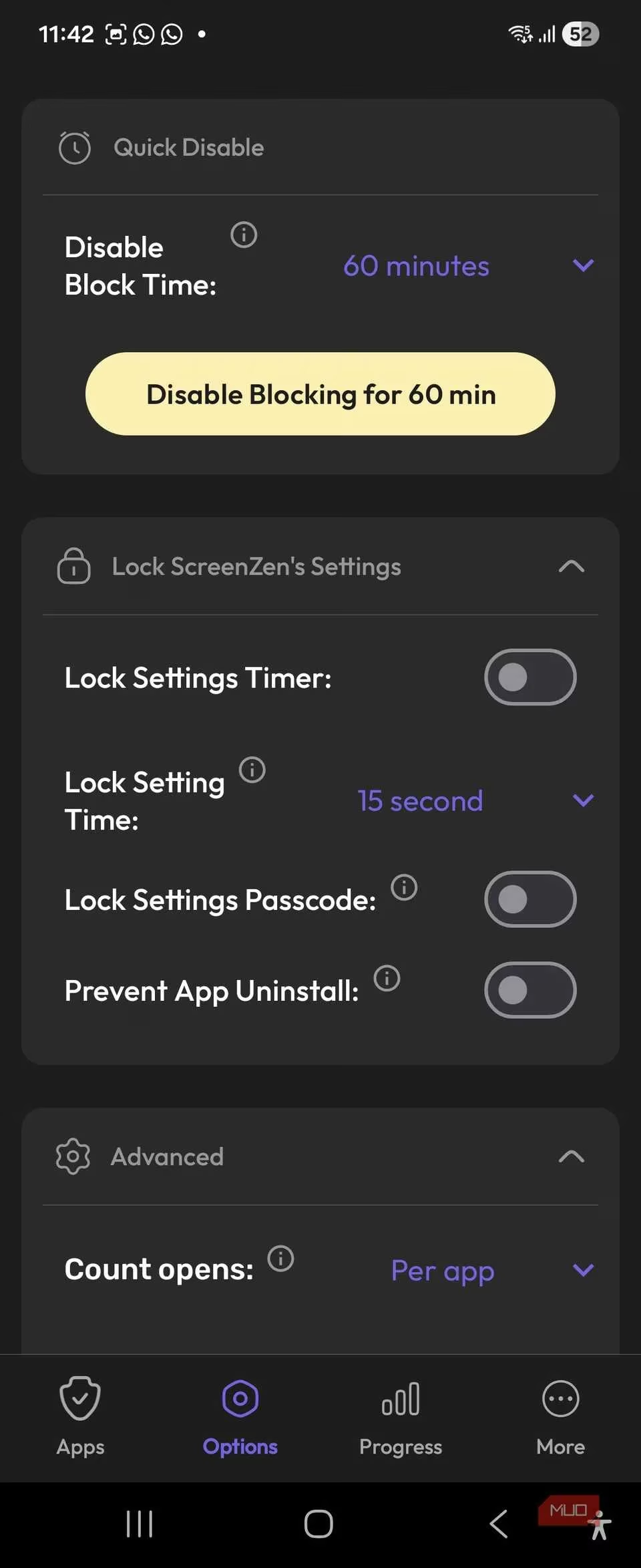
But the real game-changer? Pause alternatives. ScreenZen can require you to complete a small task before granting access to a blocked app. I set it up so that opening Instagram asked me to write down why I wanted to open it. Let me tell you, typing “I’m bored” three times in a row is a humbling experience. You can also set it to solve a quick math problem or check off a to-do item. These micro-frictions make mindless scrolling feel like a chore, and that’s exactly the point. Why are we so willing to do mental gymnastics just to watch a 15-second clip? Exactly.
Cooldowns and App Groups: The Dynamic Duo
The cooldown period has become my favorite feature. After I close a restricted app, ScreenZen prevents me from reopening it for a set time—I started at ten minutes, then bumped it to fifteen. This single setting completely dismantled my habit of closing Instagram, feeling a twinge of regret, and immediately reopening it out of sheer reflex. Now, if I want back in, I have to wait. And in those fifteen minutes, I usually forget why I even wanted to check it in the first place.
App groups let me manage multiple time-sucks with the same rule set. My “Social Media” group includes Instagram, Twitter, and TikTok, sharing identical daily limits and cooldowns. Another group, “Streaming,” handles YouTube and Netflix, but I gave it looser rules on weekends because, well, we all need some downtime. The ability to differentiate weekday versus weekend behavior is a subtle touch that feels genuinely respectful of real life.
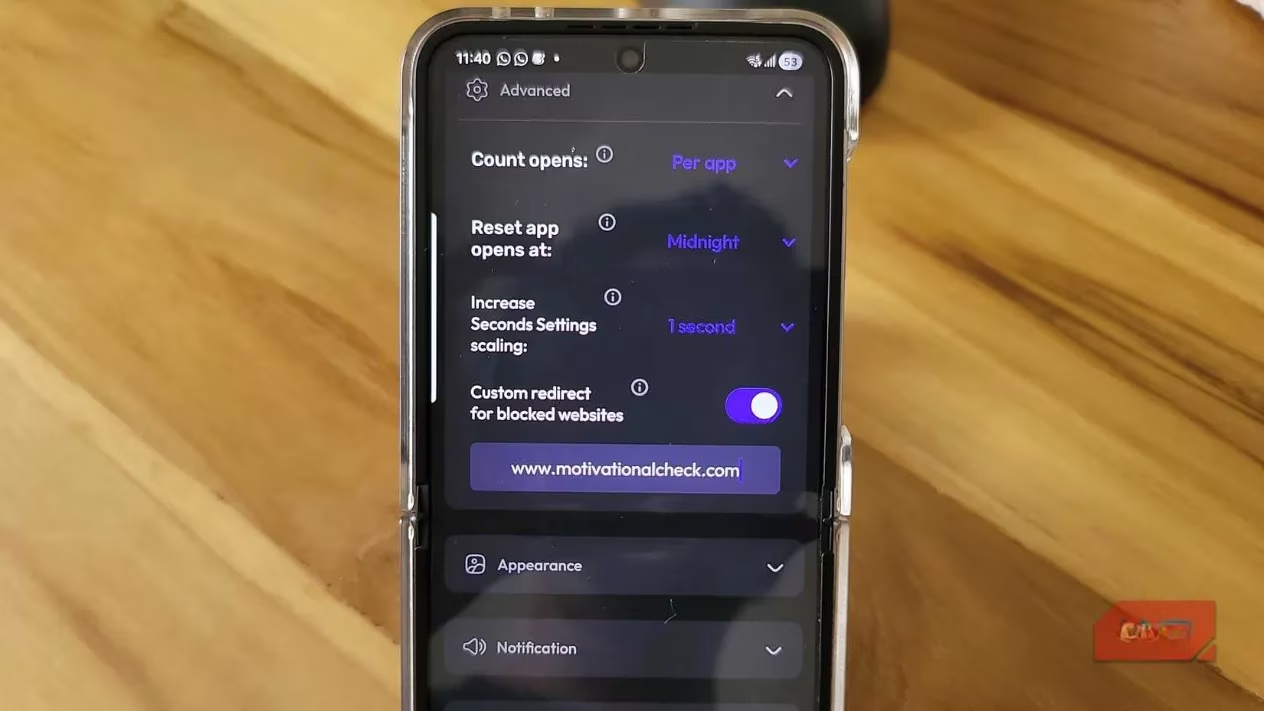
Website blocking works similarly. I added a custom redirect for the Twitter website so that anytime I tried to visit it in my browser, I’d end up on a daily motivation page instead. Is it a little cheeky? Absolutely. But it works.
What Happened to My Brain (and My Phone)
Three months in, I still have days where I slam into my limits by lunchtime. But those days are rare now, and when they happen, I actually notice. And that’s the real magic of ScreenZen—it’s not about blocking apps as much as it is about building awareness. Most of us don’t even realize we’re reaching for our phones. The screen lights up, our thumb moves, and we’re ten reels deep before our conscious mind catches up. ScreenZen inserts a speed bump into that process. It makes the invisible habit visible.
The progress tab helps too. It tracks my screen time patterns and shows streaks when I stay within my limits. There’s something visually satisfying about seeing those little green checkmarks stack up, like a Duolingo owl for digital wellness. It gamifies the process without making it feel like a chore.
Is ScreenZen perfect? No app can magically cure a behavioral addiction. But by 2026, it’s the closest thing I’ve found to a sane middle ground between being utterly disconnected and being a slave to the algorithm. My phone no longer feels like a device that controls my attention; it’s a tool I use with intention. If you’ve bounced off harsh digital wellbeing features or found conventional app timers too easy to ignore, ScreenZen might just be the pause button you’ve been looking for.
And if you’re still reading this while half-watching a YouTube Short in the background—ask yourself, is this important?