
I Locked My SIM to Stop SIM Swapping: Here's How You Can Too
I’ve spent years treating my phone number as just another login credential, but in 2026 that mindset is dangerous. SIM swapping—also called simjacking—is still one of the most effective ways for attackers to hijack your digital life. I recently checked my own carrier settings and realized how easy it is to lock down this attack vector before it ever reaches me. If you haven’t done the same, now is the time.
What Is SIM Swapping and Why It Still Matters in 2026
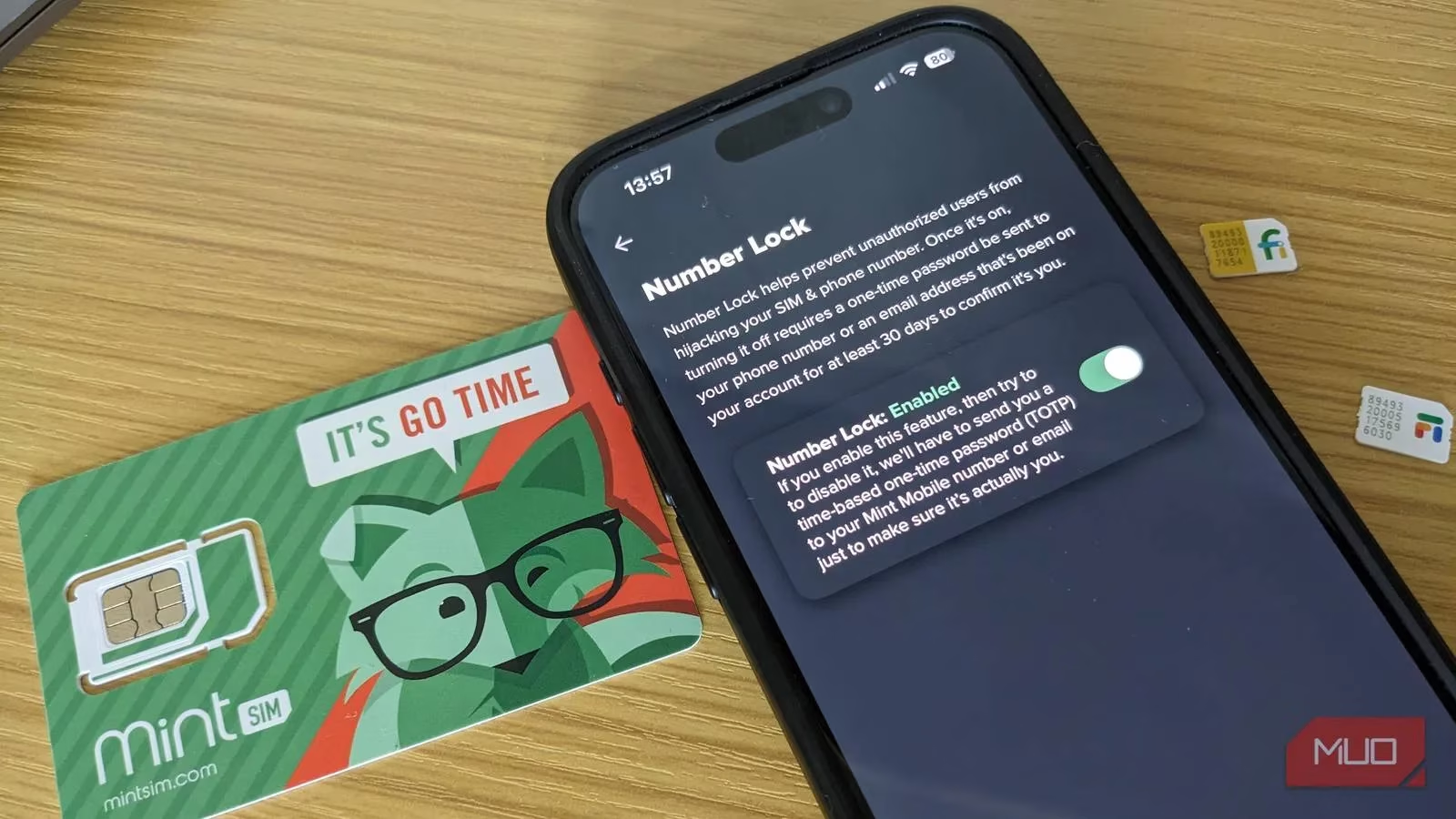
SIM swapping happens when a fraudster convinces your mobile provider to port your number to a SIM card they control. They don’t need your phone. They only need enough personal data to impersonate you—data that often leaks through breaches, phishing scams, or oversharing on social media. Once they have your number, they can intercept SMS codes, reset passwords, and impersonate you to friends and family.
This is especially destructive because SMS-based two-factor authentication (2FA) remains widespread. Many services still default to text messages for account recovery. If your SIM is swapped, that extra layer of security evaporates instantly.
My Mint Mobile Number Lock Experience
I’ve used Mint Mobile for years, and its Number Lock feature is a perfect example of a simple, proactive defense. In the Mint app, I went to Menu > Number Lock. On the website, it’s under My Profile & Security > Number Lock. After enabling the toggle, any attempt to disable it requires a code sent to my phone number or email address. Without that code, Mint won’t port my number while the setting is on.
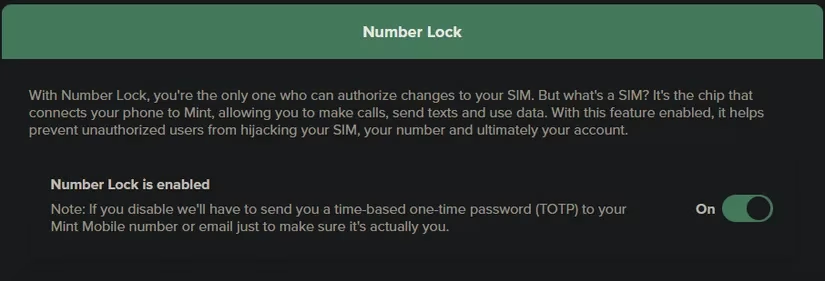
Major carriers offer similar protections. Verizon calls it Number Lock. T-Mobile calls it SIM Protection. AT&T calls it Wireless Account Lock. If your carrier uses a different name, look for an option that blocks SIM change requests. This is your best shield because it stops the attack at the root.
If Your Carrier Doesn’t Offer a Lock
Some smaller carriers may not have a dedicated SIM lock. In that case, ask whether you can set a PIN or secret phrase on your account. Many companies require this when you call support. It’s not perfect, but it adds a crucial speed bump.
Beyond the Carrier Lock: Better 2FA Habits
Even with a carrier lock, I don’t rely on SMS 2FA anymore. I’ve moved to authenticator apps that generate time-based codes on my device. For most people, this is the best balance of security and convenience. I don’t recommend Authy: it looks dated, has had security breaches, and makes exporting keys difficult. Proton Authenticator is a solid newcomer from a trusted company. You can also store 2FA codes in a password manager if you’re comfortable keeping everything in one place.
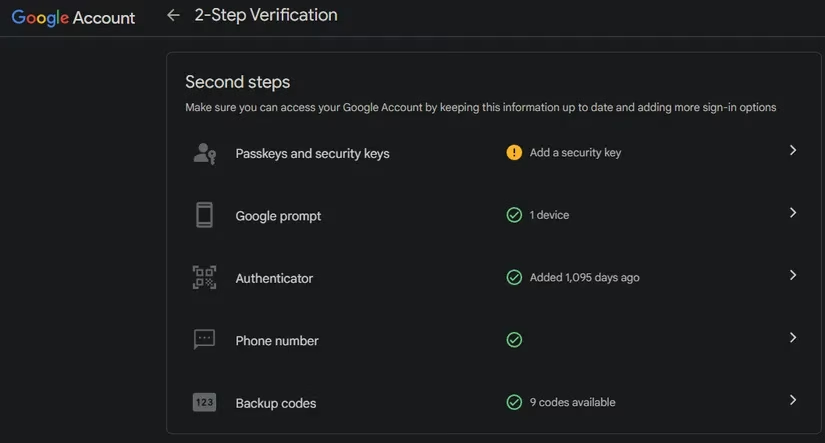
If a service only offers SMS 2FA, use it—but switch to an app or hardware key when possible. Disable SMS-based 2FA on any account that allows it.
Should You Use a SIM PIN?
Both Android and iOS let you lock your SIM card with its own PIN. On iPhone, go to Settings > Cellular, select your SIM, then SIM PIN. On Android, search for “SIM PIN” in Settings. You may need the existing PIN; don’t guess too many times or you’ll lock the SIM and need carrier help.
The default SIM PIN is often “1234” or the last four digits of your phone number, but check with your carrier. I only recommend this if you worry about someone physically stealing your SIM card. Otherwise, it’s another PIN to remember, and unlocking it every reboot is annoying. eSIMs can still be compromised, but there’s nothing physical to steal, and a strong lock screen PIN lowers the risk.
What to Do If You Suddenly Lose Service
If your phone suddenly loses cellular service, can’t make calls, or shows “SOS” only, contact your carrier immediately. Someone may have swapped your SIM. Acting fast can limit the damage.
Final Thoughts
SIM swapping attacks can happen out of nowhere. Being proactive is worth the time. Check your carrier’s app or website today for a Number Lock, SIM Protection, or similar feature. Add an authenticator app. Stop oversharing online. In 2026, your phone number is a master key—so treat it like one.