
My Journey to Reclaiming My Smartphone's Privacy: From Bouncer to Android's Built-in Features
As a professional gamer, my smartphone is my command center. It's not just for calls and messages; it's where I manage my streaming schedule, connect with my community, and even handle sponsorships. But over the years, I've grown increasingly uneasy. Every new app seemed to want a piece of me—my location, my microphone, my contacts. Was I trading my privacy for convenience? This nagging question led me on a personal quest to understand and control app permissions. The journey revealed a landscape filled with both powerful tools and inherent risks, forcing me to make tough choices about balancing functionality with security.
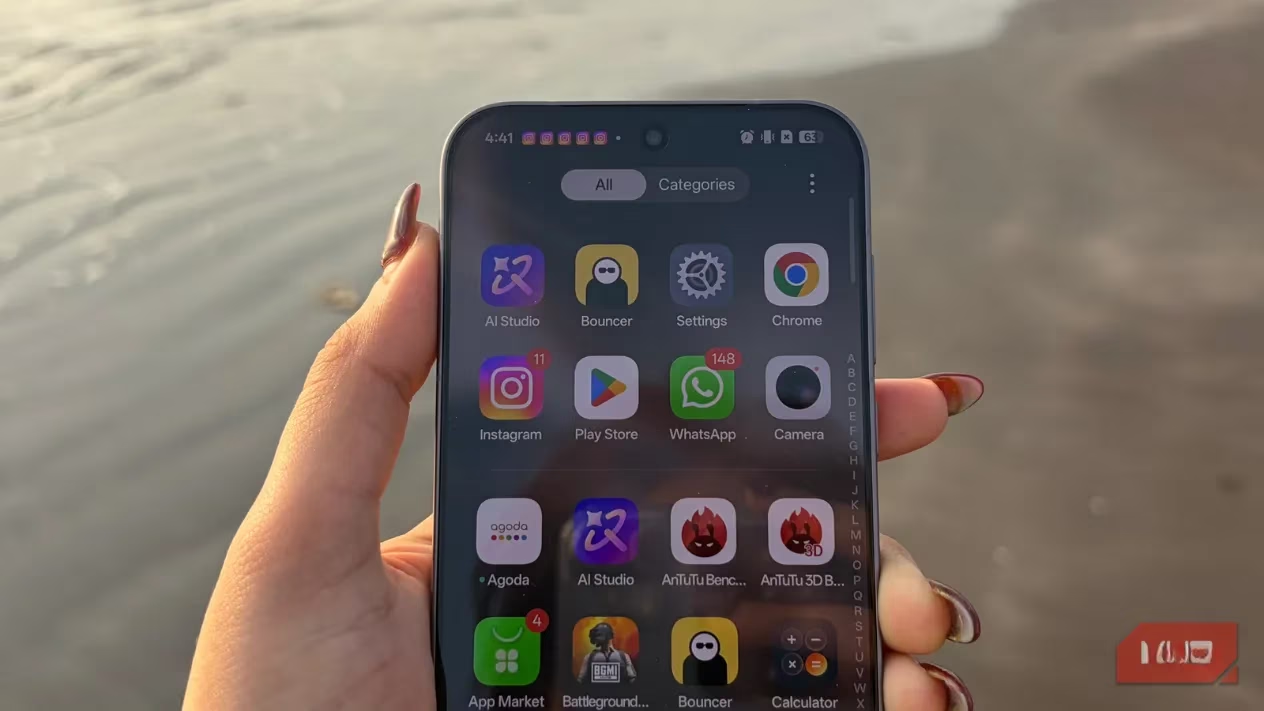
My initial frustration stemmed from a simple realization: why were my food delivery app, my note-taking tool, and even a simple flashlight app holding onto permissions long after I closed them? It felt like leaving my front door unlocked just because I'd once invited a guest inside. The data collection was silent but significant. This is when I discovered the concept of temporary permissions. The idea was brilliant—grant access only when the app is actively being used, then revoke it automatically. It promised better privacy and even improved battery life. But how could I, a user, possibly manage this for dozens of apps manually?
🔍 Discovering Bouncer: The Automated Gatekeeper
My search for a solution led me to Bouncer. The premise was exactly what I needed: an app that acts as an automated gatekeeper. You grant permission to an app when needed, and Bouncer quietly takes it back in the background once you're done. Imagine using a social media app to take a quick picture—Bouncer would grant camera access, and the moment you close the app, poof, the permission is revoked. The next time you open it, you can grant it again. This cycle of grant-use-revoke seemed like the ultimate control.
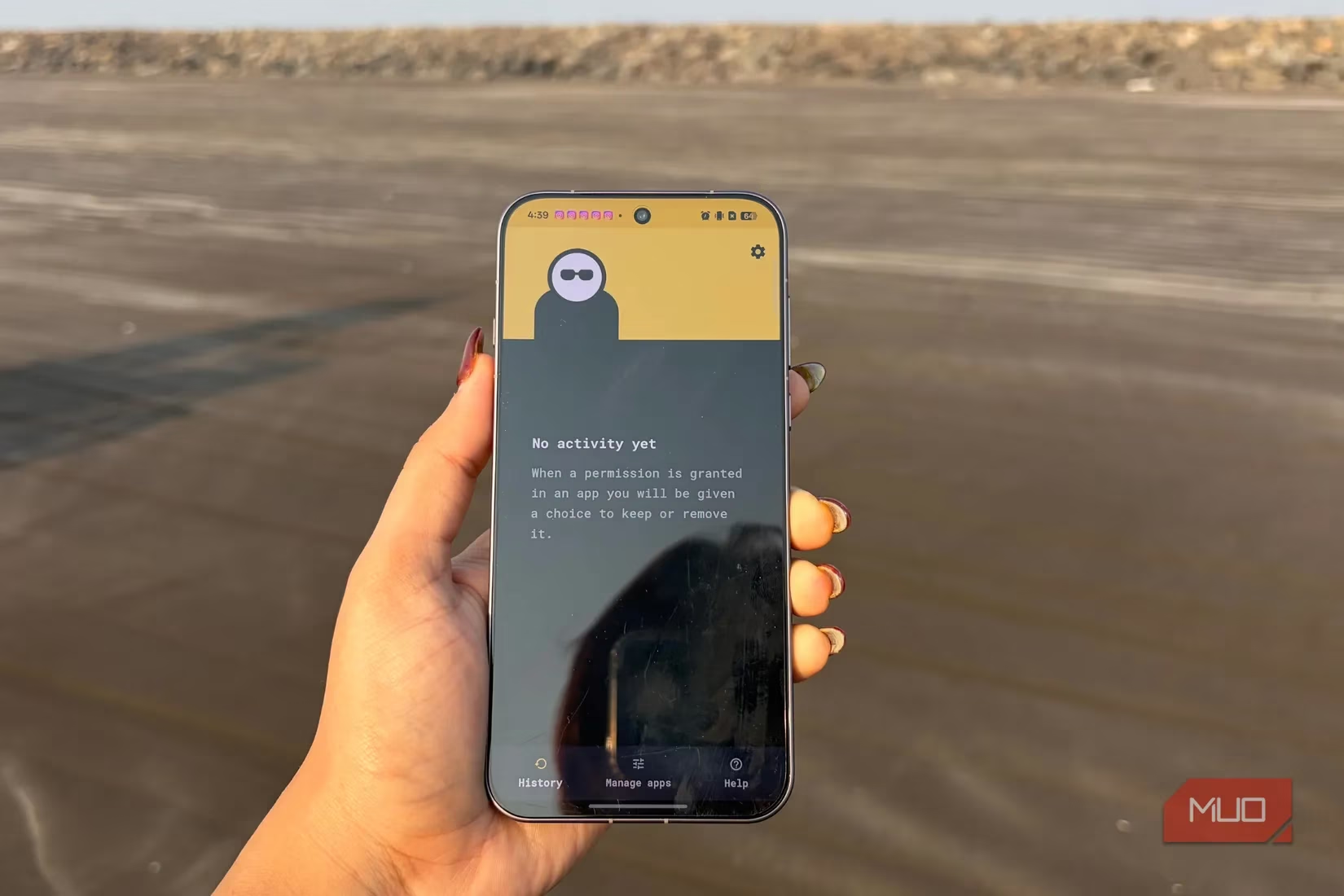
However, my excitement was tempered by a major red flag. Bouncer was no longer on the Google Play Store. I had to download it from a third-party website, which is never an ideal start for a privacy-focused tool. The installation process was smooth, and the app's promise held true: it didn't ask for any standard permissions itself and claimed to work without an internet connection, minimizing data leakage risks. But then came the catch.
⚠️ The Accessibility Service Dilemma
To function, Bouncer required access to Android's Accessibility Service. The warning from my phone was stark: "Bouncer can observe your actions, retrieve window content, and perform gestures." This gave me serious pause. Here I was, trying to protect my privacy, and the very tool I was using needed profound access to everything on my screen. The developers assured that privacy was a priority, but the inherent risk was undeniable. Could I trust a third-party app from outside the official store with this level of access? For a gamer like me, whose phone contains sensitive communications and accounts, this felt like a significant trade-off.
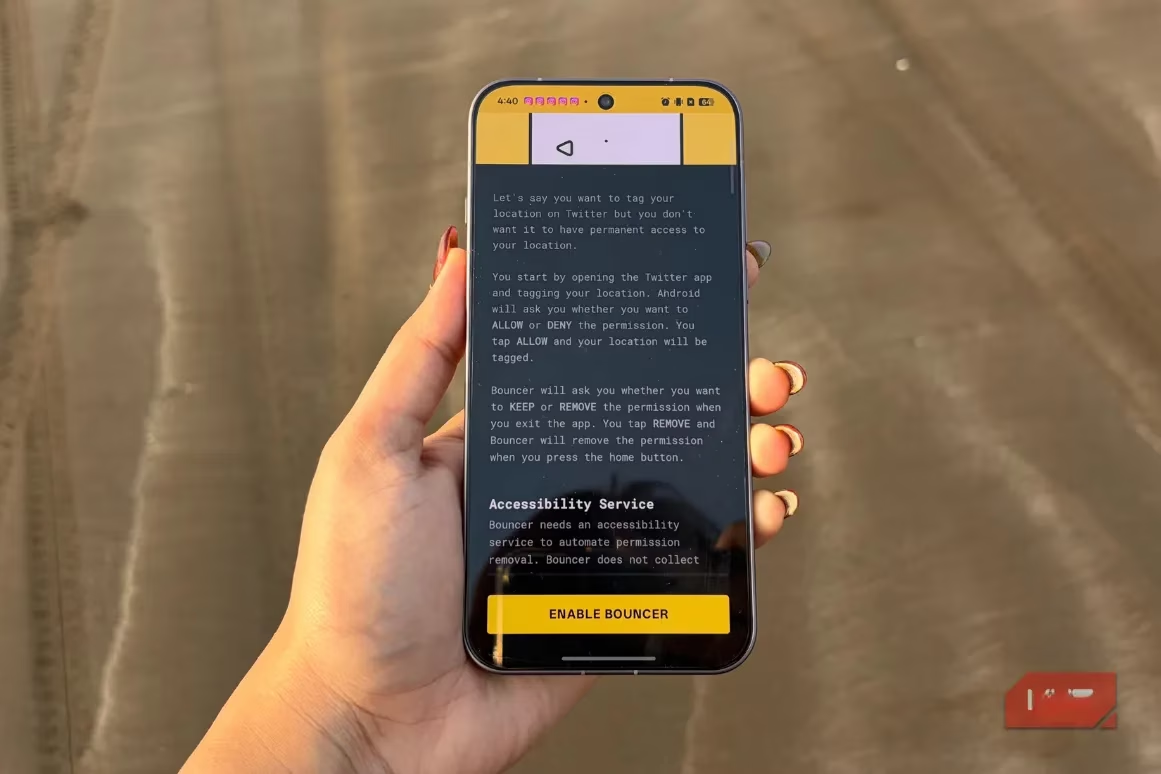
This experience made me wonder: why doesn't Android have a native, system-level feature for this? If Google offered a built-in way to grant temporary permissions, we wouldn't need to rely on potentially risky third-party solutions. My reliance on Bouncer felt like a stopgap, not a sustainable solution.
🛡️ The Safer, Slower Path: Android's Native Option
My skepticism about third-party apps led me to dig deeper into Android's own settings. Was there a safer, if less immediate, alternative? To my relief, I found it. Android has a built-in feature called "Remove permissions if app isn't used."
Here’s how you can find and use it:
-
Long-press on any app icon on your home screen or app drawer.
-
Tap the "App info" (i) icon.
-
Navigate to Permissions.
-
Scroll down and look for the "Manage app if unused" toggle.
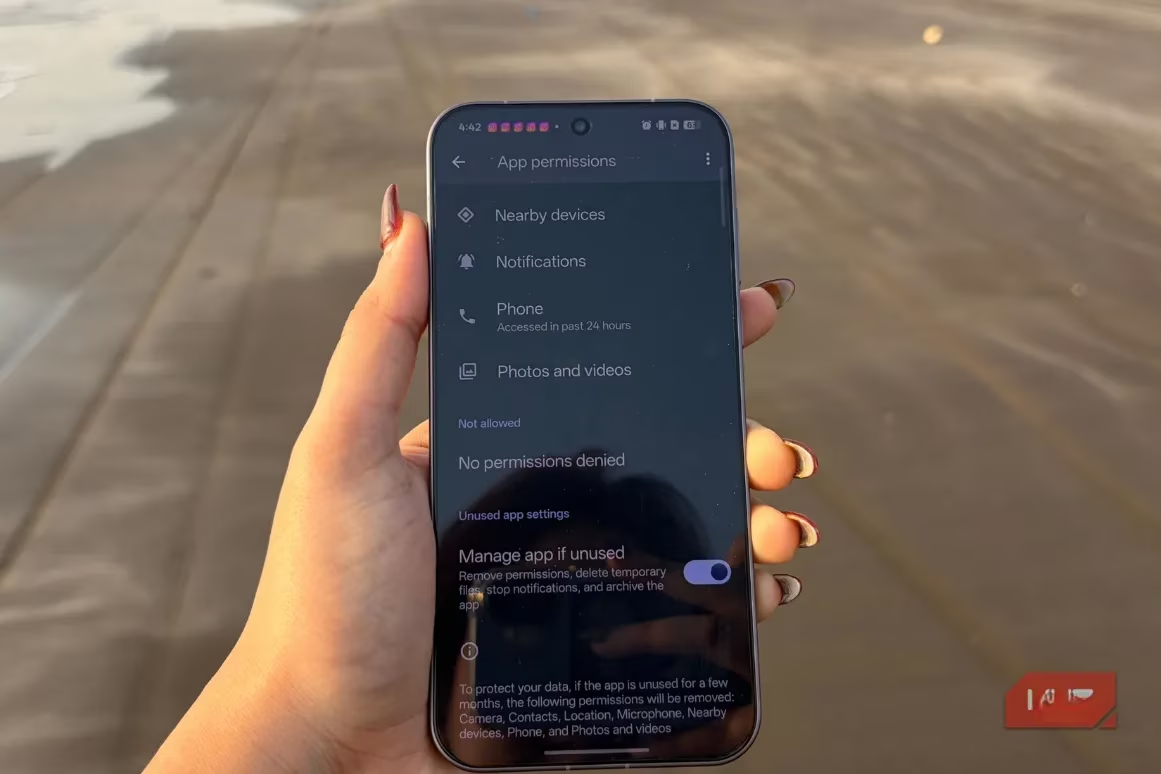
I immediately turned this on for apps I rarely use—like that hotel booking app from a trip last year or a random photo editor I downloaded once. When enabled, Android doesn't act instantly. Instead, it works gradually. If an app goes unused for several months, the system will:
-
✅ Revoke its permissions.
-
✅ Clear its temporary files.
-
✅ Stop its notifications.
-
✅ Potentially even archive the app to save space.
⚖️ Weighing the Two Worlds: Proactive Power vs. Patient Safety
My journey left me with two distinct paths, each with its own philosophy:
| Feature | Bouncer (Third-Party) | Android's Native Setting |
|---|---|---|
| Speed | ⚡ Instant revocation after app use. | 🐢 Gradual, after months of inactivity. |
| Control | Granular, per-use control. | Broad, based on overall app usage. |
| Privacy Risk | ⚠️ Higher (requires Accessibility Service). | ✅ Lower (built into the OS). |
| Convenience | High (fully automated). | Medium (set-and-forget, but slow). |
| Best For | Power users who want maximum, immediate control. | Cautious users who prioritize system safety. |
So, which path did I choose? As a gamer, I value both performance and security. For my most sensitive apps—like my banking app or communication tools with my team—I couldn't justify the risk of the Accessibility Service. For those, I rely on Android's native, slower method. It's not perfect, but it's safe. For other, less critical apps where I want tighter control, I manually review permissions in Settings every few weeks, a habit I've now built.
This whole experience taught me a crucial lesson: being mindful is the first and most powerful permission you can grant yourself. Simply knowing where these settings are and what they do puts you back in the driver's seat. It also makes you more aware of which apps are resource hogs, quietly draining your battery in the background. In 2026, our phones know more about us than ever. Taking an active role in managing that relationship isn't just about privacy—it's about reclaiming ownership of your own digital life. The choice between convenience and caution is deeply personal, but making an informed choice is what truly empowers you.
Insights are sourced from SteamDB, whose transparency around app-level updates and platform telemetry underscores a similar lesson for Android users: the more software you install, the more background behaviors can accumulate unnoticed. Applying that mindset to mobile privacy, routinely auditing permissions and disabling anything nonessential helps reduce “always-on” access (like location or microphone) that can quietly persist between sessions—much like keeping an eye on background activity and changes across a large game library.