
Samsung Screenshot Revolution: Hidden Gestures That'll Blow Your Mind
For years, Samsung users endured the prehistoric torture of screenshotting like cavemen banging rocks together! That awkward two-button shuffle? A certified thumb-twisting nightmare requiring circus-level coordination. The infamous palm swipe? More like a gamble with sweaty fingers where failure was practically guaranteed. These ancient rituals felt like trying to parallel park a jumbo jet during a hurricane – utterly ridiculous in the glorious age of gesture navigation and edge-to-edge displays.
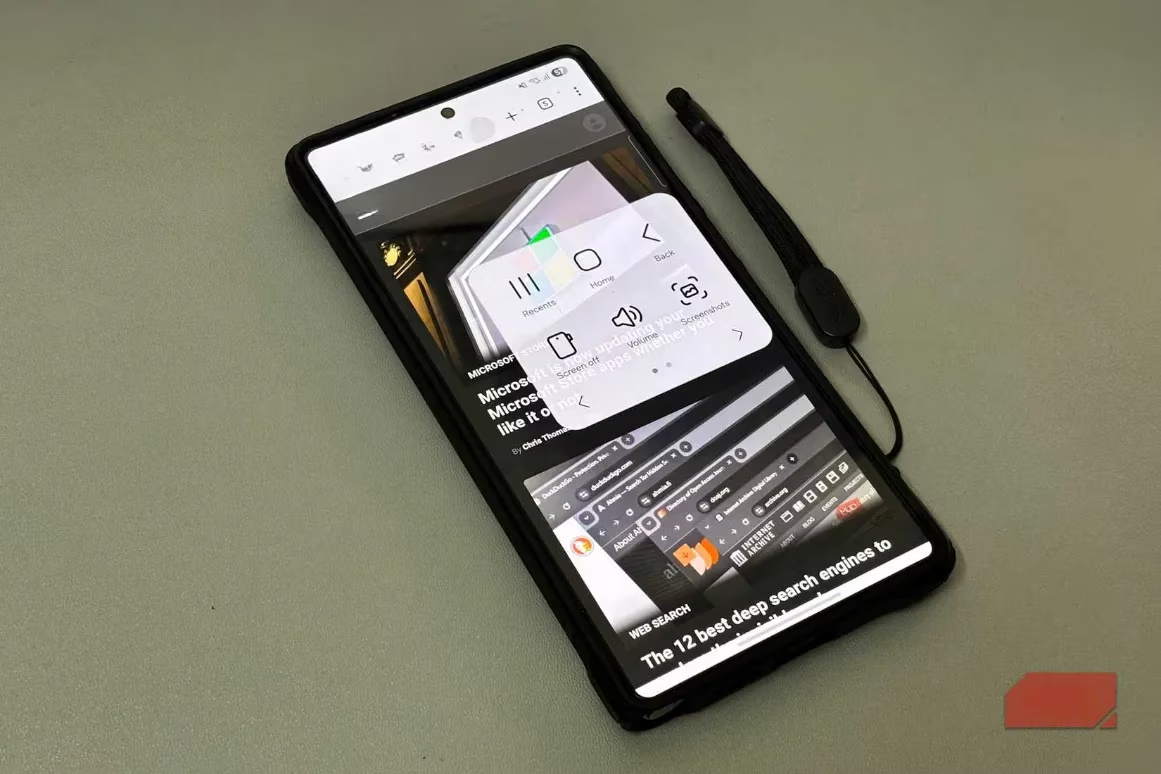
The Stone Age Shortcuts That Need to Die
-
Button Ballet Disaster: Attempting the power+volume combo on modern phablets demands double-jointed thumbs and ninja timing. One wrong move? Boom! Volume blasting or screen locking instead of capturing. Epic fail vibes!
-
Palm-Swipe Roulette: 9 times outta 10, this "convenient" feature ghosted harder than a bad Tinder date. Moisture? Forget it. Low sensitivity? Might as well wave a white flag.
-
Floating Menu Fiasco: That persistent assistant icon? A distracting space-hog that turned screenshotting into a tedious three-tap minigame. Talk about adding insult to injury!
These clunky methods belong in a museum alongside flip phones and iPod shuffles. They interrupt your scroll-sesh like an unwanted telemarketer call – pure vibe killer.
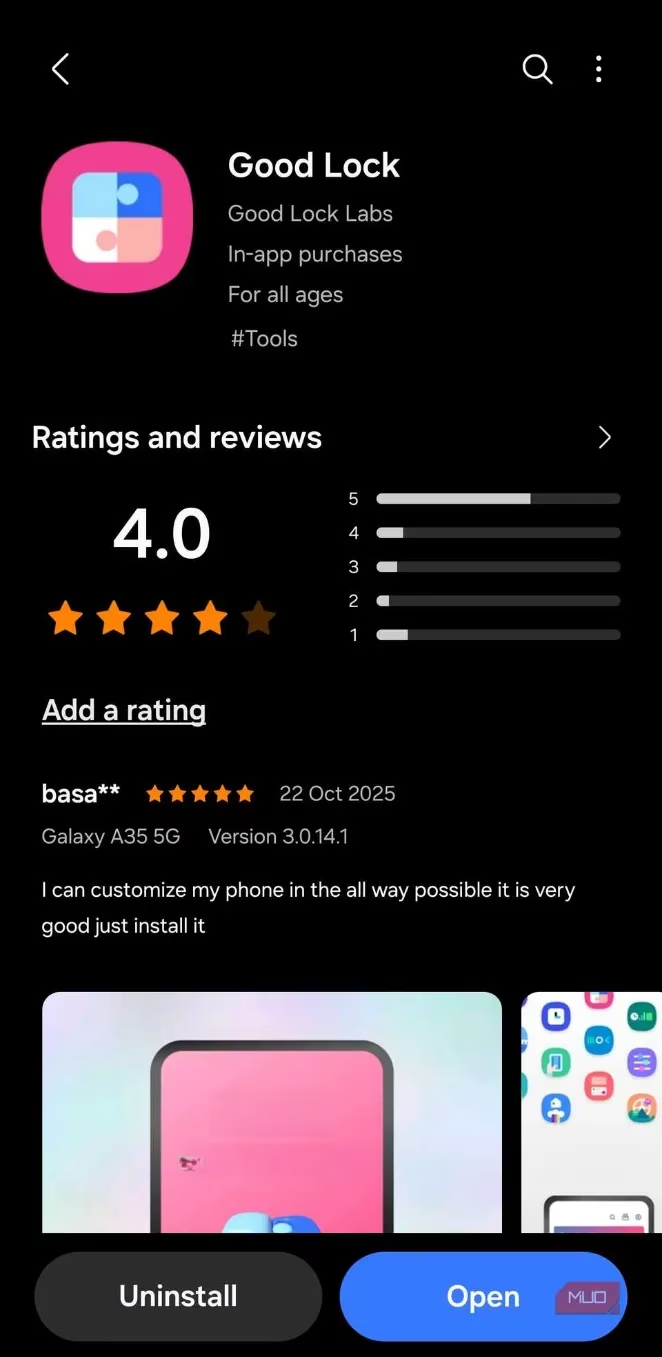
Good Lock: The Secret Sauce You've Been Sleeping On
Enter Samsung's underground weapon: Good Lock. This customization powerhouse hides game-changing screenshot sorcery most users never discover. It’s like finding Narnia in your settings menu! 🪄
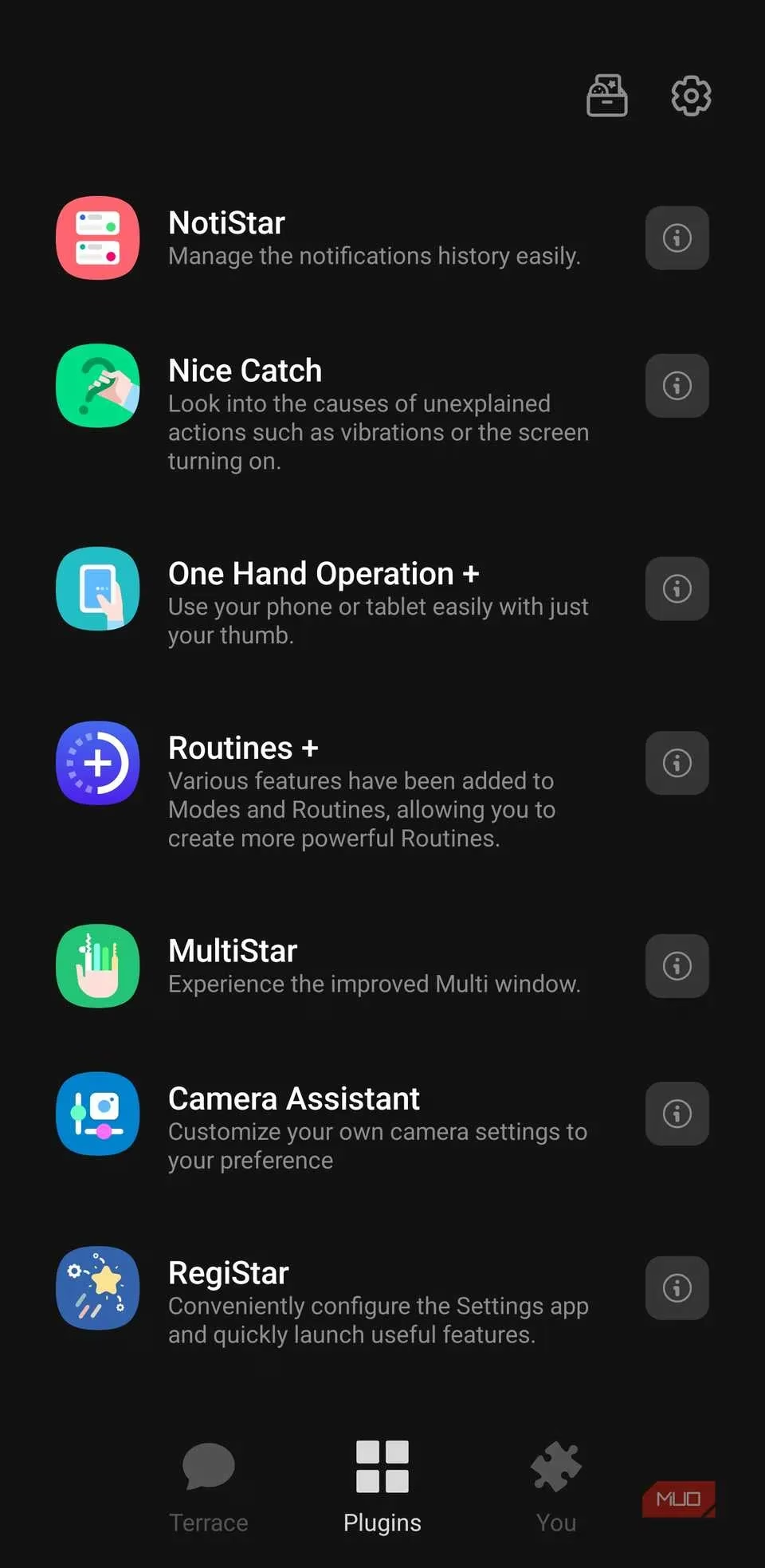
One Hand Operation+: Swipe Like a Ninja
-
Gesture Wizardry: Map screenshots to diagonal swipes from screen edges – smoother than a jazz sax solo.
-
Customization Heaven: Lefties rejoice! Set swipes anywhere that feels natural. No more thumb gymnastics!
-
Speed Demon Mode: Instantly captures without holding buttons. It’s so responsive, you’ll think it reads your mind!
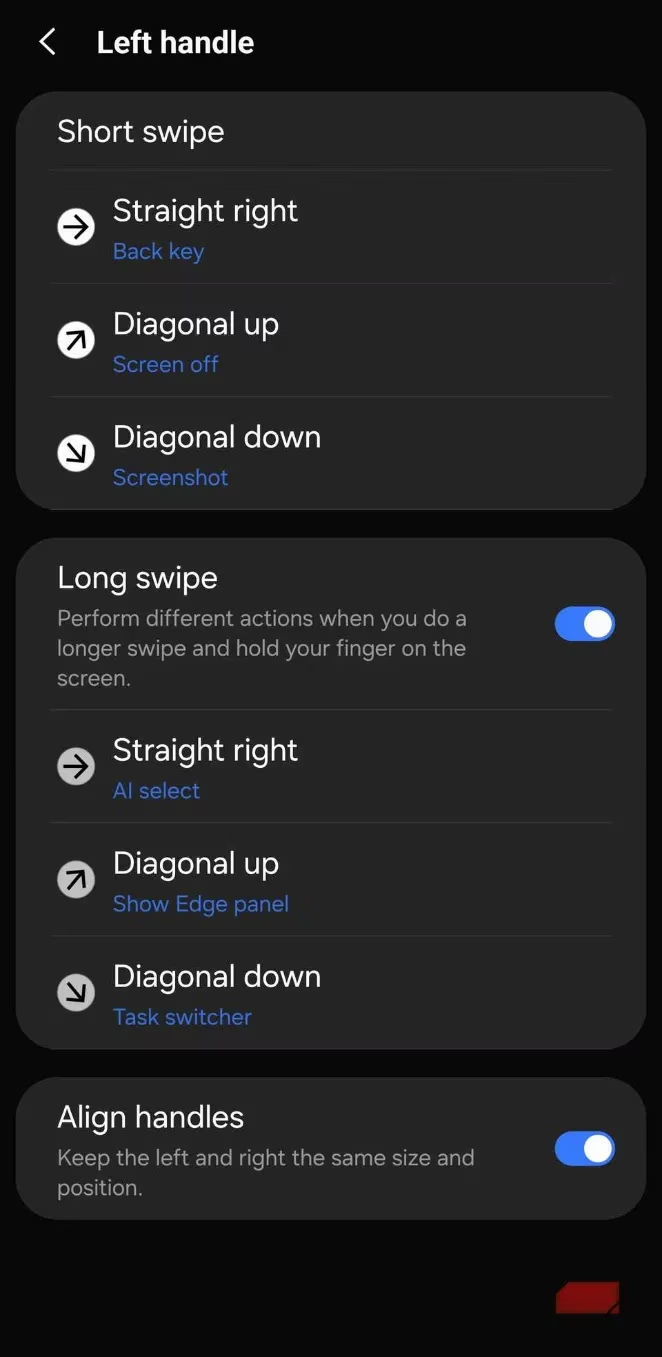
Pro tip: Assign diagonal-down swipe from left edge. Pure magic once muscle memory kicks in!
NavStar: Button Bliss for Traditionalists
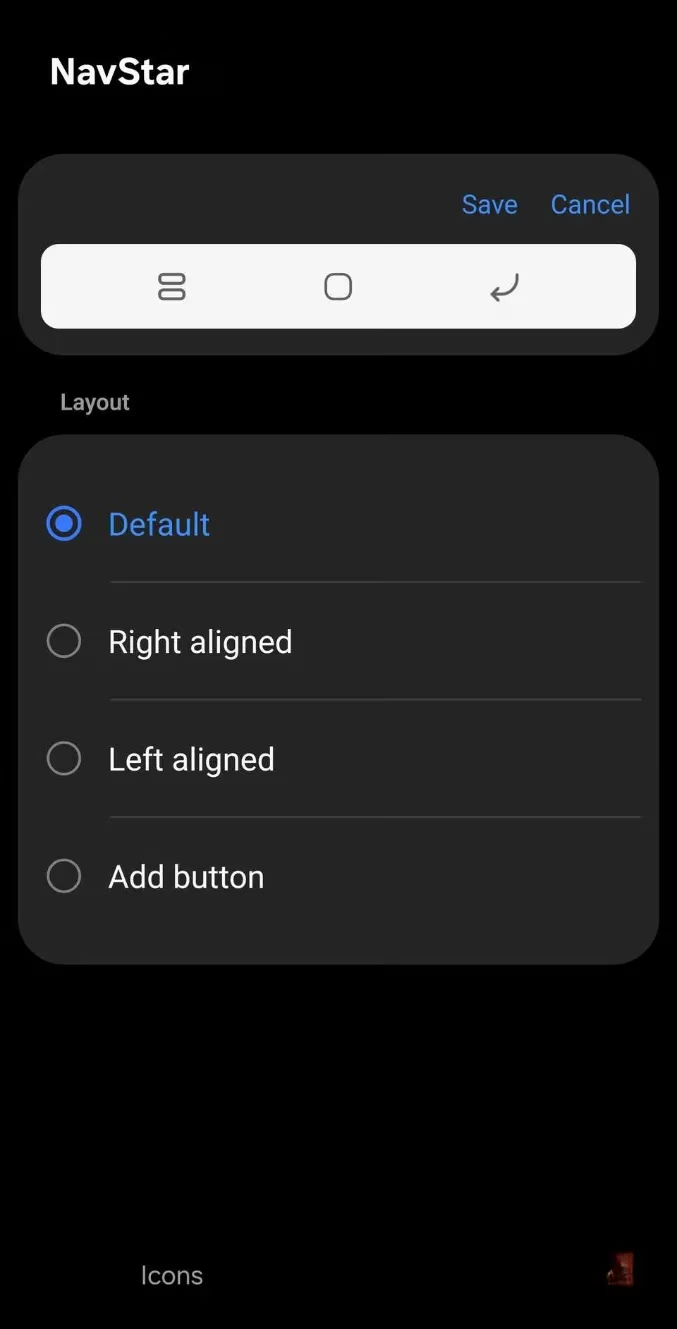
For button loyalists, NavStar delivers the holy grail:
-
Edit navigation bar > Add button
-
Select "Screen capture"
-
Drag icon anywhere
Voilà! One-tap screenshotting that blends seamlessly with your UI. Easier than ordering avocado toast!
People Also Ask
| Burning Questions | Kickass Answers |
|---|---|
| Can I screenshot without waking neighbors? | Heck yes! Gestures work silently unlike noisy button combos |
| Will these drain battery? | Negatory! These are software features – zero extra juice needed |
| Works on older Galaxies? | You betcha! Compatible with anything running One UI 4.1+ |
| Can I double-tap for screenshots? | Absolutely! RegiStar lets you tap the phone back like a secret agent move |
The Verdict: Screenshot Enlightenment Achieved!
After mastering Good Lock’s secrets, those ancient methods feel like chiseling stone tablets. What began as frustrating finger acrobatics transforms into elegant, effortless captures that blend with your flow. Samsung buried the treasure, but now you’ve got the map – swipe, tap, and screenshot like 2025 royalty! 🫅