
The Silent Thief of Battery Life: How I Found Peace by Turning Off Hidden Scans
I hold in my hand a sliver of glass and metal, a portal to the world, yet so often it feels like a fragile, dying star in my palm. Its light, its promise, dims with each passing hour, a silent countdown to a lifeless slab. Like every soul tethered to their device, I craved that elusive, enduring charge—a companion that could whisper tales from dawn until the moon hung high without begging for the umbilical cord of a charger. For years, this was a dream deferred, until I discovered the two silent saboteurs lurking in the shadows of my phone's settings. Turning them off was like silencing a constant, whispered conversation in a quiet room; the peace was immediate, and my battery's life blossomed from a wilting flower into a steadfast oak.
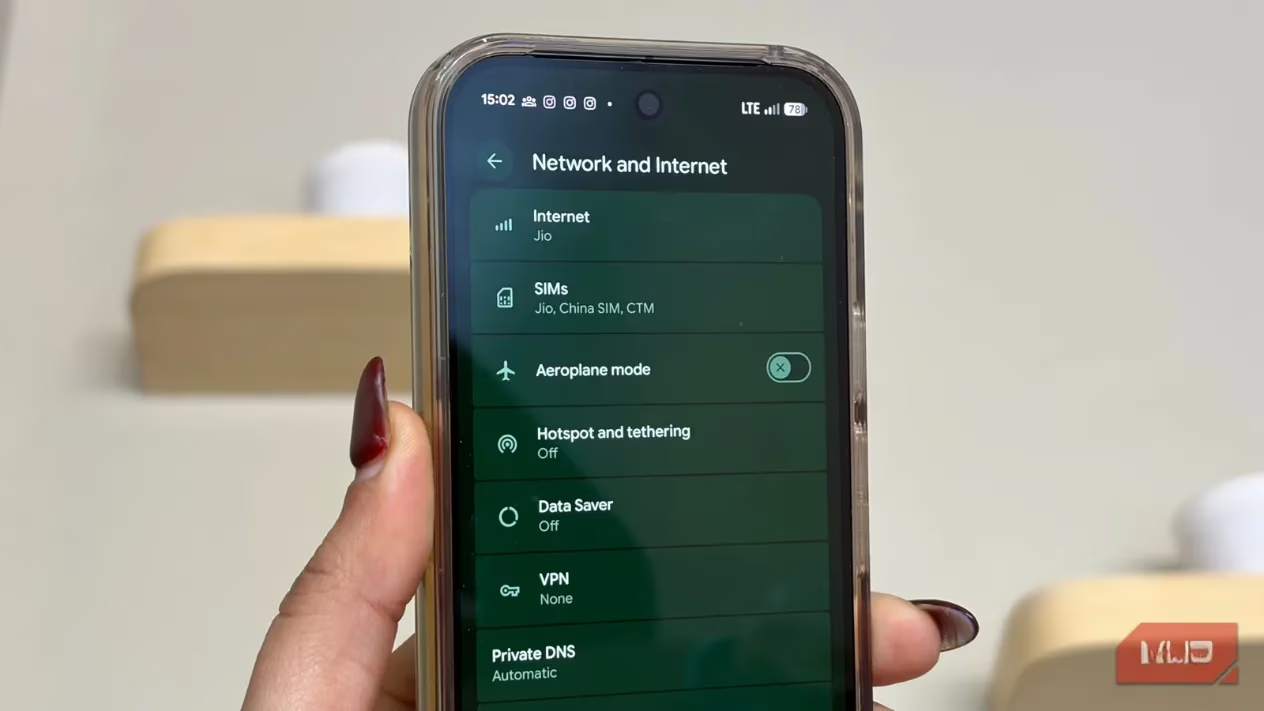
This phantom drain, this background scanning, is a thief in the night. It operates like a restless librarian in a closed library, forever pacing the aisles, checking for books that no one has asked for. Your phone's radios—Wi-Fi, Bluetooth, the subtle sensors—remain on a perpetual, low-grade alert. Even when the screen sleeps, they are awake, pinging the void for networks and devices, sipping power like a ghost sipping condensation. In areas where signals are weak, the drain intensifies; your device becomes a desperate castaway, sending up flare after invisible flare, exhausting itself in the search for a connection that isn't there.
The revelation was this: my smartphone was a perpetual scout, forever scanning the horizon even when I had consciously lowered the flags of Wi-Fi and Bluetooth from my control center. These settings, often defaulted to 'on' for the sake of convenience and location precision, keep parts of the phone's mind from ever truly resting. They prevent the deep, restorative slumber—the deep sleep mode—where real battery conservation happens. It is the digital equivalent of sleeping with one eye open, a state of vigilant exhaustion.
Reclaiming the Silence: A Guide for All Handsets
The path to reclaiming my battery's soul was simpler than I imagined. It required no arcane knowledge, just a few taps into the heart of the settings.
For the Android Wanderer:
-
Open the Settings app, your digital compass.
-
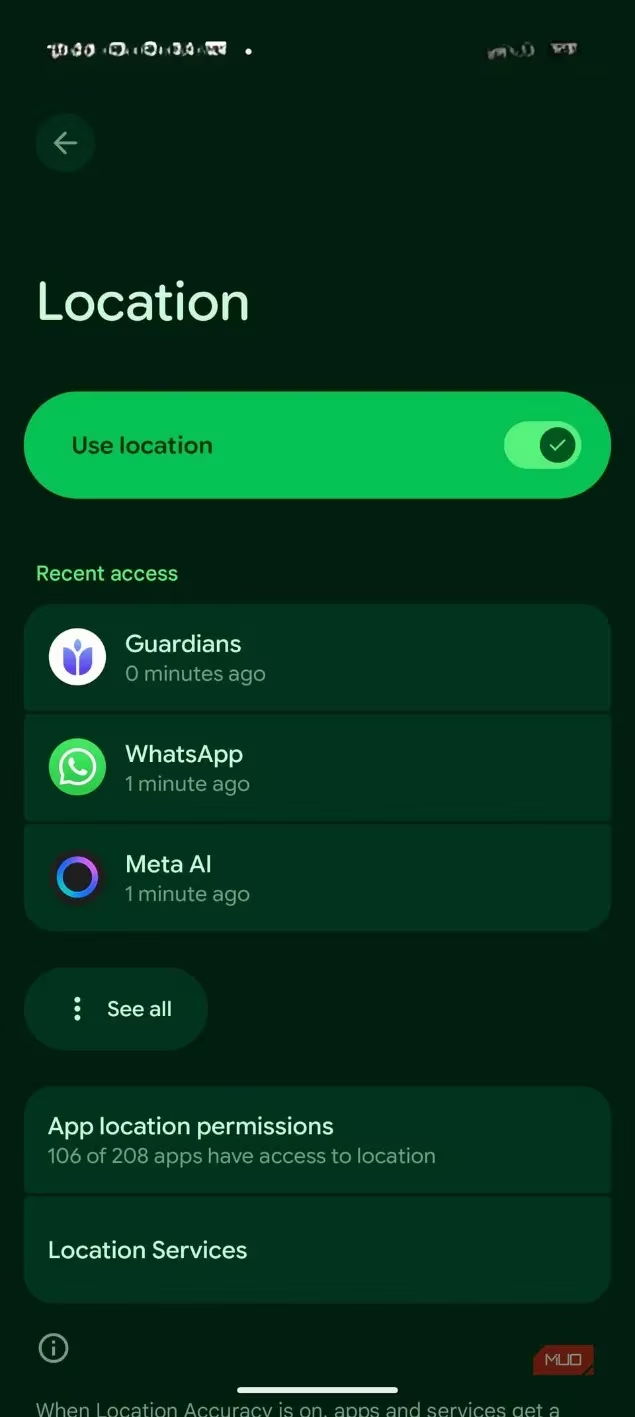
Navigate to Location.
-
Venture into Location Services.
-
There, you will find two silent sentinels: Wi-Fi scanning and Bluetooth scanning. Gently switch them both off.
For the iOS Voyager:
-
In Settings, sail to Privacy & Security.
-
Drop anchor at Location Services.
-
Scroll to the very depths and select System Services.
-
Here lies the switch for Networking & Wireless. Turn it off, and confirm your choice.
A natural fear arose within me: Was I crippling my device? Would maps fail me, or my headphones become deaf to my phone's call? The beautiful truth is no. Disabling these scans is not severing a limb; it is simply asking a hyper-vigilant guard to stand down when there is no threat. Your phone will still connect to Wi-Fi networks you choose. It will still embrace Bluetooth devices when you initiate the pairing. It is a lesson in intentionality. My own test was a quiet cafe moment: after the change, my phone found the cafe's network as effortlessly as a bee finds a flower, and my smart glasses paired instantly with both my iPhone and Android tablet.
Let me be clear about what this change is and is not:
| What It Does | What It Does NOT Do |
|---|---|
| 🛑 Stops unnecessary background radio searches | ❌ Prevent manual Wi-Fi/Bluetooth connections |
| 💤 Allows the phone to enter deep sleep mode | ❌ Break navigation or location-based apps |
| 🔋 Reduces idle power drain significantly | ❌ Impact cellular service or call quality |
| 🛡️ Enhances privacy by reducing passive data leakage | ❌ Require a phone restart or complex setup |
In this age of 2026, where our devices are more intertwined with our lives than ever, such optimizations are not mere tricks—they are acts of digital mindfulness. We are not breaking our phones; we are teaching them to breathe, to rest. We are stopping them from performing a silent, endless tap dance on a stage with no audience. The result is a device that feels more like a loyal companion and less like a needy charge. It is completely safe, utterly reversible, and profoundly effective. By granting our phones the gift of true silence, we, in turn, are gifted with the enduring light we so deeply crave.