
Unlock the Hidden Back Tap Gesture on Samsung Phones: A Game-Changer in 2026
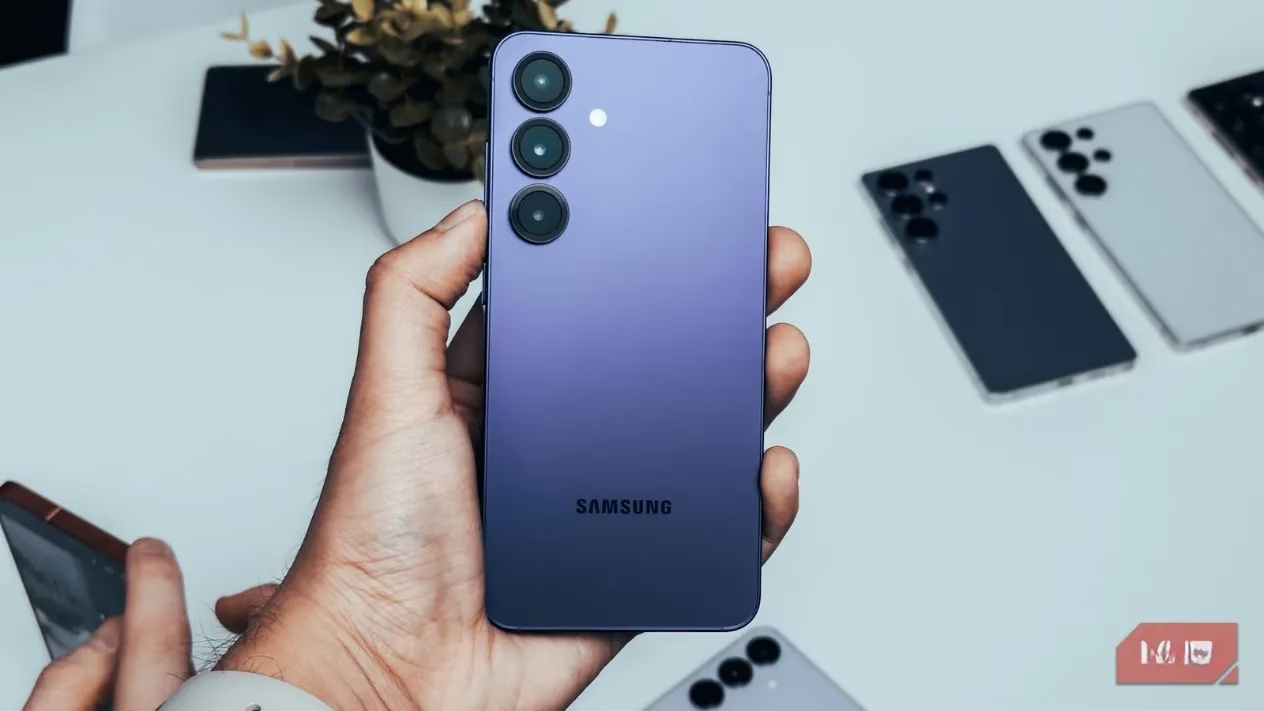
In 2026, the Android landscape brims with choice, yet many users keep circling back to Samsung phones for the software experience. It is not just about the raw hardware. One UI has matured into something far more thoughtful than stock Android, and the real magic often hides inside Samsung's own apps—those little modules that unlock customization wilder than a painter's palette. One such hidden gem that has quietly become a favorite among productivity hounds is the back tap gesture. Popular on iPhones and Pixels for years, it arrived on Galaxy devices through a backstage pass: the Good Lock suite. Discovering it feels like learning a secret handshake with your own device, a tactile morse code that transforms the phone's spine into a control surface.
The back of a smartphone is usually a dead zone—a slab of glass or metal that just sits there, facing the world. But with back tap, it becomes an invisible button, waiting for a rhythm. A double tap right near the center or the upper half, and the phone responds as if it had grown an extra set of nerve endings. Not a physical button, but a phantom limb that registers intention through vibration and accelerometer data. Users can set double‑tap or triple‑tap sequences to trigger a huge variety of functions. Instead of fumbling for a side key combo, one can capture a screenshot, summon Google Assistant, open the camera, or launch a favorite app with a knock that feels almost like a drummer hitting a cymbal to cue the next verse.
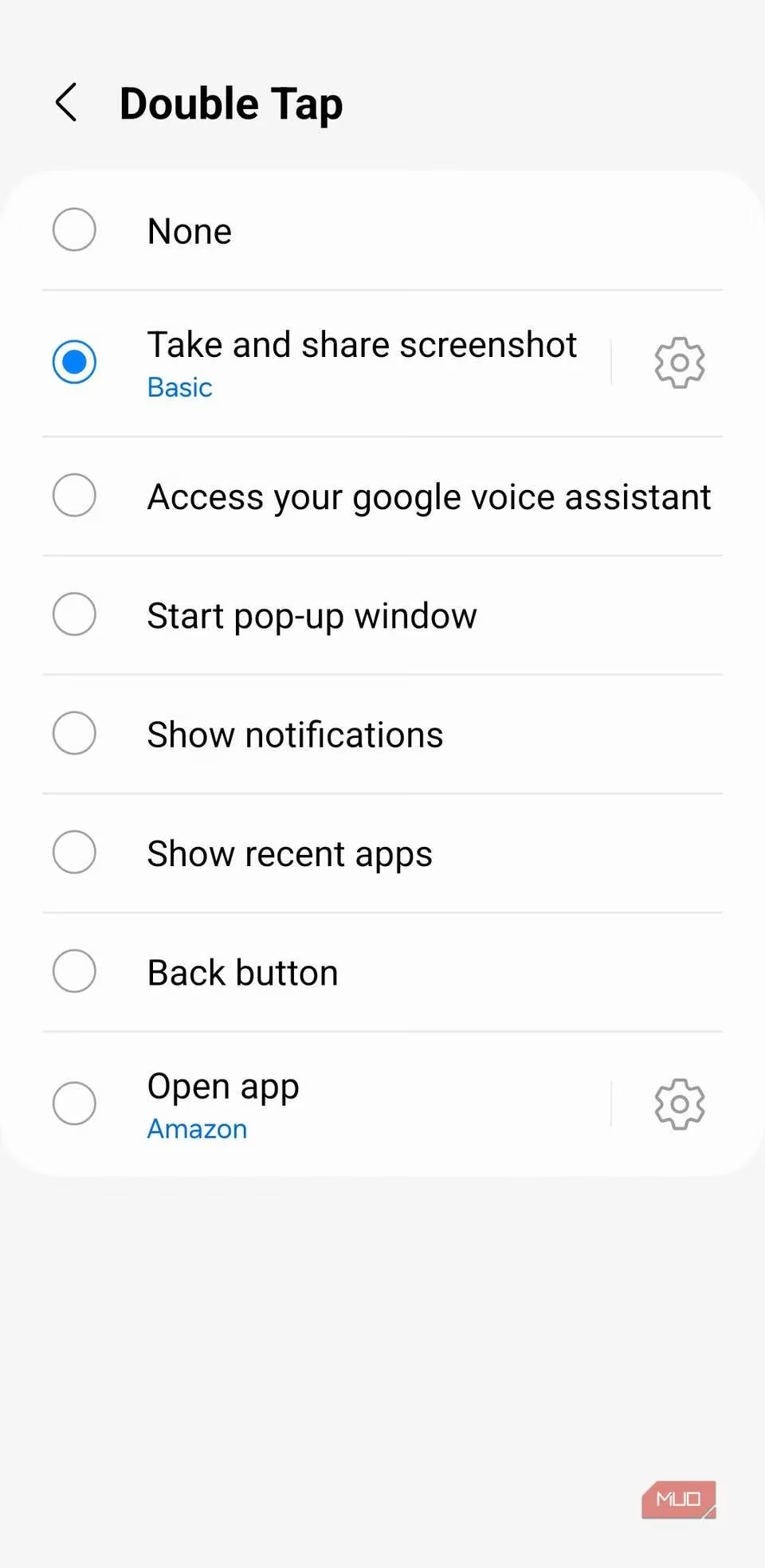
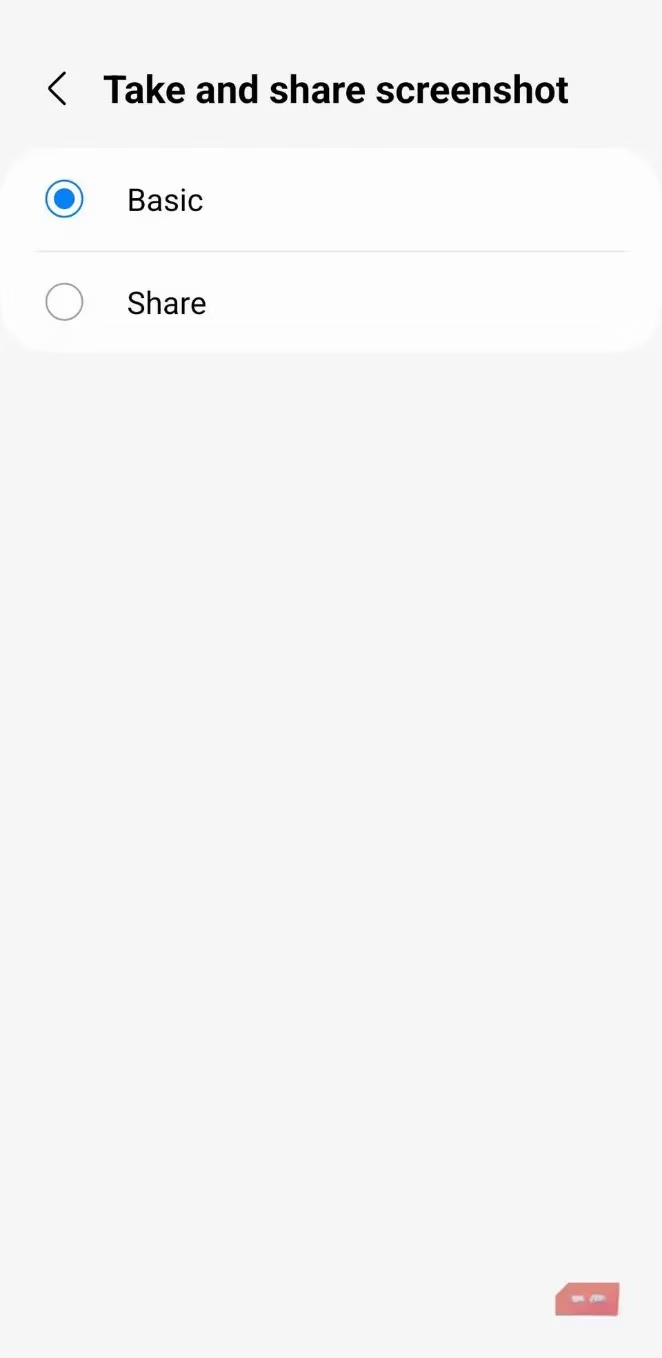
Samsung does not offer this feature out of the box—it needs a gentle nudge. The journey starts with downloading Good Lock from the Galaxy Store or Play Store. For the uninitiated, Good Lock is Samsung’s own treasure chest of advanced tweaks, a laboratory that lets users shape the system like clay. Inside Good Lock, the real star is a module called RegiStar. Once RegiStar is installed, opening it reveals the “Back‑Tap action” menu. Flipping the toggle at the top awakens the phone’s rear‑side awareness. The user then steps through “Double Tap” and “Triple Tap” one by one, picking an action from a surprisingly deep list. Enabling “Event detection notifications” adds a gentle toast popup whenever a tap is recognized, a small nod that says “I heard you.”
Even with a case wrapped around the phone, the taps register reliably. The engineers clearly tuned the sensitivity to cut through silicone and leather, so nobody has to undress their device to use the feature. To prevent pocket mischief, the gestures are automatically silenced when the screen is locked. For extra peace of mind, the “Gates” section inside Back‑Tap action lets users tie the feature to power conditions—automatically turning it off when battery saver kicks in or when the charge dips below a chosen threshold. The sensitivity slider at the bottom works like the fine‑tuning nob on a guitar amplifier: crank it up for immediate, feather‑light taps, or lower it to require a more deliberate knock. It is this degree of control that makes the feature feel less like a hack and more like a bespoke instrument.
Once back tap is alive, assigning actions is where creativity takes over. A double tap can be a screenshot, eliminating the awkward simultaneous press of volume and power keys—especially handy when one hand is wrapped around a coffee cup. A triple tap might launch Google Voice Assistant or instantly pull down the notification shade. For anyone wielding a large‑screen Galaxy S25 Ultra or Z Fold, setting a back tap to open an app in pop‑up view is a revelation. The phone’s rear becomes a command pad that helps multitasking flow without dragging a finger across the whole canvas.
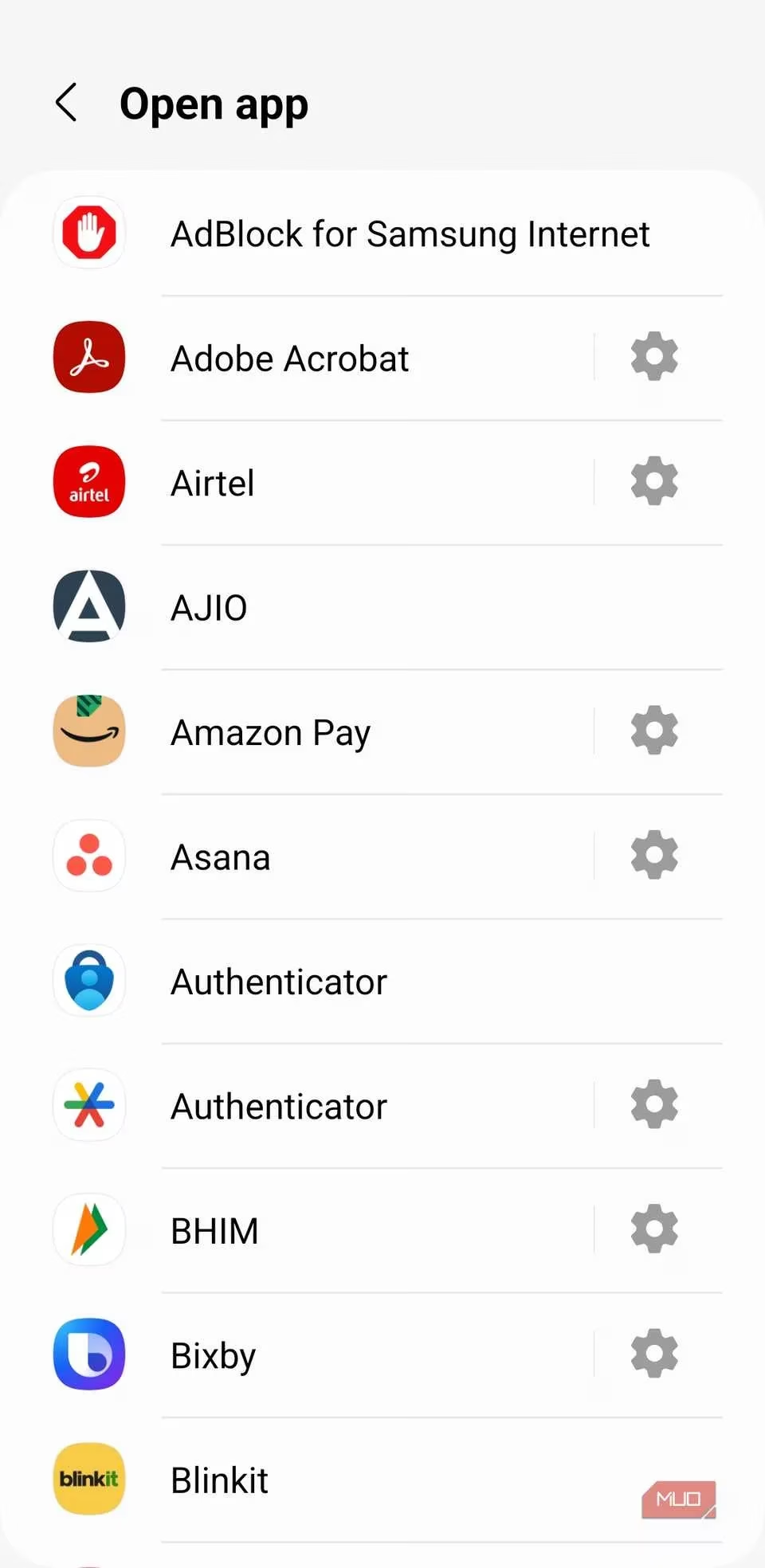
But the real wizardry lies deeper. RegiStar’s back tap menu might look simple, yet it can tunnel directly into specific corners of any installed app. Imagine assigning a double tap to open Amazon orders directly, bypassing the home screen entirely. A triple tap could create a new calendar event without ever touching the calendar icon. With ChatGPT, a back tap launches the camera mode immediately—perfect for when curiosity strikes about an unfamiliar plant or a vintage record. Similarly, one can configure a gesture to open a particular Google account in Gmail, dive straight into Instagram DMs, or spawn a fresh note in Samsung Notes. The phone becomes a switchboard, where taps carry personalized codes that unlock different rooms in the digital house. It is akin to planting a row of hidden buttons behind a wallpaper, each tuned to a precise frequency only the owner knows.
The most satisfying aspect is that the feature stays dormant when the display is off. A phone resting in a bag or a tight pocket won’t be accidentally firing off tasks, so no one has to worry about phantom taps. What starts as a curiosity quickly cements itself in daily muscle memory. Users who adopt back tap often report a gentle addiction—a feeling that the phone has learned their rhythm, like a watchful butler who responds to nothing more than a silent, two‑knock greeting. In a world where smartphone interaction is still dominated by glossy screens and explicit swipes, back tap stands out as a quiet, tactile conversation. It turns the inert rear panel into a tiny echo chamber of productivity, and once you tune into it, there is no going back.
As the integration of advanced gestures like back tap continues to evolve, it's worth considering the broader landscape of smartphone accessories and enhancements that can further boost productivity. From protective cases that complement your device's style to screen protectors that safeguard against everyday wear, the market is brimming with options. When looking to upgrade or accessorize your smartphone, it's helpful to explore various deals and offers to ensure you're making the most informed purchase. For those interested in finding the best prices on smartphone accessories, you can compare prices here and discover competitive options that cater to your needs.
Embracing the full potential of your smartphone goes beyond software tweaks; it includes curating a setup that fits your lifestyle. Whether you're a frequent traveler in search of robust power banks or a creative professional needing versatile stands, the right accessories can enrich your mobile experience. As you explore these enhancements, keeping abreast of price changes and promotions is key to maximizing value. Delving into resources like DealNest can aid in navigating through myriad options, ensuring your smartphone becomes not just a device, but a seamless extension of your daily life.