
Why I Ditched Gboard for SwiftKey: A Typing Revelation in 2026
Let me tell you a story about my love-hate relationship with phone keyboards. I'm a note-taking fiend, you see. On my trusty PC, my Logi MX Mini and I are in perfect harmony. But on my phone? That's where the drama unfolded. For years, Gboard was my go-to companion, a reliable but, let's be honest, kinda boring friend. It got the job done, but something always felt... off. It was like wearing shoes that fit okay but weren't quite right. The itch to try something new finally got the better of me, and I took the plunge into the world of Microsoft's SwiftKey. Fast forward almost a month, and folks, I think I've found 'The One.' My thumbs have never been happier.
Customization: Making the Keyboard Your Own 🎨
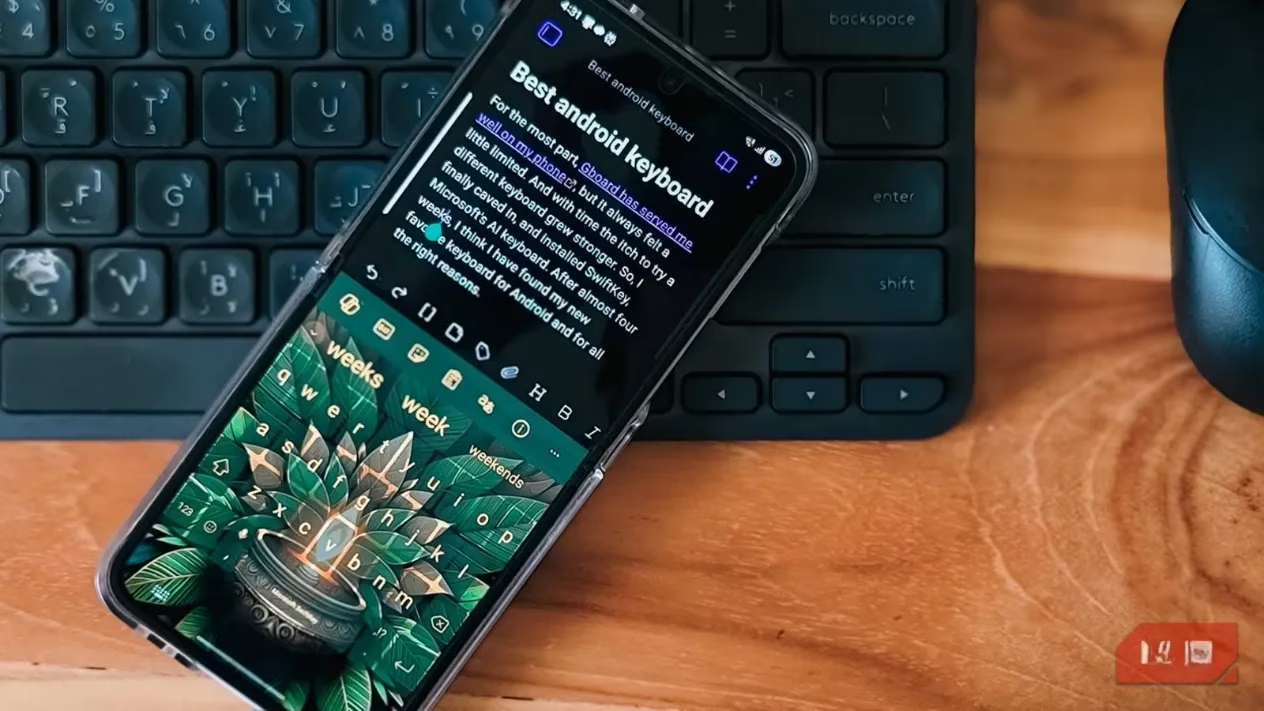
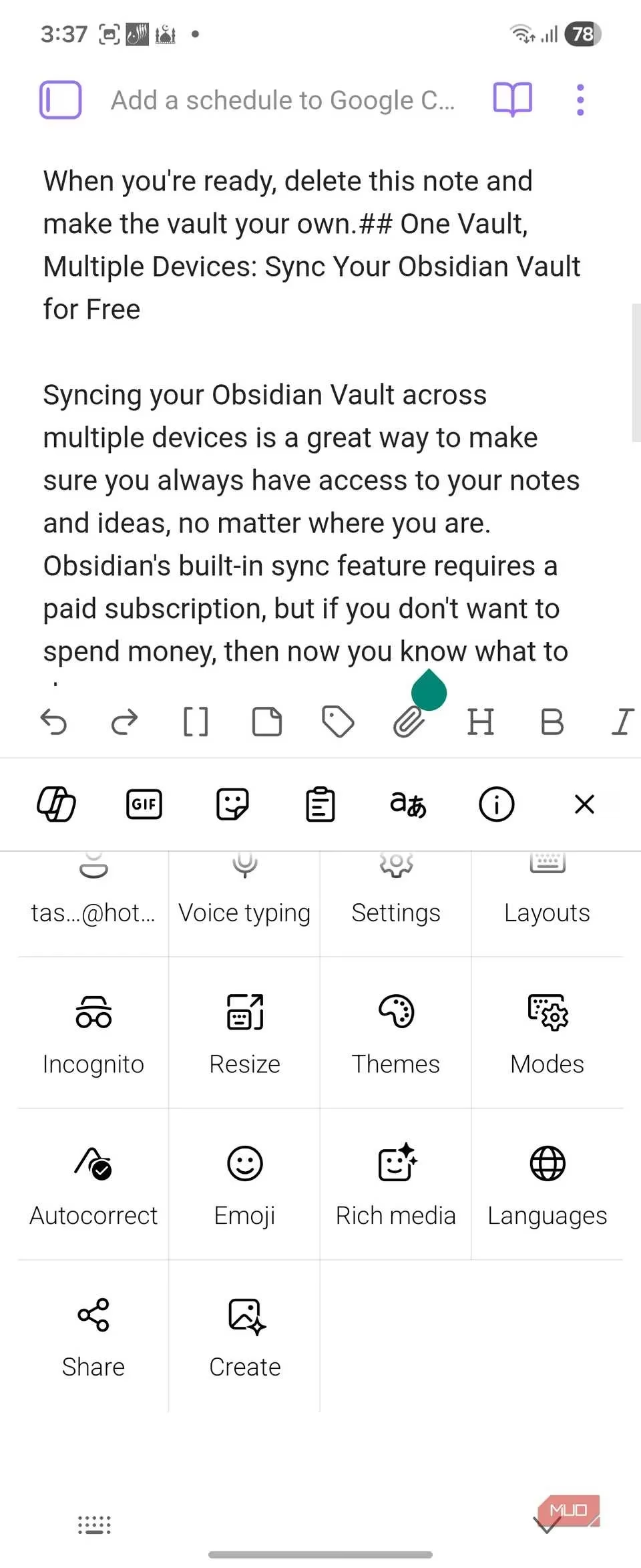
First things first, let's talk about dressing up your digital typewriter. Gboard offers a few basic themes and lets you tweak the height—like choosing between a sedan and a slightly taller sedan. SwiftKey, on the other hand, is a full-blown customization garage. The star of the show? Free-form resizing. I'm not just talking about making it taller or shorter. You can pinch and drag this thing to any shape you want. Need a skinny keyboard for one-handed typing on my Z Flip 6? Done. Want to stretch it wide because my fingers sometimes feel like sausages? No problem. This alone made typing on my larger phones feel like a luxury, not a chore.
And the layouts! The thumb layout is a godsend for modern phablets. It splits the keyboard into two cozy halves, perfectly positioned for your thumbs to dance across without straining. It’s like the keyboard gives your thumbs a little hug.
Then there's the theme gallery. Gboard has colors; SwiftKey has personality. We're talking themes that change key shapes, borders, and aesthetics. Some make the keys pop more, which honestly might not make you type faster, but it sure makes your phone feel more you. It's the difference between a uniform and a well-fitted suit.
Typing & Predictions: Where the Magic Happens ✨
Okay, Gboard types fine. It's competent. But it had two quirks that drove me up the wall. First, no glide-to-space typing. Second—and this is a big one for a language soup brain like mine—its predictions and autocorrect get real fussy when you mix languages. I casually juggle four languages when texting, and Gboard would often 'help' by turning my sentences into grammatical abstract art.
Enter SwiftKey's Flow Through Space. This feature is a game-changer. You can glide from the last letter of a word to the spacebar and right into the next word without lifting your finger. Typing 'good morning' feels like a single, smooth swoop. After getting used to this, going back to tap-tap-tap feels like typing with oven mitts on. Seriously, it's that good.
But the predictions... oh, the predictions! SwiftKey learns your habits scarily fast. It starts suggesting words before you even start typing, based on context, time of day, or even the app you're in. It's like it's reading your mind, but in a helpful, non-creepy way (mostly). The autocorrect is also far more forgiving. It doesn't aggressively 'fix' uncommon words or mid-sentence language switches. It seems to understand context, which, you know, is pretty important for communication.
Copilot: Your Built-In Writing Assistant 🤖
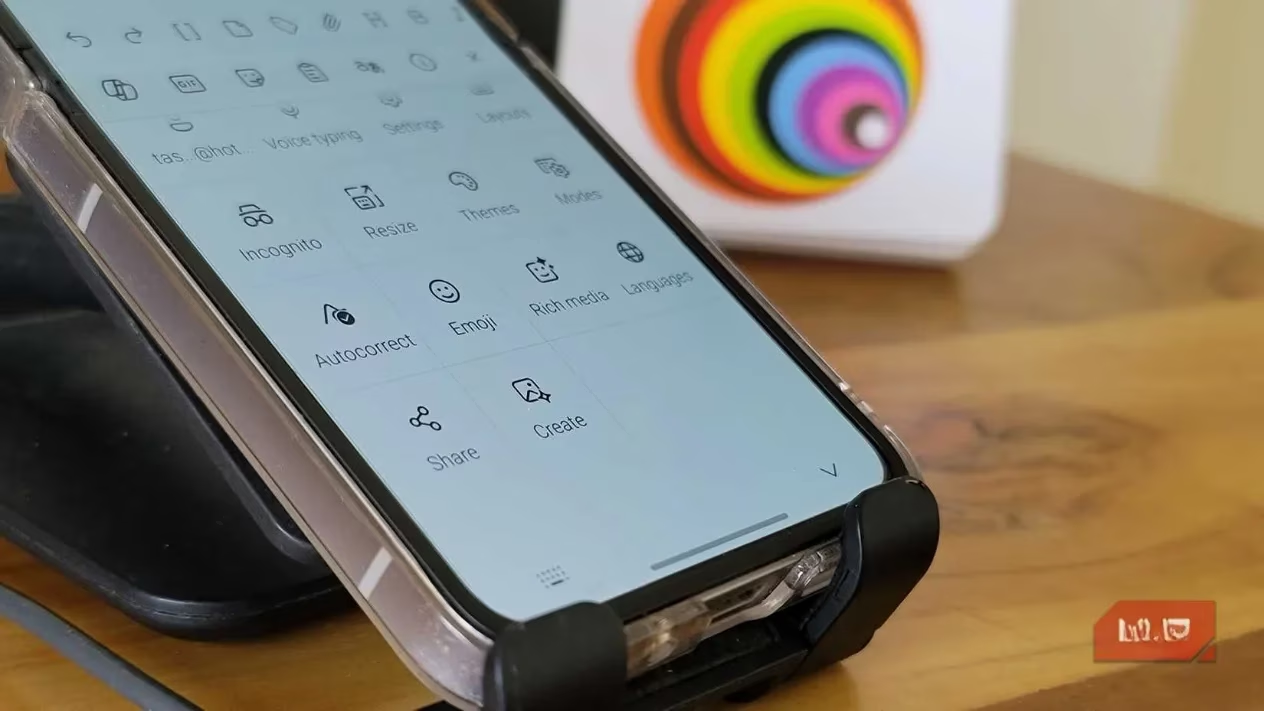
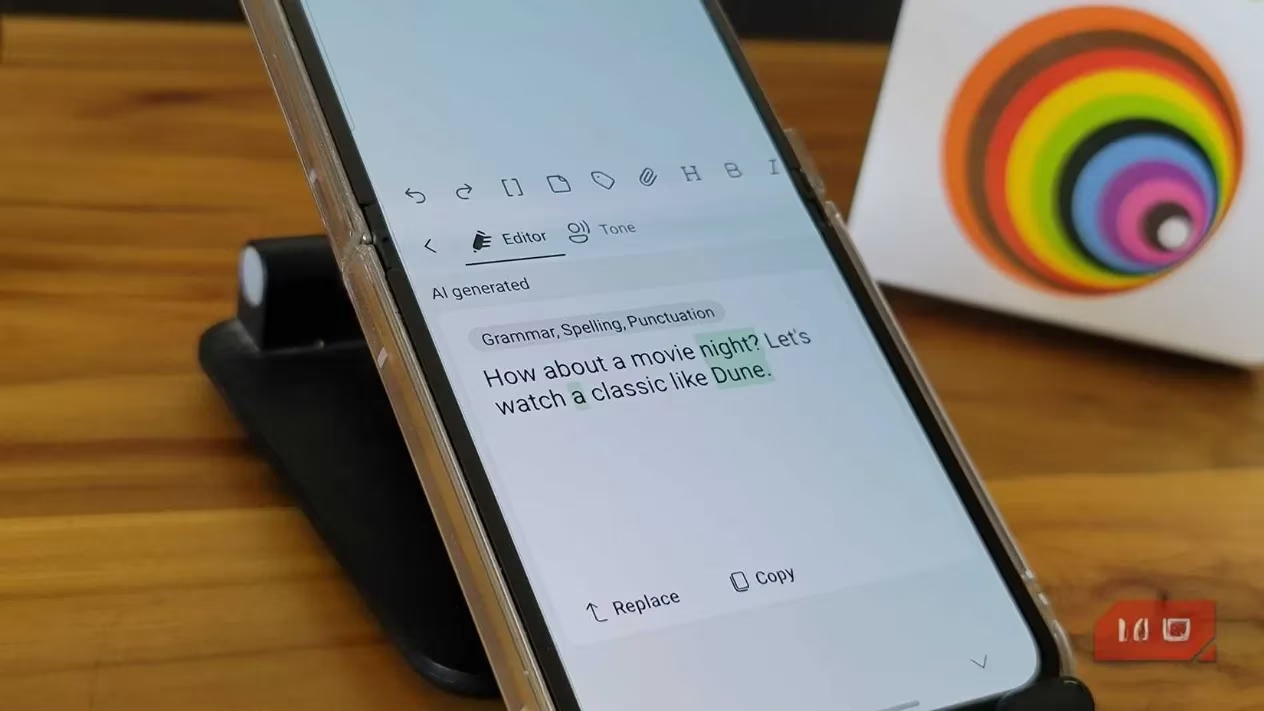
Yes, Microsoft is putting Copilot in everything these days—your toaster might be next—but in SwiftKey, it actually makes sense. There's a handy Copilot button that gives you two powerful tools: Editor and Tone.
-
Editor Mode: Writes a messy sentence? Hit Editor. It fixes spelling and grammar on the fly and can suggest clearer phrasing without butchering your original meaning. It's like having a patient editor in your pocket.
-
Tone Adjustment: This is a lifesaver. Ever typed a furious rant about a delayed project? Tap 'Professional,' and it transforms your fiery text into something you can actually send to your boss. The 'Casual,' 'Polite,' and 'Funny' options are great too, though 'Funny' can be a bit of a wild card—sometimes it's hilarious, sometimes it's just... odd.
Clipboard & Sync: The Productivity Powerhouse 🔗
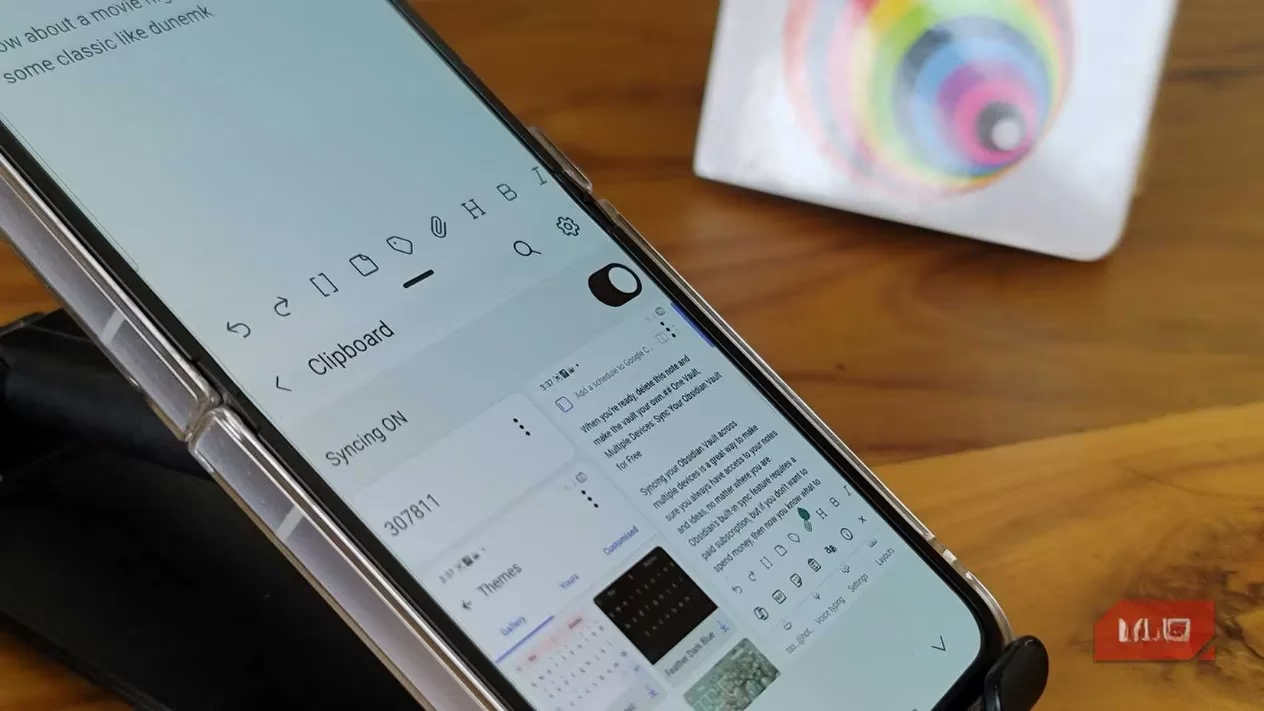
Here's where SwiftKey goes from 'great keyboard' to 'essential productivity tool.' Both keyboards clear your clipboard after an hour, but SwiftKey's cross-device sync is pure magic. Sign in with your Microsoft account, and anything you copy on your Windows PC instantly appears in your phone's clipboard. Copied an address on your laptop? It's right there on your phone. This also works across Android devices. The best part? It doesn't need any other app running in the background. The sync just... works. For someone who lives between multiple screens, this feature alone is worth the switch.
The Extras: Emojis, GIFs, and More 🎭
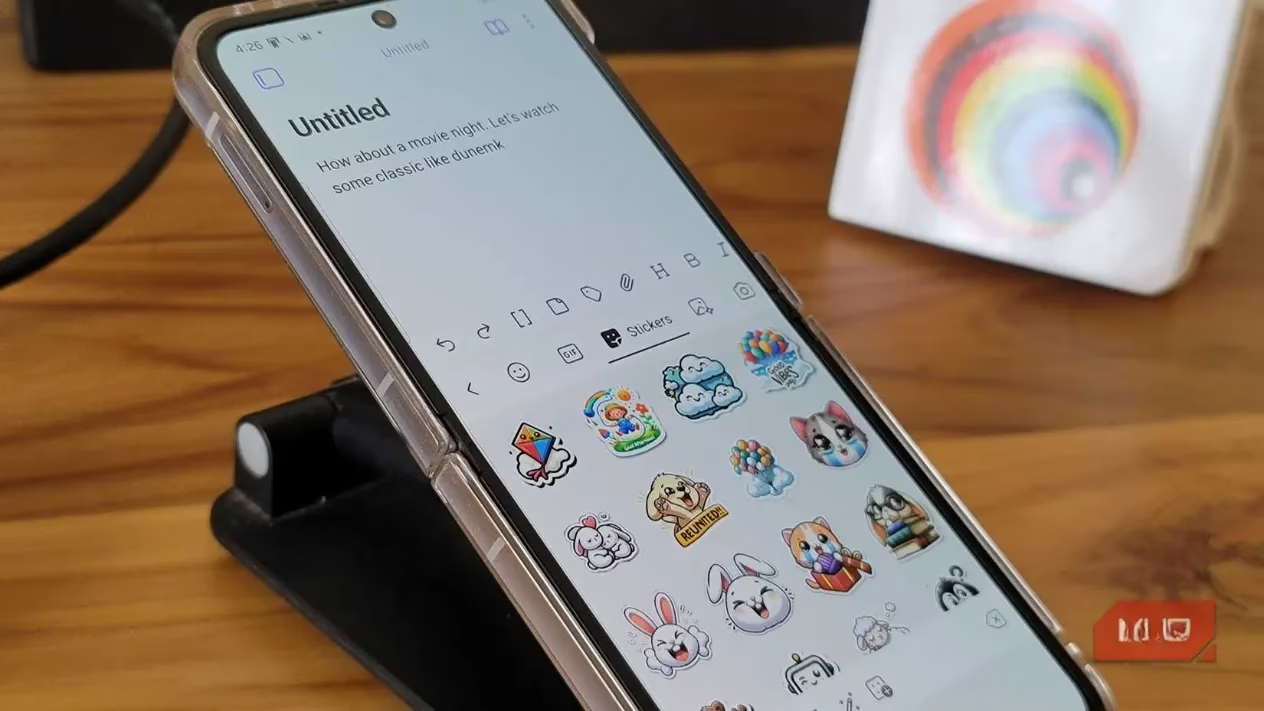
I'm not a huge emoji/GIF person, but when I need 'em, SwiftKey has them well-organized. The search works brilliantly ('tired' brings up sleepy faces, yawns, even a bed). The GIF library pulls from more sources, so you actually find what you're looking for. There are stickers too, but I'll leave those for the sticker enthusiasts.
A couple of other neat tricks up its sleeve:
-
Built-in Translator: Works offline for major languages. Handy for quick checks.
-
Voice Typing: Leverages Microsoft's tech, which in my experience, handles technical jargon and mixed languages a tad better than the competition.
The Verdict: Why I'm Not Looking Back 🏆
Look, Gboard is a solid, reliable keyboard. But in 2026, SwiftKey just fits my life better. It's a keyboard built for getting things done. It smoothed over every single quirk that annoyed me about Gboard. The seamless flow typing, the intelligent predictions, the killer clipboard sync, and the genuinely useful Copilot features have completely won me over.
After four weeks of daily driving SwiftKey, the thought of going back to Gboard feels... restrictive. And coming from someone who used Google's keyboard for years, that's saying something. My thumbs have voted, and the results are in: SwiftKey is here to stay. If you're a power user, a multi-lingual texter, or just someone who wants their keyboard to work with them and not against them, do yourself a favor and give it a try. You might just find your new favorite digital sidekick.