
Your Old Phone in 2026: 6 Smart Ways to Repurpose It for Free
I don’t know about you, but my drawer has developed a peculiar talent over the years: it breeds old phones. Every two or three years, a shiny new flagship lands in my hand, and its predecessor retires to the drawer—predictably, on the same day I tell myself “I’ll sell it next week.” Next week never comes. Instead, the drawer becomes a museum of forgotten tech. A Galaxy S10 nestled next to a cracked Note 20 Ultra, all of them perfectly functional but sentenced to eternal darkness.
This can’t go on. Not in 2026, when every device we own is basically a supercomputer with more sensors than a science lab. So I started experimenting. I turned my retired Samsung Galaxy phones into smart home sensors, security cameras, gaming consoles, and more—without spending a dime. Now I’m going to show you how to do the same, with a healthy dose of wit and zero guilt.
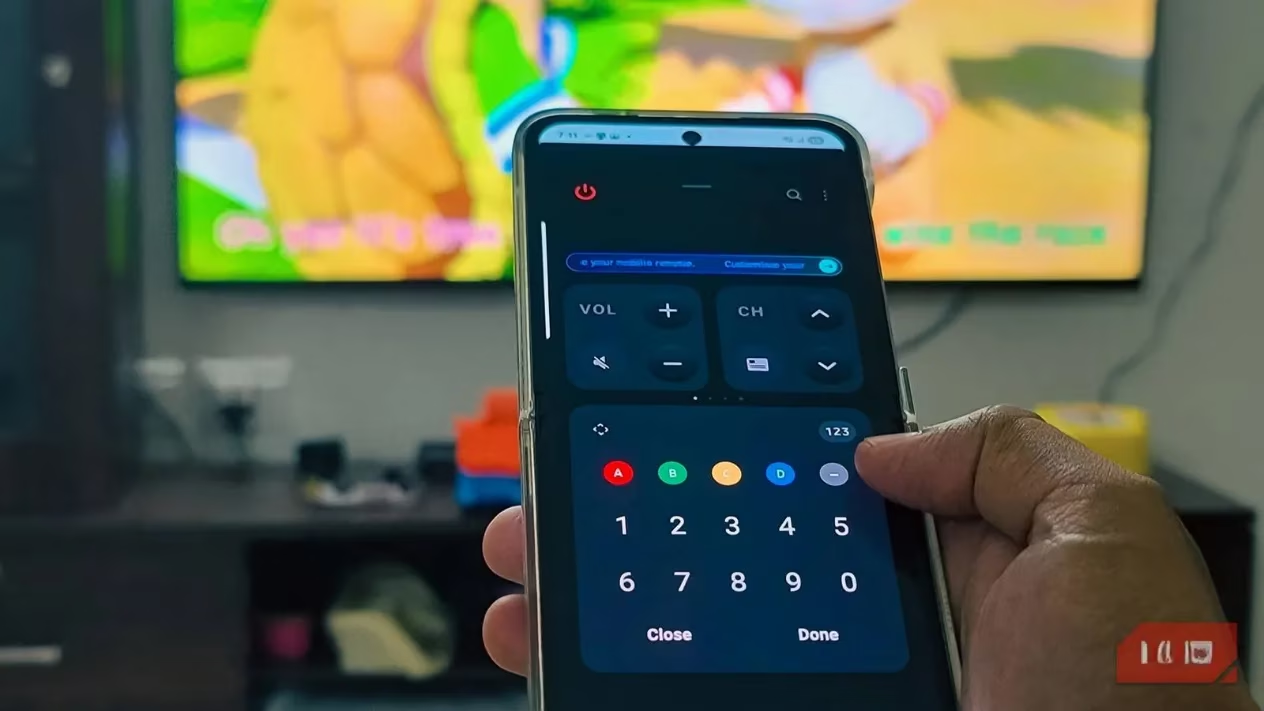
📡 Turn It Into a Smart Home Sensor (Not Just for Samsung Fans)
Samsung’s Upcycling program has been around for a while, but in 2026 it’s matured into something genuinely useful. I grabbed my old Galaxy S10+—the one that still has a gorgeous 2K display and surprisingly capable sensors—and turned it into a dedicated smart home monitor. The trick is using the SmartThings app on both the old phone and my current device. Once you enable the Galaxy Upcycle feature, the retired phone morphs into a sound and light sensor. It listens for specific noises like a baby crying, a dog barking, or glass breaking, and instantly triggers automations. The light sensor option even adjusts my smart bulbs based on actual room brightness.
What I love most? All detection happens locally on the phone, so nobody’s eavesdropping on my home. And the app cleverly caps battery charging at 35% to prevent swelling—a small detail that shows someone at Samsung actually thought about longevity. Setting this up was slightly fiddly (two devices, Samsung account dance, a moment of existential crisis), but once running, it’s rock solid. Your old phone becomes the brain of a DIY smart home that costs nothing extra.
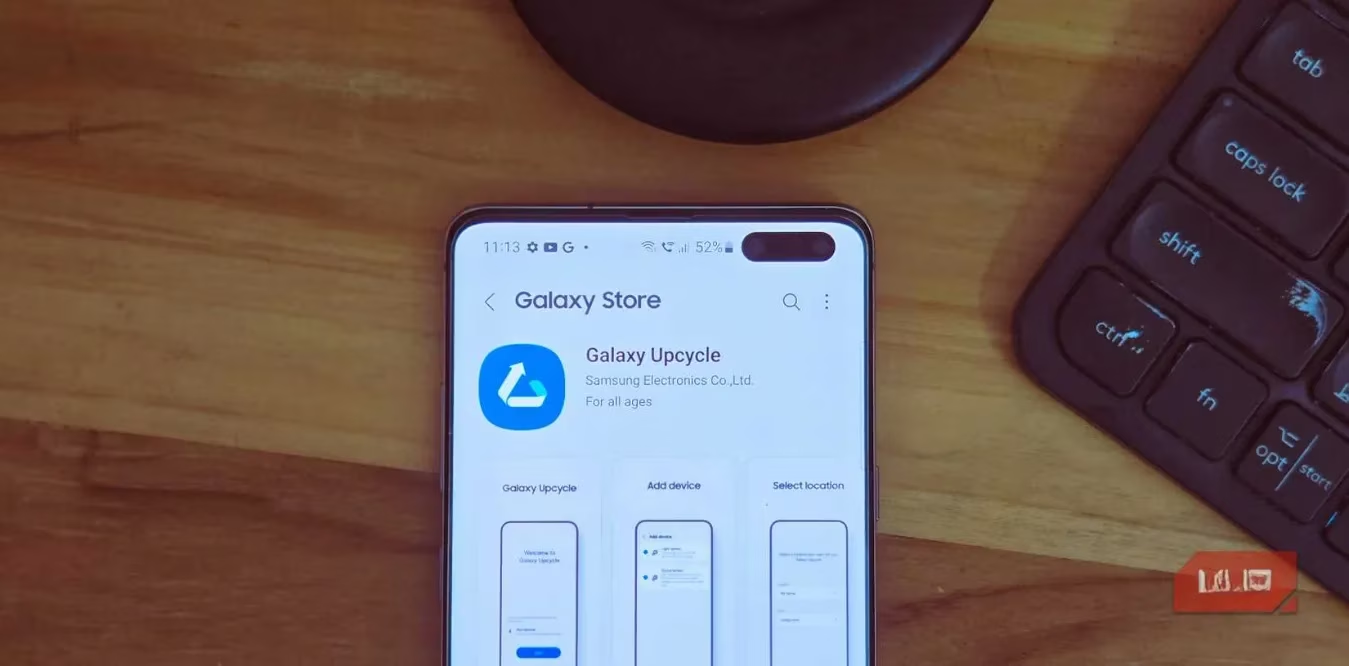
📹 Your New Pro-Grade Webcam (Laptop Makers, Take Notes)
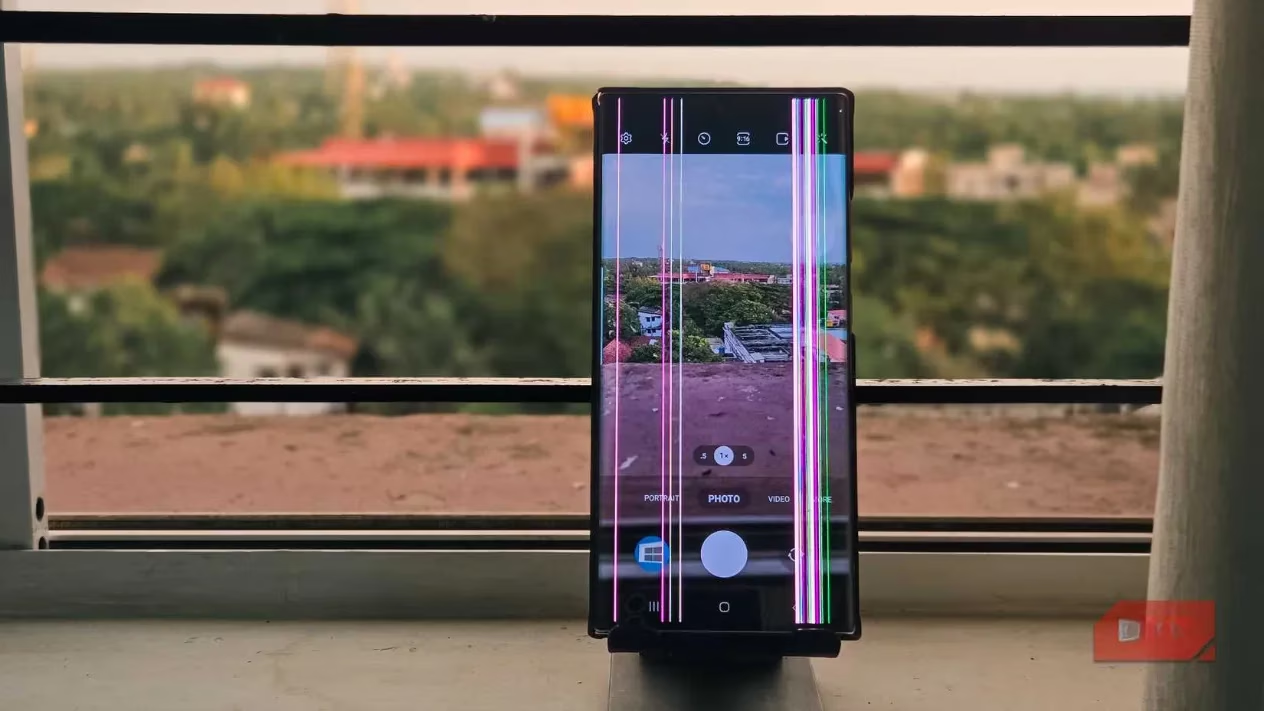
In 2026, laptop webcams still look like they were sourced from a 2010 flip phone. I gave up on built-in cameras long ago. My broken-screen Note 20 Ultra, despite its cracks, has a camera system that eclipses any dedicated webcam under $150. With apps like Camo Studio, I transformed it into a professional-grade webcam that I use for every video call. Camo Studio recognises all lenses—including the telephoto—so I can switch during calls when I need to show something on my desk without moving the phone. It connects wirelessly over my home network or via USB for zero latency.
The difference is immediate: real-time encoding handles motion beautifully, stabilisation keeps my coffee-induced shakes invisible, and autofocus makes sure my face stays sharp even when I lean back dramatically. Compared to the grainy, washed-out image from my laptop’s own camera, this is like upgrading from a pinhole to a cinema lens. My colleagues have started asking why I look “so HD.” I haven’t told them my secret is just a shattered phone taped to a monitor arm.
🛡️ Build a Free Security Camera (Alfred, Not Batman)
Dedicated security cameras want your money, then your monthly subscription, and then your soul. My solution? AlfredCamera on an old phone. I placed a retired device in the living room overlooking the front door, powered by a long USB cable snaking discreetly behind a bookshelf. The app is incredibly straightforward: install it, switch to Camera mode, grant permissions, and position the phone. I now get live video feeds, motion alerts, and even two-way talk—because nothing says “go away” like a disembodied robotic voice from a dusty phone.
The free tier stores up to eight hours of recorded events, which is plenty for catching package thieves or spotting which cat knocked over the plant. I can access the feed from anywhere, and features like a siren sound and flashlight control add extra layers of deterrence. The biggest hurdle was finding a spot with both a power outlet and a decent angle, but a cheap tripod solved that in seconds. Now I have a fully functional security system that cost me exactly £0.
📍 Turn It Into a GPS Tracker Without Monthly Fees
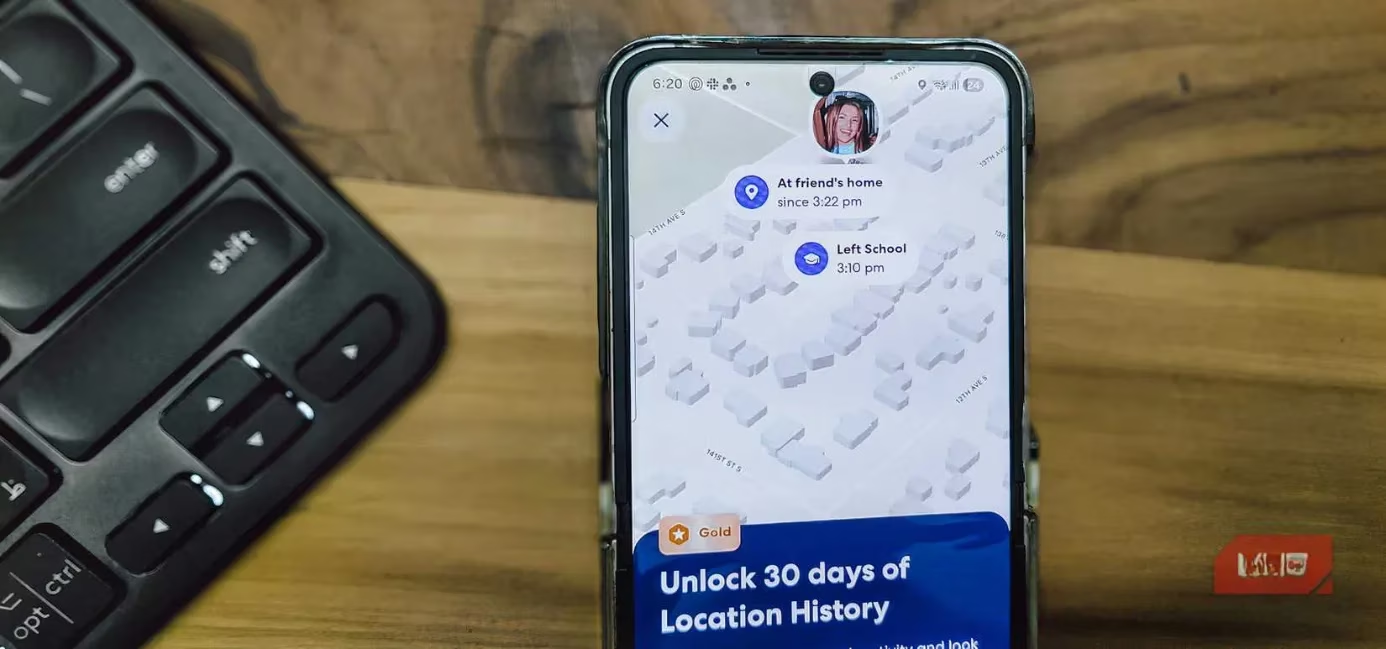
Dedicated GPS trackers are brilliant—until you realise they demand an upfront price and a subscription that adds up faster than my snack budget. My old phone, however, already has a brilliant GPS chip and permanent internet connectivity. For basic tracking, Android’s built-in Find My Device does the job, but I wanted something with more car-focused features. That’s where Life360 came in. I installed the app, created a circle just for me and my car, and left the phone plugged into the car’s USB port with a magnetic mount. Now I can see exactly where I parked, receive alerts if the car moves, and review location history.
Battery drain isn’t ideal—background services suck power—but I connected it to a charger that only fires up when the engine runs, so the phone stays topped up. Signal can be patchy in underground car parks, but for the price (zero), it’s hard to complain. If you’re tracking a vehicle for occasional use or a long road trip, an old phone beats a subscription tracker every time.
👶 Create the Perfect First Device for Kids (No Tablet Needed)
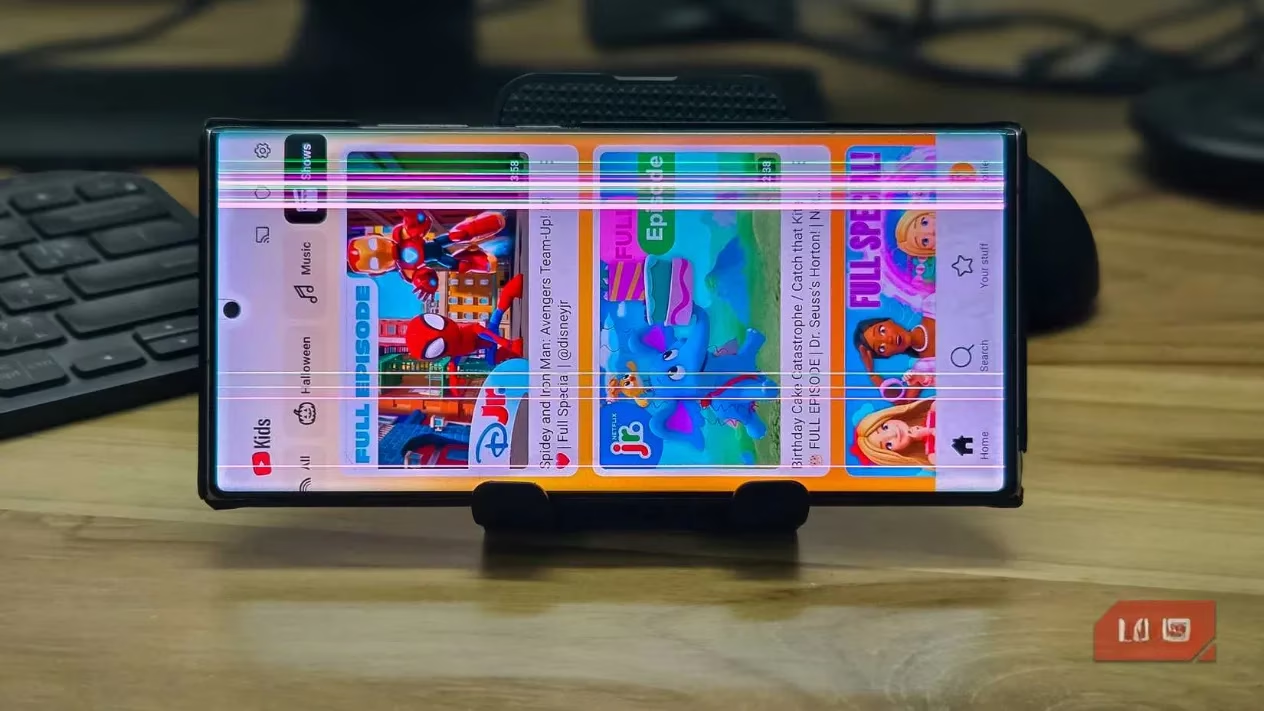
My niece turned five last year, and buying a kid-friendly tablet felt like volunteering for a subscription trap. Instead, I handed her my old Galaxy Note 20 Ultra—yes, the one with the cracked screen—after a thorough makeover. I set up a PIN she could remember, activated Find My Device so I could locate it under the sofa, and locked down the Google Play Store with parental controls. Google’s Family Link lets me manage screen time, approve apps remotely, and check what she’s doing without breathing down her neck.
I replaced regular YouTube with YouTube Kids, which filters out ads, comments, and the entire unboxing genre that apparently hypnotises children. The phone became her drawing canvas, storybook reader, and (with a rugged case) a surprisingly durable music player. It costs nothing, and when she outgrows it, I’ll simply repurpose it again. The best part? She thinks she has a real phone like the grown-ups, and I get to keep my sanity.
🎮 Transform It Into a Handheld Gaming Console
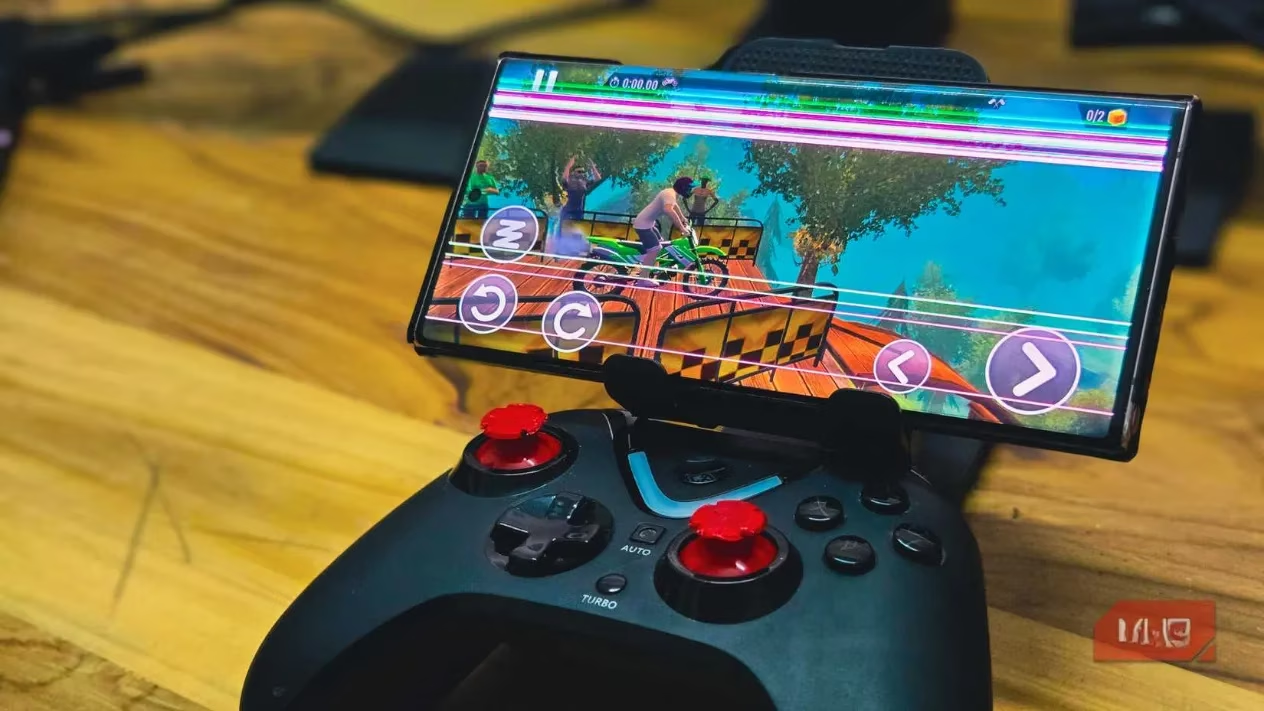
Modern flagship phones have hardware that rivals dedicated handhelds like the Steam Deck. Even a two-year-old device packs enough GPU grunt to run demanding Android games or emulate retro consoles flawlessly. I paired my old phone with a GameSir G8 Galileo controller—big, comfy, and absolutely overkill for a Mario Kart session—and the result felt like a mini console. With physical buttons and analog sticks, the experience is leagues ahead of touchscreen controls.
I wasn’t limited to mobile games, either. Emulators like Delta let me dive into childhood classics from the Game Boy, DS, and even PlayStation 1. Cloud gaming services like Xbox Cloud Gaming and Nvidia GeForce Now streamed Triple-A titles without breaking a sweat, because the phone’s decoding hardware is that good. For casual gaming and nostalgia trips, an old phone and a $50 controller deliver a shocking amount of joy. Will it replace my Steam Deck for marathon sessions? No—but for quick sessions on the sofa or long train rides, it’s unbeatable.
♻️ The Bottom Drawer No Longer Wins
Repurposing my old phones has saved me hundreds of pounds and kept perfectly functional hardware out of a landfill. My S10+ now guards my baby’s room as a sound monitor, the cracked Note 20 Ultra lives permanently as a webcam, and another device keeps tabs on my car. In 2026, there’s no excuse to let a phone become e-waste. It’s got cameras that shame dedicated devices, sensors that rival smart home gadgets, and enough processing power to run circles around a Chromebook. So open that drawer, charge up a forgotten device, and give it a second act. The planet—and your wallet—will thank you.