
Your Smartphone Camera Is Secretly a Multitool (and It's Showing Off)
In 2026, the smartphone camera has a confession to make: it's tired of being typecast as a lunch-photo machine. Behind that innocent lens, it harbors a secret life as a document scanner, a translator, a tape measure, and even a math tutor. Honestly, it's like the camera has been taking night classes while everyone slept. No kidding—this little glass eye is a pocket-sized problem solver that refuses to be underestimated.
The Scanner That Lives in Your Pocket
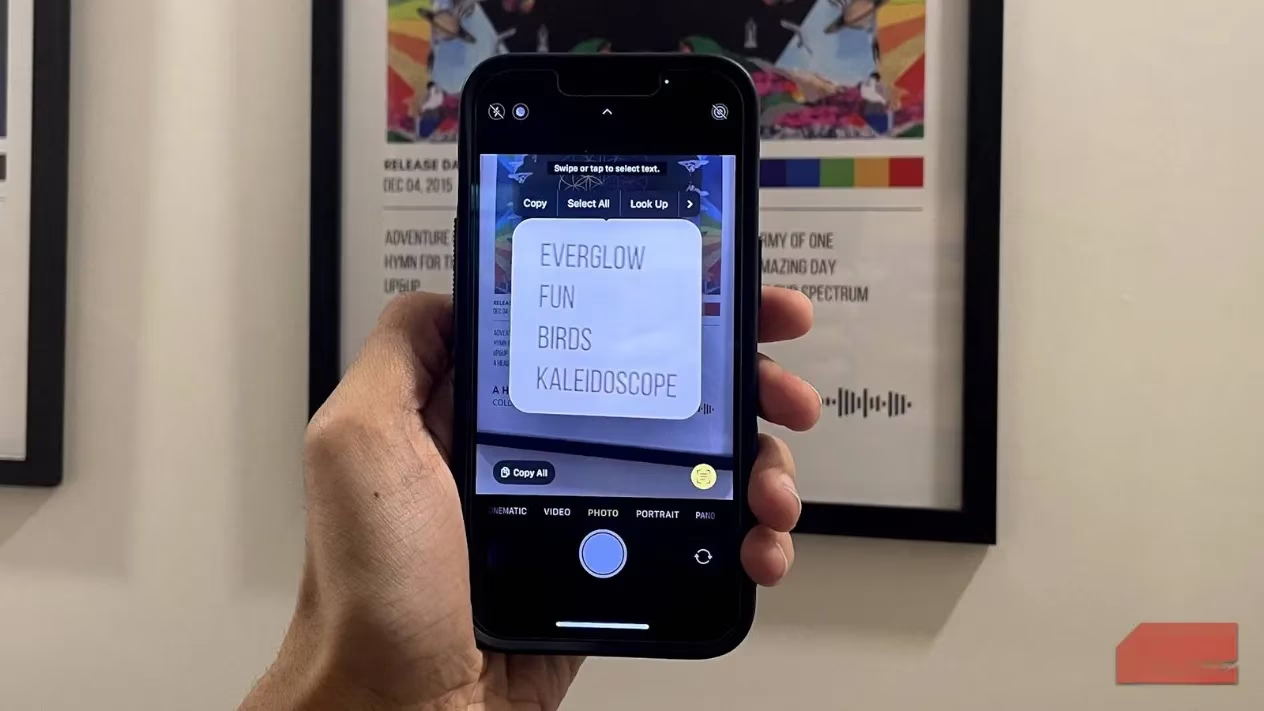
Gone are the days of hunting for a bulky office scanner. The smartphone camera moonlights as a document digitizer, turning any piece of paper into a neatly cropped, shareable file in seconds. iPhones tuck this magic into the Notes app, while Android users can lean on Google Drive or preloaded tools. Dedicated apps like Adobe Scan and CamScanner go further, enhancing text and straightening pages. Perfect for sending signed forms, digitizing receipts for expense claims, or archiving important documents without fear of loss. The camera doesn't complain; it just quietly does the job.
The Polyglot Lens
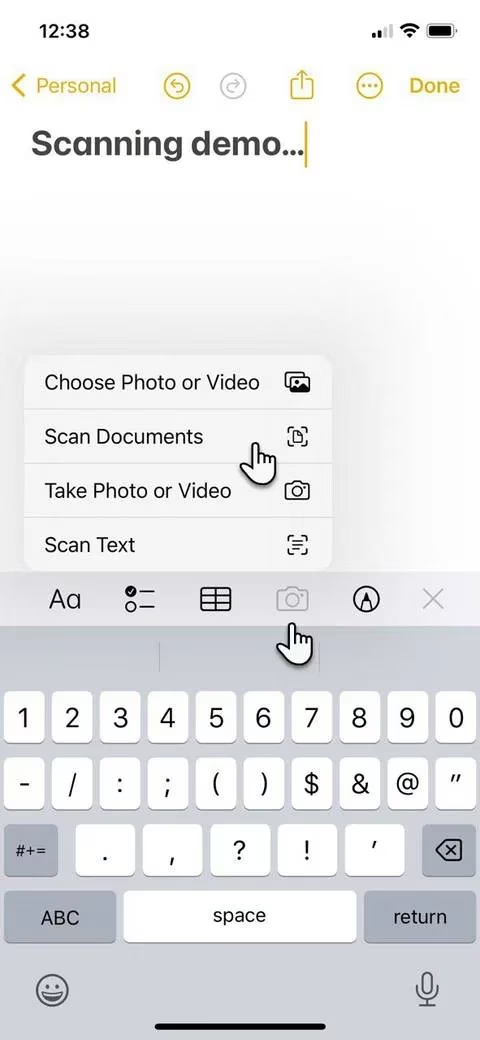
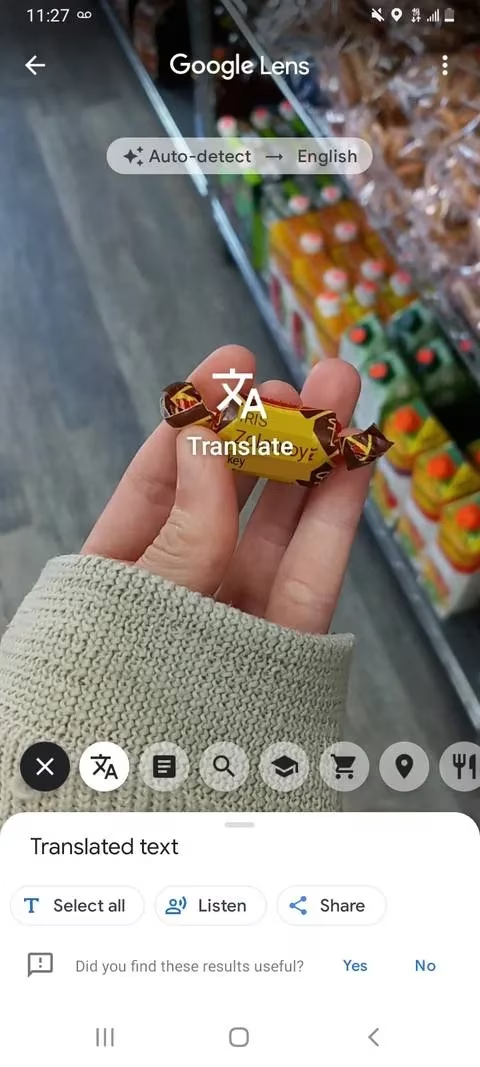
Staring at a foreign menu or incomprehensible instructions? The camera steps in as a pocket translator. Tools like Google Lens, Apple's Live Text, and various live translation apps let users point the camera at menus, street signs, or even messy handwriting, and watch translated words appear on screen as if by magic. It's like having a multilingual friend who never complains about being asked to translate the same phrase three times.
The Tape Measure You Can't Lose
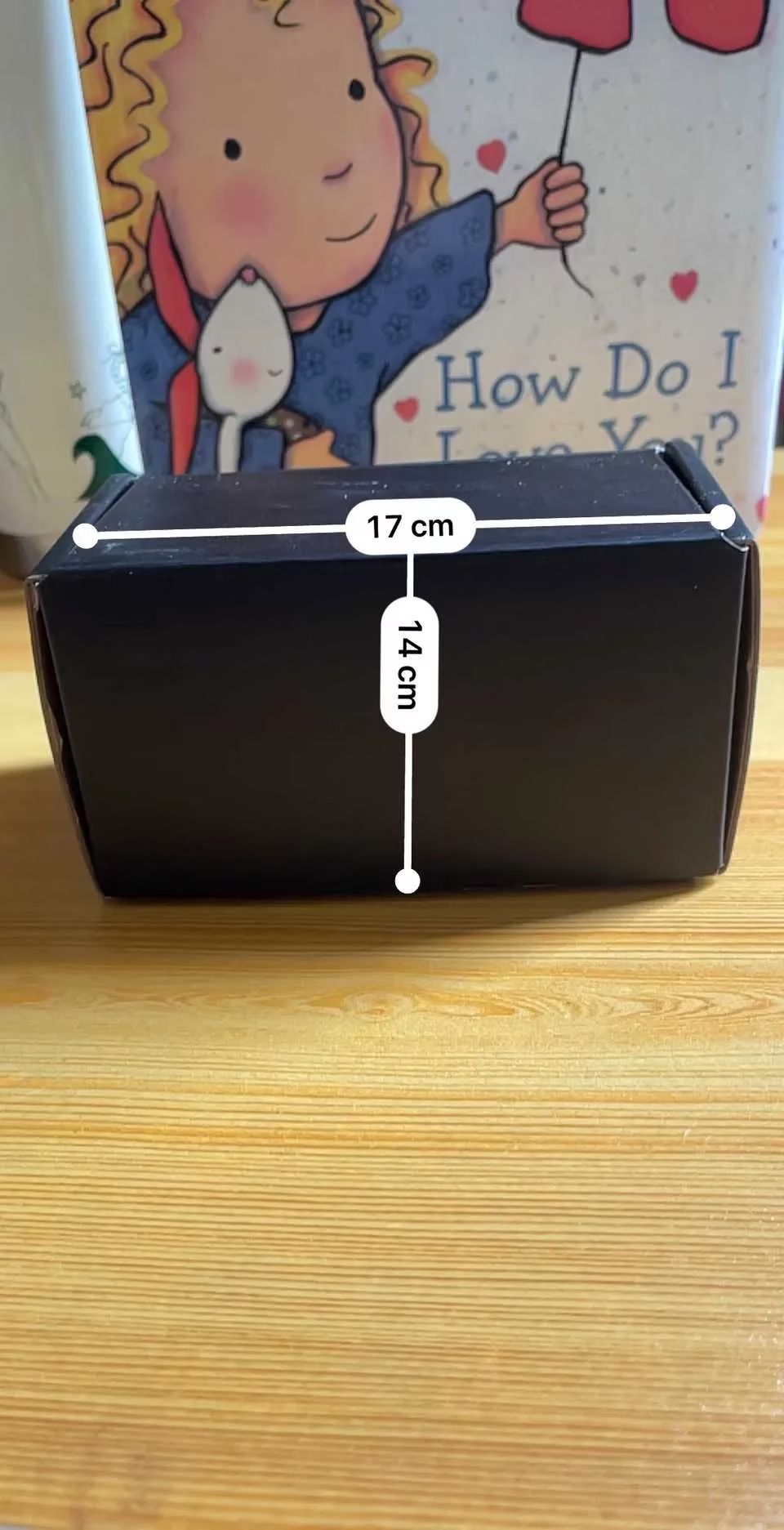
A tape measure might be buried in a drawer, but the smartphone camera is always at hand. Using augmented reality, apps like Apple's Measure and Android's AR Ruler estimate lengths, heights, and room dimensions by scanning the environment. Quick home improvement tasks—checking if a couch fits through a doorway, measuring a wall for paint, or estimating a plant's height—become trivial. Let's be real, a tape measure is never around when needed. The results aren't millimeter-perfect, but they're close enough for everyday "good enough" purposes. The camera, of course, acts like it's been doing this for years.
The Nature Detective
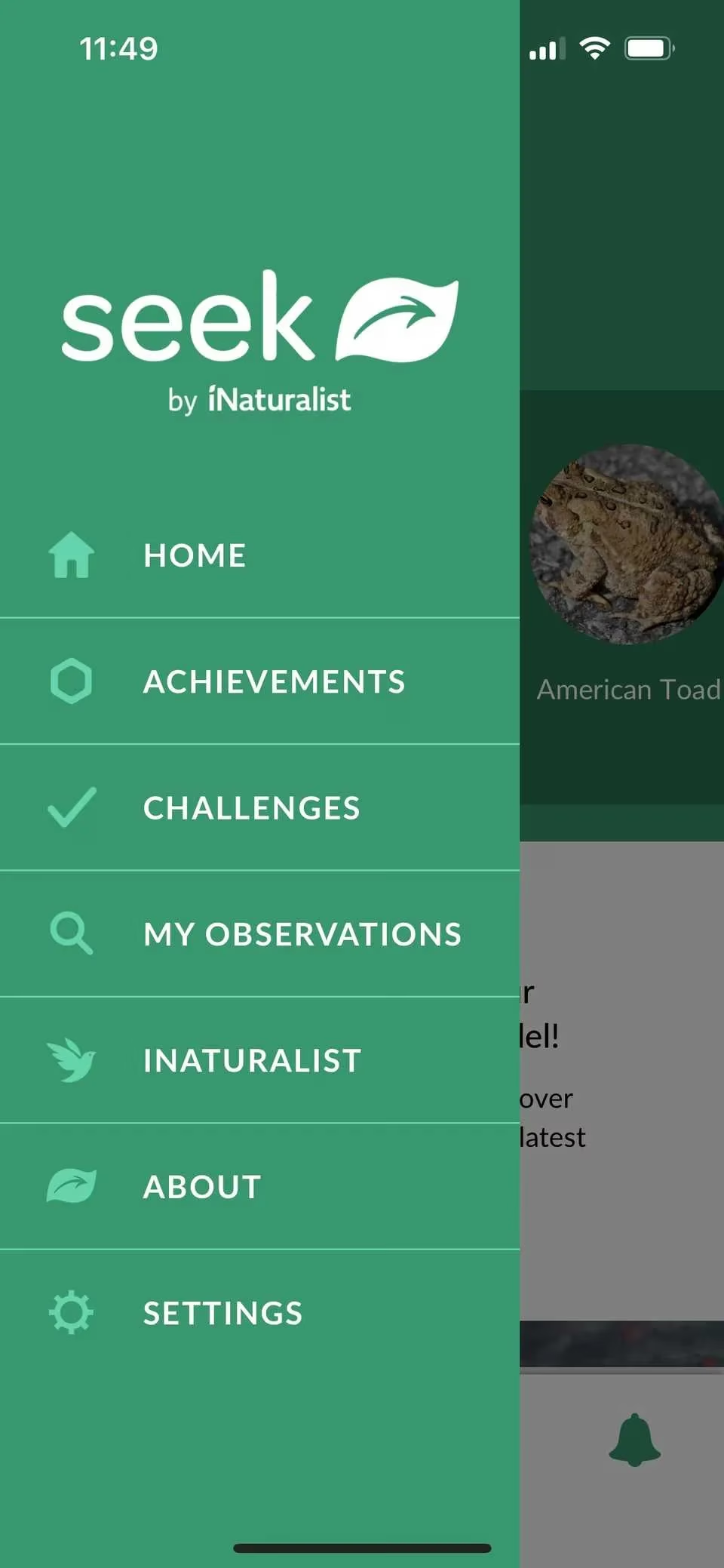
Curious about a backyard flower or a balcony bird? The camera transforms into a nature detective. Apps like Seek by iNaturalist, Google Lens, and iOS's Visual Look Up identify plants, animals, insects, and landmarks. Beyond satisfying curiosity, this can be practical—identifying harmful plants, figuring out safe vegetables, or learning about a monument's history. The camera doesn't just see; it understands, or at least pretends to.
The Math Tutor (Yes, Really)
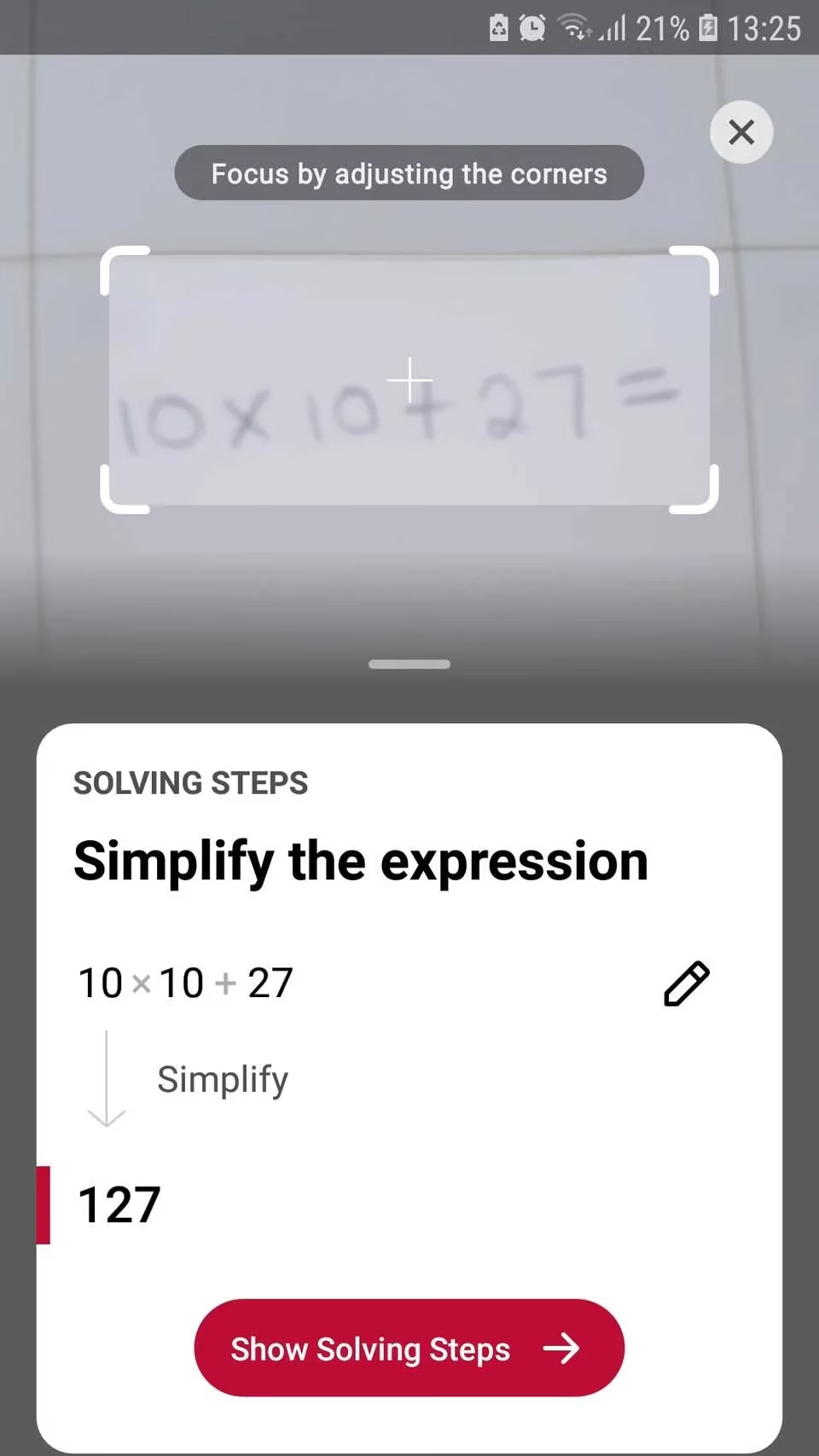
Struggling with an equation? The camera becomes an on-demand tutor. Apps like Photomath scan handwritten or printed math problems and walk users through the steps to solve them. A lifesaver for students tackling tricky homework—or adults trying to help without dusting off long-forgotten algebra skills. It's also handy for everyday calculations like sale percentages or recipe conversions. The camera, naturally, never gloats about getting the right answer.
The Health Whisperer
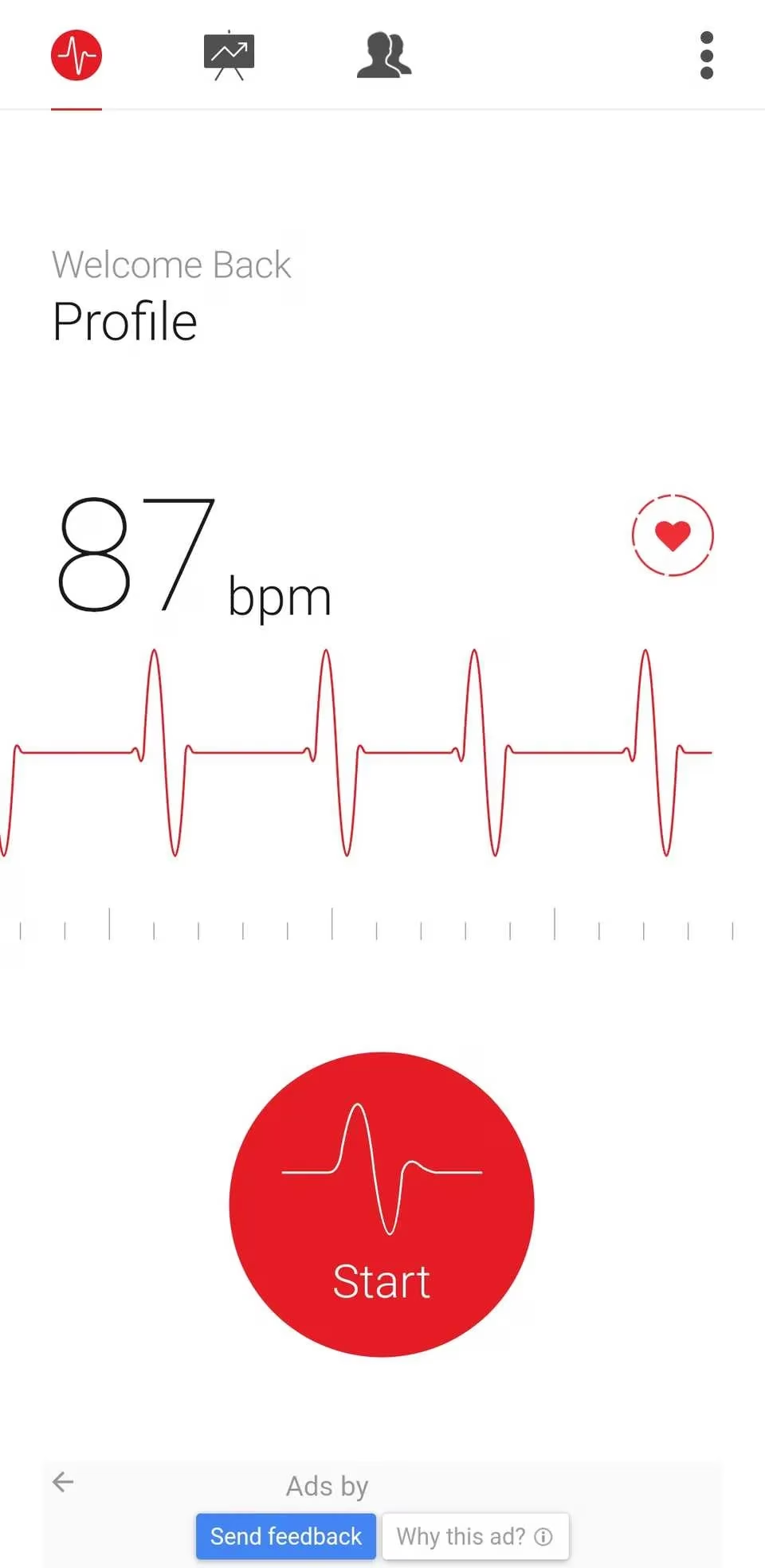
Placing a fingertip over the rear camera turns the phone into a mini health monitor. Apps like Instant Heart Rate or Cardiio detect pulse through changes in skin color caused by blood flow. These aren't replacements for professional medical devices, but they offer quick check-ins for fitness tracking, stress monitoring, or general wellness. The camera, ever the overachiever, adds "cardiologist" to its résumé.
The Memory Preserver
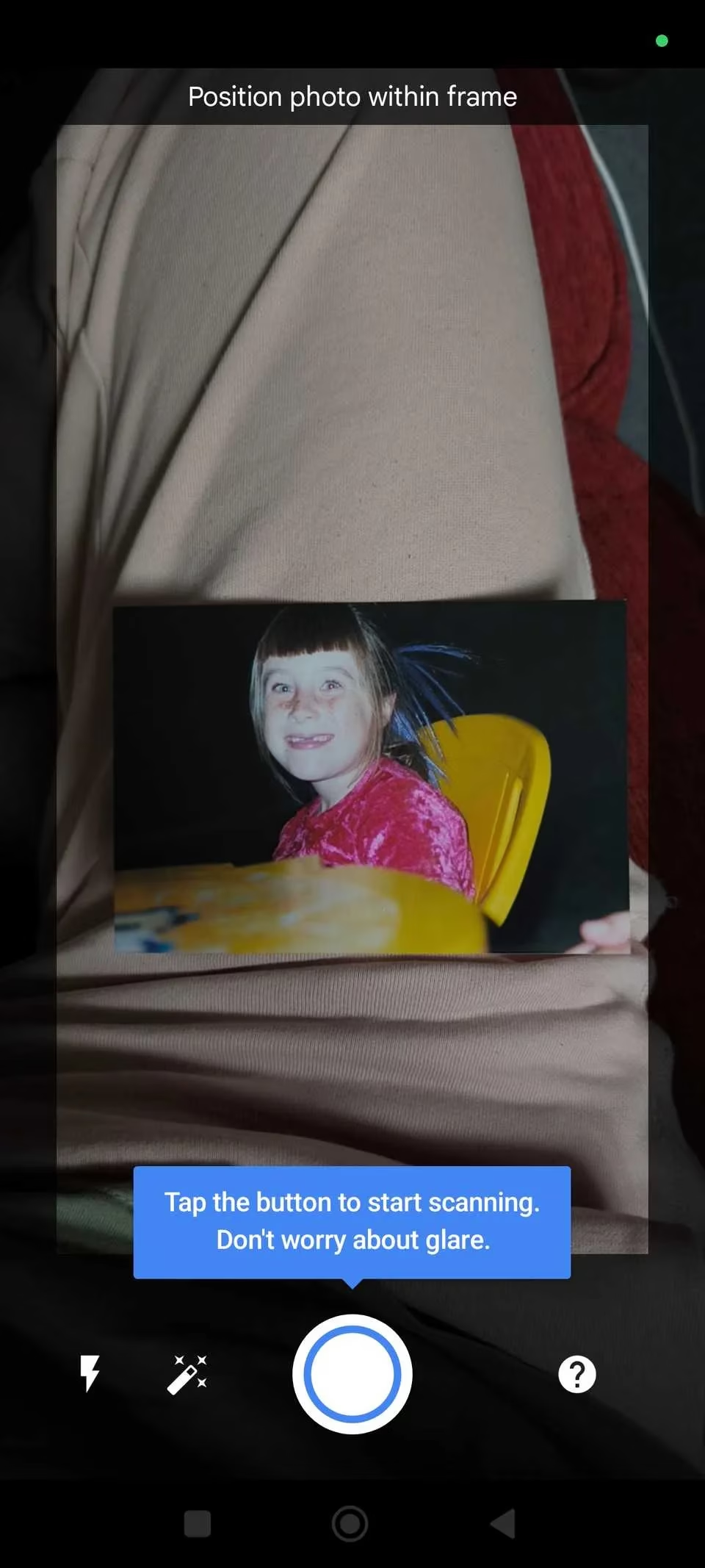
Old photo albums get a new lease on life. Instead of a plain snapshot, apps like Google PhotoScan and Photomyne use multiple captures and smart processing to remove glare, enhance colors, and straighten images. Digitizing family photos protects them from fading, water damage, or loss—and makes sharing with relatives or backing up to the cloud a breeze. The camera handles nostalgia with surprising tenderness.
The Accessibility Champion
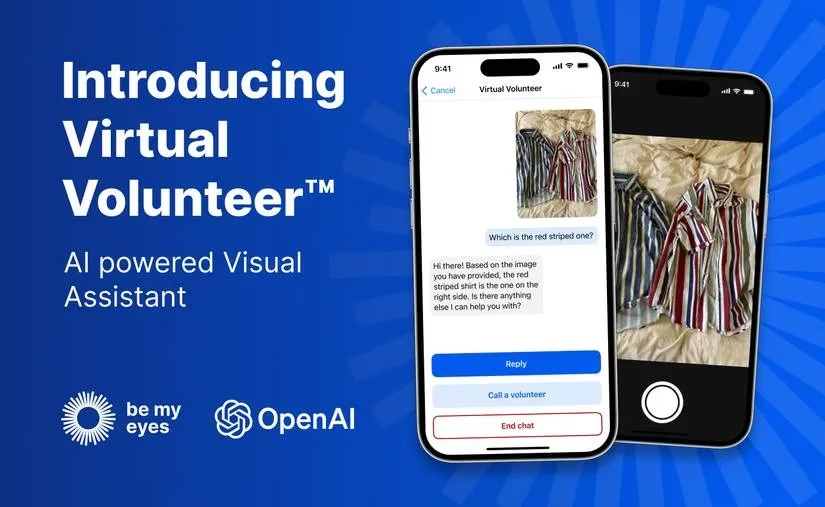
For people with visual impairments, the camera becomes a vital accessibility tool. Apps like Be My Eyes connect users to volunteers who describe what the camera sees in real time—reading labels at the supermarket or navigating unfamiliar environments. Lookout by Google and Sullivan+ offer similar assistance, reading text aloud and recognizing currency. It's one of the most powerful examples of camera technology improving everyday life beyond entertainment.
The AR Playground
Augmented reality overlays digital objects onto the real world, with the camera as the window. Games like Pokémon GO blend virtual creatures with actual surroundings, while AR filters let users try on sunglasses or swap hair colors in real time. Furniture apps like IKEA or Wayfair preview how a new couch will look in the living room before buying. To get the most out of AR, users should check if their phone supports ARCore (Android) or ARKit (iOS), keep the lens clean, and give the app space to scan. AR works best when the camera understands the environment—and it usually does.

Quick Reference: Camera Superpowers at a Glance
| Task | Built-in or App | Example |
|---|---|---|
| Document scanning | Notes (iOS), Google Drive (Android), Adobe Scan | Digitize receipts 📄 |
| Translation | Google Lens, Live Text | Read foreign menus 🌍 |
| Measuring | Measure (iOS), AR Ruler | Check couch fit 📏 |
| Nature ID | Seek, Google Lens | Identify plants 🌿 |
| Math solving | Photomath | Scan equations 🧮 |
| Heart rate | Instant Heart Rate, Cardiio | Quick pulse check ❤️ |
| Photo digitization | Google PhotoScan, Photomyne | Save old photos 🖼️ |
| Accessibility | Be My Eyes, Lookout | Describe surroundings 👁️ |
| AR | Pokémon GO, IKEA Place | Preview furniture 🛋️ |
The more users explore these features, the more they realize this part of the smartphone is less of a camera and more of a pocket-sized problem solver. It's often faster than typing or even using voice. And the best part? The camera never asks for credit—it just quietly gets the job done. Well, maybe a little credit. After all, it's been showing off this whole time.